- Type
- Lesson plan
- Subject
- Science
- Topics
- Science
- Ages
- Ages 6-7
- Duration
- about 60 min (suggested)
- Includes
- Quiz: 5 questionsLesson files
What is the difference between natural and artificial light, and how can we illuminate a space using both?
Overview
Light is a fundamental scientific concept that helps young learners make sense of their environment. By exploring the differences between light created by nature and light engineered by humans, early elementary students begin to observe, categorize, and explain how light functions in both the physical world and virtual simulations.
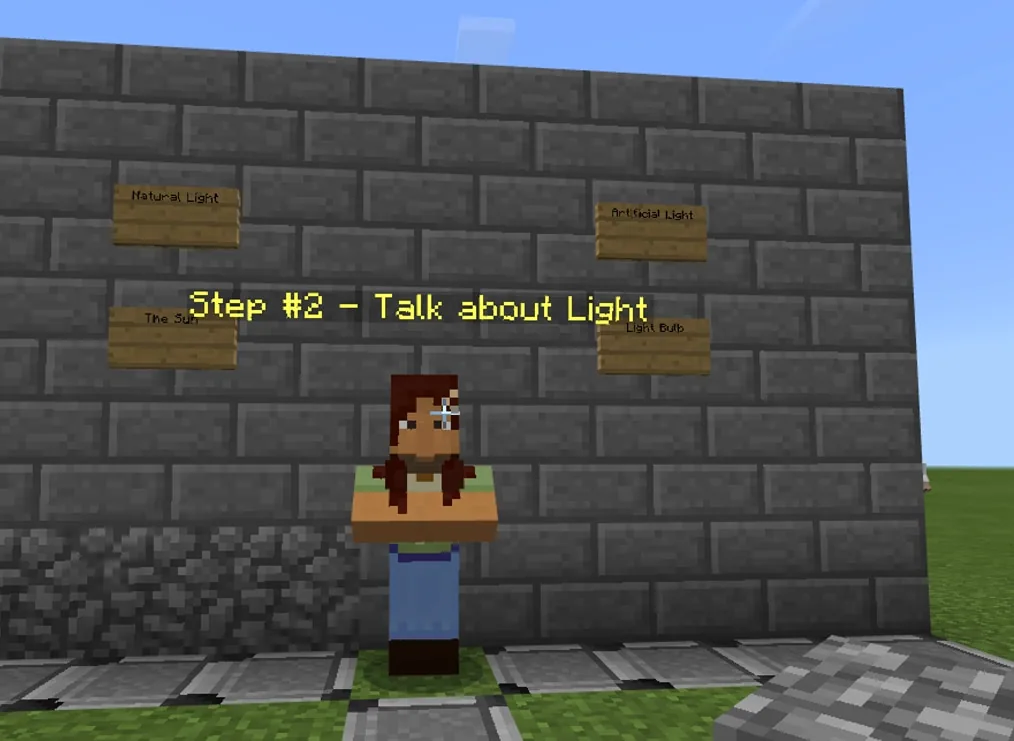
In this lesson, students travel along a numbered path in Minecraft guided by non-player characters. They experiment with redstone to transmit power to lamps, discover how netherrack can produce natural firelight, and design a custom house that balances both natural and artificial sources of illumination.
Learning objectives
By the end of this lesson students will be able to:
- Identify and compare examples of natural and artificial light sources.
- Build a working circuit using a switch, redstone, and a lamp.
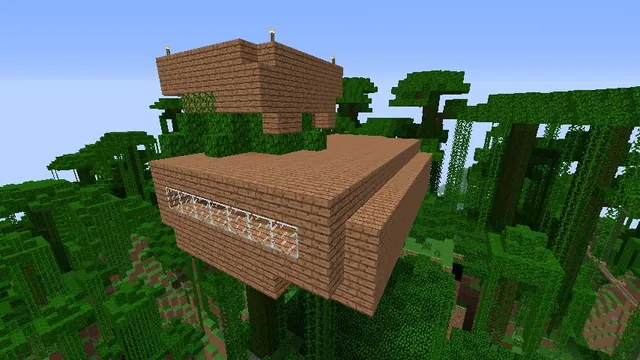
- Construct a Minecraft house illuminated by both natural and artificial light.
- Summarize key facts about light by editing an in-game sign.
Blocks and items used in this lesson


Key vocabulary
- Natural Light
- Light that occurs in nature without human invention, such as sunlight or fire.
- Artificial Light
- Light made or controlled by people, such as an electric bulb or flashlight.
- Redstone
- A Minecraft material that behaves like an electrical wire to carry power.
- Circuit
- A connected path that allows energy to flow from a power source to a device.
Before class
Lesson sequence
Suggested timing: about 60 minutes in total.
- Introduction and Discussion10 min
Begin by asking students what light is and where it comes from. Preview the Minecraft world on a shared screen, pointing out the numbered walking path, the hotbar items, and how to right-click non-player characters to read their messages.
- Video and Concept Exploration15 min
Play the BrainPOP Jr. video about light and lead a brief discussion comparing natural and artificial sources. Direct students to move along the path to station two, read the NPC text with their partner, and share examples of light found in the real world and in Minecraft.
- Building Redstone Circuits15 min
Have students advance to station three, read the NPC prompt, and toggle the switch to see how it affects the lamp. Explain that redstone carries electricity like a wire, then have pairs recreate the circuit in the designated workspace before completing stations four and five.
- House Construction with Dual Lighting15 min
Guide students through stations six and seven. After reading the instructions, students build a house that incorporates artificial redstone lamps alongside natural light sources, such as a netherrack campfire.
- Sign Reflection and Sharing5 min
Model how to interact with and edit a sign. Direct learners to station eight to write down what they learned about light, then invite volunteers to share their written reflections with the class.
Assessment: success criteria
- Student can name distinct examples of natural light and artificial light.
- Student successfully wires a switch to a redstone lamp so it turns on and off.
- Student creates a house featuring at least one artificial light source and one natural light source.
- Student writes an accurate summary of their learning on the station eight sign.
Differentiation
Pair struggling readers with stronger reading partners so that all non-player character directions can be read aloud cooperatively.
Challenge early finishers to expand their house designs by experimenting with multiple switches or creative netherrack campfire layouts.
Knowledge check
5 questions to check understanding after the lesson. Tap an answer to see if it is right; the score appears at the end.
1Which of these is considered an artificial light source?
Answer: C. An electric lamp is human-made and powered by electricity, making it artificial.
2What does redstone act like when used in a Minecraft circuit?
Answer: A. Redstone behaves like electrical wiring to carry energy from a switch to a light.
3What material from the lesson is used to create a campfire as a natural light source?
Answer: B. The lesson directs students to experiment with netherrack to create a campfire.
4What items are needed to build the artificial lighting circuit in the lesson?
Answer: D. Students connect a switch to a redstone lamp using redstone to control the light.
5How do students share what they learned at station eight?
Answer: B. The teacher demonstrates how to edit a sign at station eight so students can write their conclusions.
Resources
Frequently Asked Questions
How can first-grade students manage the reading demands in this world?
Pairing each developing reader with a stronger reader allows partners to read NPC messages aloud together, ensuring both learners understand the tasks without getting stuck on text.
What should students do if their redstone lamp does not turn on?
Have students verify that the redstone dust forms an unbroken line connecting the switch directly to the lamp, and ensure the switch has been flipped to activate the power.
Adapted from Natural and Artificial Light by Minecraft Education on Minecraft Education, last updated May 15, 2019. This classroom version, the timings and the quiz were written by 9Minecraft Education.