
- Type
- Lesson plan
- Grade
- Early years (Pre-K to Grade 2)Primary (Grades 3-5)Middle school (Grades 6-8)High school (Grades 9-12)
- Ages
- Ages 6-18
- Duration
- 45 min
- Level
- Beginner
How do astronauts and mission controllers use computer programming to overcome scientific challenges during space flight?
Overview
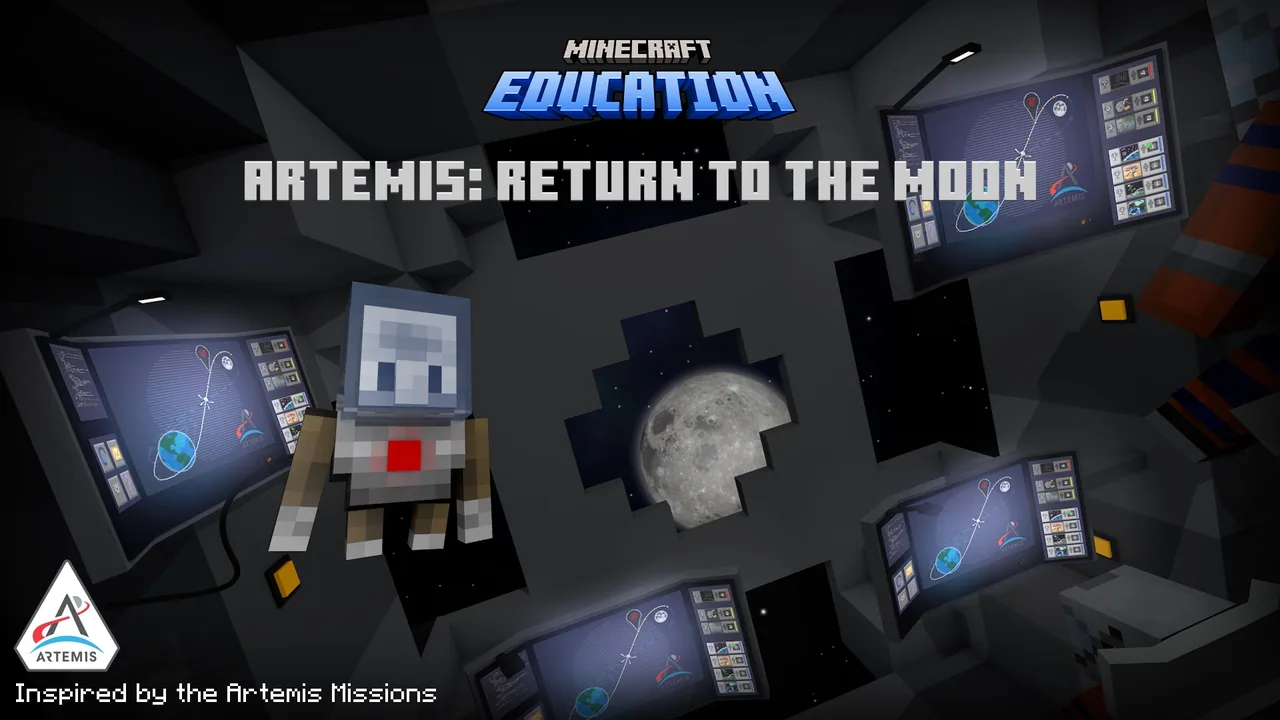
In this lesson created in partnership with NASA, students join the Artemis program to explore the critical relationship between computer science and space exploration. Acting as astronauts aboard the Orion capsule, learners encounter authentic challenges faced by space agencies, from monitoring terrestrial pollution from orbit to identifying suitable lunar landing zones near the South Pole.
Using Minecraft Education, students interact with Orion flight consoles either independently or in teams of up to four. Learners program automated rovers, drones, and satellites using MakeCode blocks or Python Notebooks, coordinating their commands to solve microtasks and maximize their flight score prior to splashdown.
Learning objectives
By the end of this lesson students will be able to:
- Explain the mission goals and historical significance of NASA's Artemis program.
- Solve in-flight coding challenges using either MakeCode blocks or Python Notebooks.
- Collaborate within a flight crew to coordinate multi-user programming sequences.
- Analyze scientific data to select viable lunar landing sites and environmental sampling targets.
Blocks and items used in this lesson


Key vocabulary
- Orion
- The space capsule used by the Artemis crew to travel from Earth to the Moon and return home.
- Regolith
- The layer of loose soil and dust covering lunar rock, studied for its ability to support plant growth.
- CubeSat
- A compact, miniature research satellite deployed into orbit to gather atmospheric or environmental data.
- NACHOS
- A miniature satellite sensor developed by Los Alamos National Laboratory to monitor pollution and atmospheric chemistry.
Before class
Lesson sequence
Suggested timing: about 45 minutes in total.
- Pre-Flight Setup10 min
Introduce the Artemis mission using the presentation slides. Students launch the world, select their input method (keyboard or touch), and choose their coding language. Flight crews wait until all members are present before running the initialization code.
- Orion Systems Familiarization5 min
Students board the Orion capsule, locate the central flight console, and learn how to trigger missions. The teacher highlights task icons indicating whether an activity requires one, two, or all four crew members.
- Mission Operations20 min
Crews solve coding microtasks to earn points before returning to Earth. Tasks include deploying NACHOS CubeSats over polluted cities, flying the Ingenuity Mars Helicopter to photograph landing zones, identifying flat lunar landing sites with ice, mining mineral samples from an asteroid, and planting seeds in regolith.
- Splashdown and Debrief10 min
The capsule returns to Earth for splashdown. Students evaluate their final point tally to see their earned rank, discuss the role of automation in space exploration, and receive completion certificates.
Video
Assessment: success criteria
- Accurately write and execute code solutions using MakeCode blocks or Python Notebooks.
- Collaborate to run multi-user commands in the required sequence without skipping steps.
- Successfully identify and mark three South Pole lunar landing sites meeting flatness, ice, and communication criteria.
- Attain a verified mission score and rank (Astronaut, Veteran, Expert, or Expert+) upon splashdown.
Differentiation
Have students select MakeCode blocks rather than Python, or direct them to solo play where an in-game AI assists with multiplayer console inputs.
Require experienced students to complete all missions using Python Notebooks and strive for an Expert+ rank by achieving 34 or more points.
Knowledge check
5 questions to check understanding after the lesson. Tap an answer to see if it is right; the score appears at the end.
1Which spacecraft do students operate and program during this mission?
Answer: B. The source specifies that students navigate and code the Orion space capsule on their journey to the Moon.
2What is the name of the miniature satellite system built to monitor atmospheric pollution clouds?
Answer: A. The source identifies the NanoSat Atmospheric Chemistry Hyperspectral Observation system as NACHOS.
3What three criteria must students look for when choosing three lunar landing sites?
Answer: B. The mission briefing directs students to choose three sites near the South Pole that are flat, have good communication with Earth, and contain lots of ice.
4What is lunar regolith?
Answer: C. The source states that regolith is lunar soil brought back to Earth by Apollo astronauts and used in plant growth experiments.
5What total point score is required to attain the rank of Expert+ upon splashdown?
Answer: D. The assessment rubric marks a score of 34+ as a perfect score earning the rank of Expert+.
Resources
- Lesson package (.zip)Everything the author attached to this lesson in one download.
- Artemis: Return to the Moon Educator GuideArtemis: Return to the Moon Educator Guide
- Artemis: Return to the Moon Presentation SlidesArtemis: Return to the Moon Presentation Slides
- Artemis: Return to the Moon Student CertificateArtemis: Return to the Moon Student Certificate
- Challenger Center Extension ActivitiesThe Challenger Center has created a suite of lesson extensions that educators can share with students to expand upon their learning.
- Lesson worldOpens the world page in Minecraft Education (sign-in with a school account may be needed).
Frequently Asked Questions
Can this world be used if students do not have partners for multiplayer?
Yes. The world functions as both a single-player and multiplayer experience. When playing independently, in-game AI will automatically step in to act as the remaining crew members for collaborative tasks.
Which coding language should my students select at the start?
Students should choose MakeCode blocks if they are beginners or new to coding. Python Notebooks should only be selected by learners who already have prior experience writing Python code.
How many players can collaborate in a single flight crew?
The multiplayer mode supports teams of two, three, or four players working cooperatively on the Orion capsule console.
Adapted from Artemis: Return to the Moon by Minecraft Education on Minecraft Education, last updated Jul 21, 2025. This classroom version, the timings and the quiz were written by 9Minecraft Education.








































