
- Type
- Lesson plan
- Subject
- Computer Science & Coding
- Topics
- Computer Science
- Grade
- Primary (Grades 3-5)
- Ages
- Ages 8-10
- Includes
- Quiz: 5 questionsLesson files
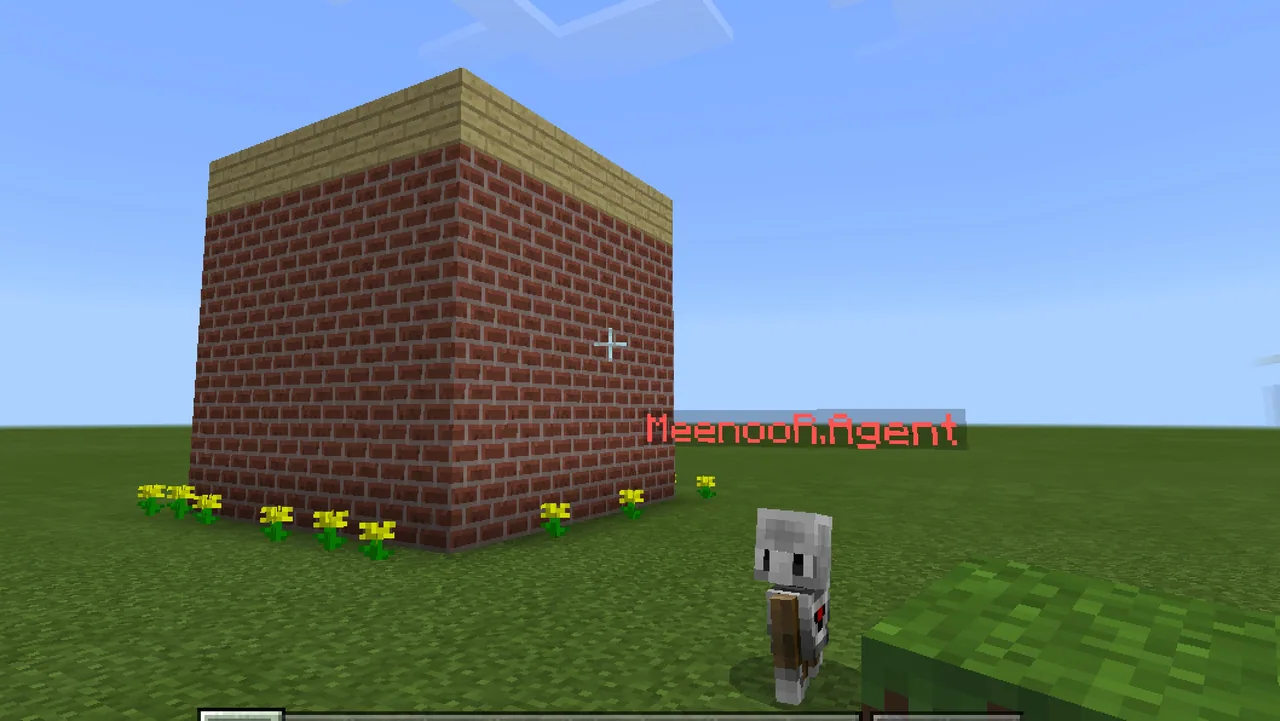
How can you use an event-driven programming model to create a flower trail?
Overview
Event-driven programming allows computer code to respond directly to actions that occur in a system. In this lesson, students explore this computer science concept by writing an automated program that triggers an action every time their character moves.
Using block-based coding inside Minecraft, learners connect movement events to building actions. By attaching a block-placement command to their player walking event, students create an automated flower trail and experiment with modifying blocks and coordinates.
Learning objectives
By the end of this lesson students will be able to:
- Explain how an event-driven programming model responds to player actions.
- Connect a block-placement command to an on-player-walk event block.
- Modify the code to place dandelions instead of default grass blocks.
- Experiment with changing block types and placement instances to create new trail effects.
Key vocabulary
- Event-driven programming
- A coding structure where actions run in response to specific user actions or events.
- Event block
- A coding block that waits for an action to happen, such as a player walking.
- Workspace
- The digital area where programmers drag, snap, and assemble coding blocks.
Before class
Lesson sequence
- Introduction to Events
Introduce the guiding question and discuss how computer programs listen for specific actions. Explain that students will program their character movement as an event trigger.
- Setting Up the Code
Instruct students to open their coding workspace and find the On Player Walk event block. Next, have them open the Blocks toolbox drawer, select the Place Block at Position block, and drag it into the workspace.
- Snapping and Customizing Blocks
Direct students to snap the Place Block at Position block underneath the On Player Walk block until it clicks and becomes active. Have them open the drop-down menu on the placement block and switch the selected item from a grass block to a dandelion.
- Testing and Modifying Trails
Students switch back to the game to test their code by walking around to confirm that a dandelion trail appears. Then, challenge them to change the placement instances and substitute other blocks to build different trails.
Assessment: success criteria
- Student successfully snaps the placement block inside the On Player Walk event.
- Student updates the block selector to place dandelions rather than grass.
- Student creates a working trail of flowers behind their character while walking.
- Student demonstrates modifying the code using a different block type or placement instance.
Differentiation
Help students listen for the auditory click and visually check that the placement block is fully enabled inside the event block.
Challenge students to adjust the placement instances to alter where and how the blocks appear relative to the player.
Knowledge check
5 questions to check understanding after the lesson. Tap an answer to see if it is right; the score appears at the end.
1Which computer science concept is introduced in this lesson?
Answer: B. The lesson specifically focuses on learning about the event-driven programming model.
2Which event block triggers the flower-laying code?
Answer: C. The code uses the On Player Walk event to detect character movement.
3Where in the coding interface do students find the Place Block at Position block?
Answer: A. The activity specifies dragging the Place Block at Position block from the Blocks toolbox drawer.
4What is the default block in the placement block before switching to a dandelion?
Answer: D. The instructions note that students must change the block that is placed from a grass block to a dandelion.
5What additional modification are students asked to explore for assessment?
Answer: A. The assessment asks students to make trails out of another block and change placement instances.
Resources
Frequently Asked Questions
Do students need to import a special custom world for this lesson?
No, this lesson does not require a downloadable custom world. Students can write and test the code in a standard Minecraft world.
How do students know their coding blocks are correctly connected?
When snapped correctly underneath the event block, the block clicks audibly into place and becomes visually enabled.
Adapted from Make a Flower Trail Wherever You Go by Minecraft Education on Minecraft Education, last updated Dec 19, 2022. This classroom version, the timings and the quiz were written by 9Minecraft Education.










































