- Type
- Lesson plan
- Subject
- AI & Digital Citizenship
- Ages
- Ages 11-16
- Duration
- 45 min
- Level
- Beginner
How can I recognize different types of online interactions and what choices can I make to protect myself and others?
Overview
Online spaces offer exciting opportunities to connect with peers, but young people frequently encounter subtle manipulation, digital harassment, and pressure to disclose private information. This lesson equips learners with the critical awareness needed to detect red flags, maintain personal boundaries, and utilize platform safety mechanisms like blocking and reporting.
Inside the simulated school and gaming environments, students play through a multi-day narrative where unfamiliar players attempt social engineering and peers display harmful conduct. Learners evaluate each social interaction, discern who is trustworthy, and reinforce the vital understanding that reaching out to a trusted adult is always safe and supported.
Learning objectives
By the end of this lesson students will be able to:
- Identify common online manipulation tactics, including progressive requests, flattery, and reward offers.
- Apply built-in platform tools to block, report, and leave harmful or harassing online environments.
- Distinguish between cautious and risky choices regarding the disclosure of personally identifiable information.
- Explain why asking a trusted adult for assistance will never result in getting in trouble.
Blocks and items used in this lesson


Key vocabulary
- Personally Identifiable Information (PII)
- Private details such as your full name, age, home address, school, or email that reveal your real identity.
- Manipulation
- Using subtle tricks like excessive praise, free gifts, or peer pressure to convince someone to do something risky.
- Progressive Escalation
- A strategy where an online contact starts with small, harmless questions and slowly moves toward requesting sensitive private details.
- Upstander
- A person who recognizes inappropriate behavior, such as cyberbullying, and takes positive action like reporting it.
Before class
Lesson sequence
Suggested timing: about 45 minutes in total.
- Act 0: School Setup and Tutorial5 min
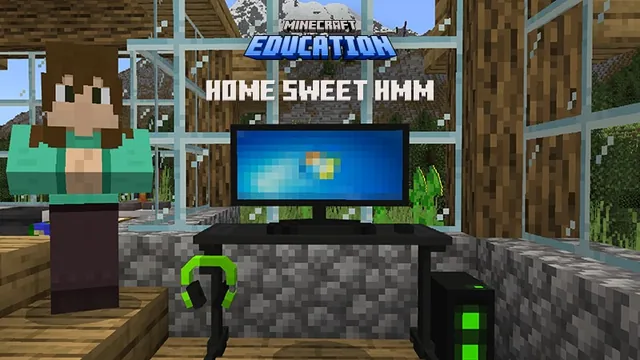
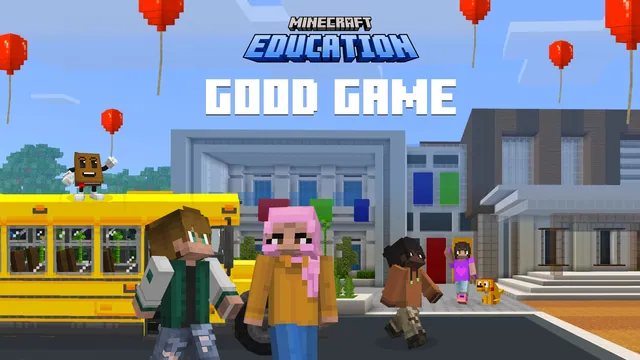
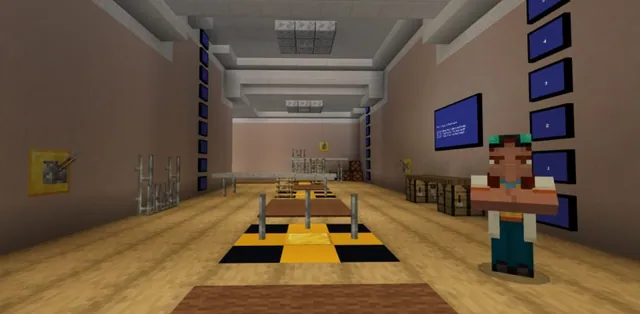
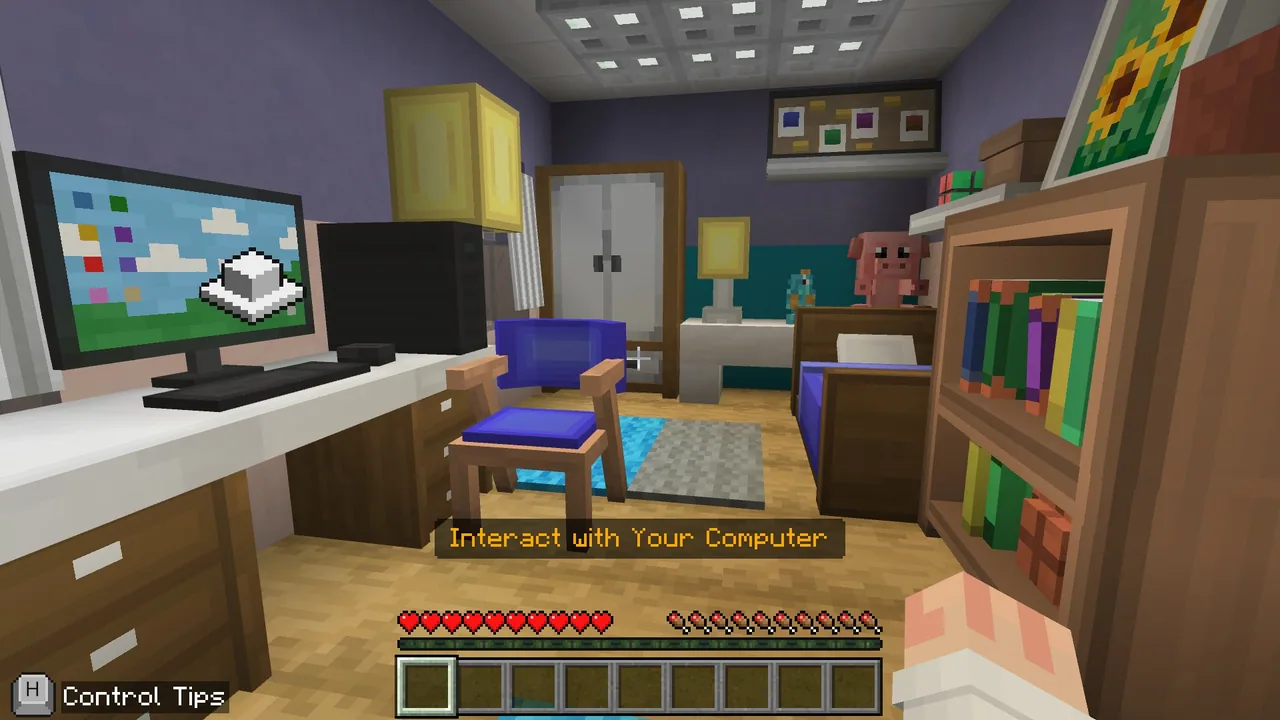
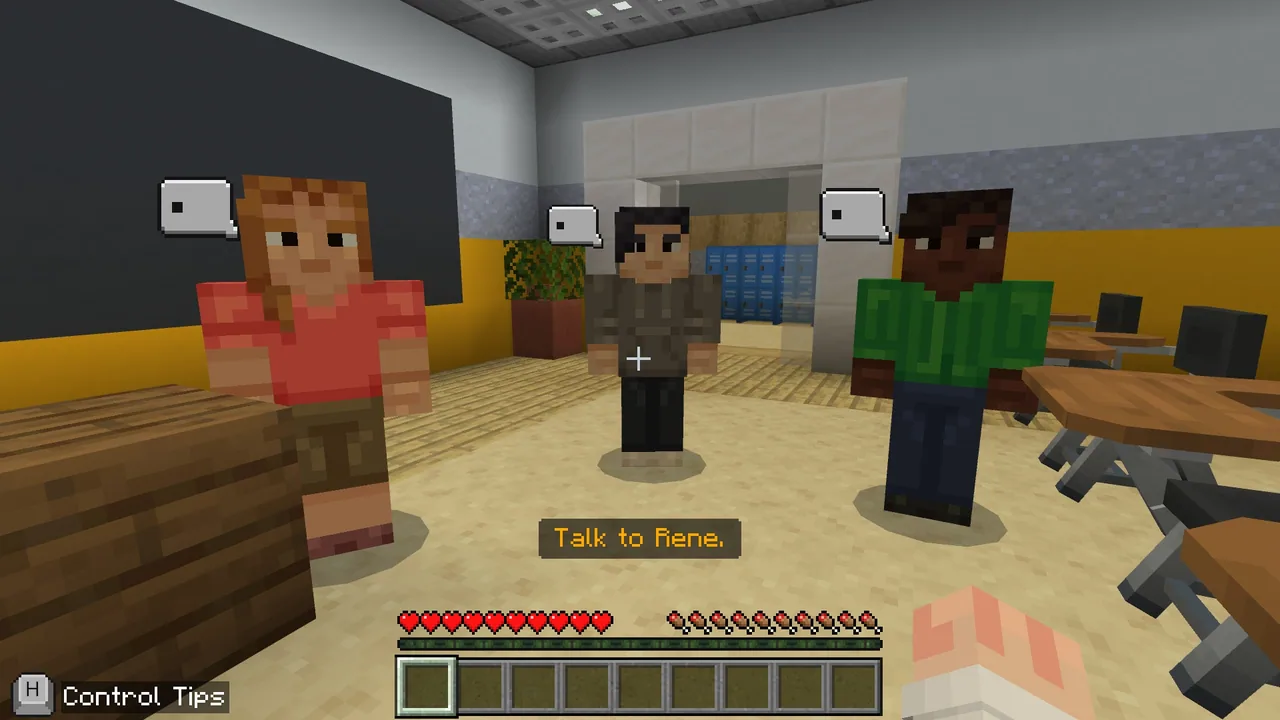
Learners log into the school area to review character movement and camera controls. They interact with friends Rene, Charlie, and Dale, join their WhatSnap group chat, and prepare for the upcoming Double Points Weekend in the game Lunar Smash.
- Act 1: First Red Flags15 min
Starting from their virtual bedroom, students enter the online match where Dale introduces an outside player named Stray3r. Learners encounter an aggressive griefer who must be reported and witness Stray3r asking for private details, such as age and school name, in exchange for exclusive skins.
Pause for a partner share where students name two warning signs they noticed, followed by a brief discussion on what counts as personal information.
- Act 2: Escalating Pressure and Harassment15 min
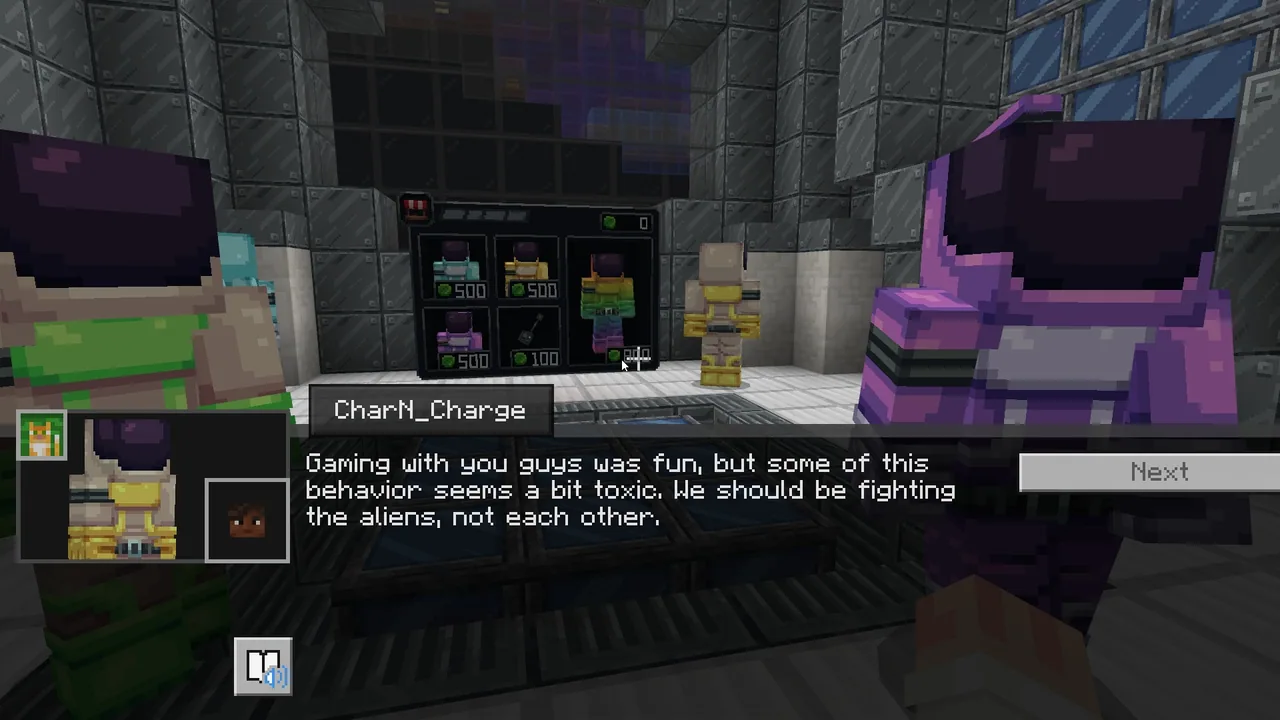
Gameplay continues with mounting social pressure. Dale directs sexist insults toward another player, prompting learners to report the harassment. Meanwhile, Stray3r requests physical home addresses under the guise of sending team shirts and sends a direct message asking to meet in real life.
Conduct a quick thumbs check to see who reported the abusive behavior and discuss why unchecked toxic jokes lower safety standards across a group.
- Act 3 & Reflection: Resolving Crises and Seeking Help10 min
Deliver the brief teacher script reminding students that online threats represent worst-case scenarios and reinforce that asking for help never causes trouble. Conclude by reviewing the core takeaway that it is never too late to confide in a trusted adult, followed by an exit ticket reflection.
Video
Inside the lesson world
Assessment: success criteria
- Learners correctly identify at least two manipulation strategies used to extract private data during the simulation.
- Learners actively use reporting functions to address in-game griefing and gender-based harassment.
- Learners articulate why a student should never fear punishment when reporting uncomfortable online situations to a trusted adult.
Differentiation
Provide the printed scenario cards so learners can analyze chat interactions at their own pace without having to navigate the virtual world.
Have students write clear boundary-setting scripts that demonstrate how to refuse invasive questions and report suspicious players in other online games.
Knowledge check
5 questions to check understanding after the lesson. Tap an answer to see if it is right; the score appears at the end.
1Which detail is an example of personally identifiable information that should remain private from strangers online?
Answer: B. School names and geographic locations can expose your real-world identity and physical location to unknown users.
2In Act 1, an unfamiliar player offers exclusive game skins in exchange for email addresses. What manipulation method is being used?
Answer: A. Offering exclusive rewards is a common lure designed to create false trust and trick individuals into sharing private data.
3What should a player do when someone sends non-stop harassing messages or displays griefing behavior?
Answer: C. Reporting harmful conduct through platform tools notifies moderators and addresses abuse without escalating the conflict.
4What happens when social manipulators use progressive escalation?
Answer: B. Progressive escalation begins with seemingly harmless questions like age before moving to schools and home addresses to normalize oversharing.
5What is the primary message regarding trusted adults when an online situation goes wrong?
Answer: C. The primary takeaway of the lesson is that students will not get in trouble for seeking help from a trusted adult, even if they made a mistake.
Resources
- Lesson package (.zip)Everything the author attached to this lesson in one download.
- Educator GuideComplete educator lesson plan with facilitation protocol, act-by-act teaching notes, discussion questions, and safeguarding guidance.
- Classroom PowerPointStudent-facing slide deck for introducing the lesson, setting classroom norms, and guiding discussion at each Pause & Process checkpoint between acts.
- Student Workbook and HandoutsStudent workbook containing the Safety Skills Toolkit, a Pre/Post Knowledge Check for measuring learning growth, and five Exit Tickets
- Student Scenario CardsPrintable offline activity cards that walk students through each game scenario with space to identify tactics and write safe responses,
- Global Learning Standards CrosswalkStandards crosswalk aligning CyberSafe: Bad Connection? learning objectives to ISTE, CSTA, CSTA 2026, and international digital citizenship frameworks
- Optional Parent Information LetterEditable family notification letter that previews the lesson topic, explains the opt-out option, and provides conversation starters.
- Certificate of CompletionPrintable completion certificate awarded to students after finishing the CyberSafe: Bad Connection? experience.
- Family and Caregiver ToolkitA take-home toolkit that helps families continue the conversation — with a parent-friendly guide to what their child experienced in the game.
- Localized Supporting MaterialsLocalized supporting materials in 16 languages
- Lesson worldOpens the world page in Minecraft Education (sign-in with a school account may be needed).
Frequently Asked Questions
How should educators prepare for the sensitive themes depicted in this experience?
Review the Educator Guide facilitation protocol and familiarize yourself with your school mandatory reporting guidelines. Send the parent notification letter ahead of time and remind learners that the scenarios show negative behaviors specifically so they can practice identifying real-world warning signs safely.
What alternative options exist for learners who prefer not to participate in the virtual world?
Teachers can utilize the printable scenario cards and student workbook. This offline opt-out pathway uses chat scenario cards that cover the exact same dialogue, red flags, and decision points without requiring digital gameplay.
Adapted from CyberSafe: Bad Connection? by Minecraft Education on Minecraft Education, last updated Oct 20, 2026. This classroom version, the timings and the quiz were written by 9Minecraft Education.