
- Type
- Lesson plan
- Ages
- Ages 8-13
- Duration
- 45 min
- Level
- Beginner
How do layered defense strategies and strong authentication practices safeguard digital networks and cloud systems from malicious attacks?
Overview
In an increasingly connected world, protecting digital infrastructure from unauthorized intrusions is a fundamental skill for young learners. This lesson series introduces core principles of network defense, guiding students through practical concepts such as resisting targeted attacks, recognizing automated threats to encryption, and understanding the ethics and career pathways within cybersecurity.
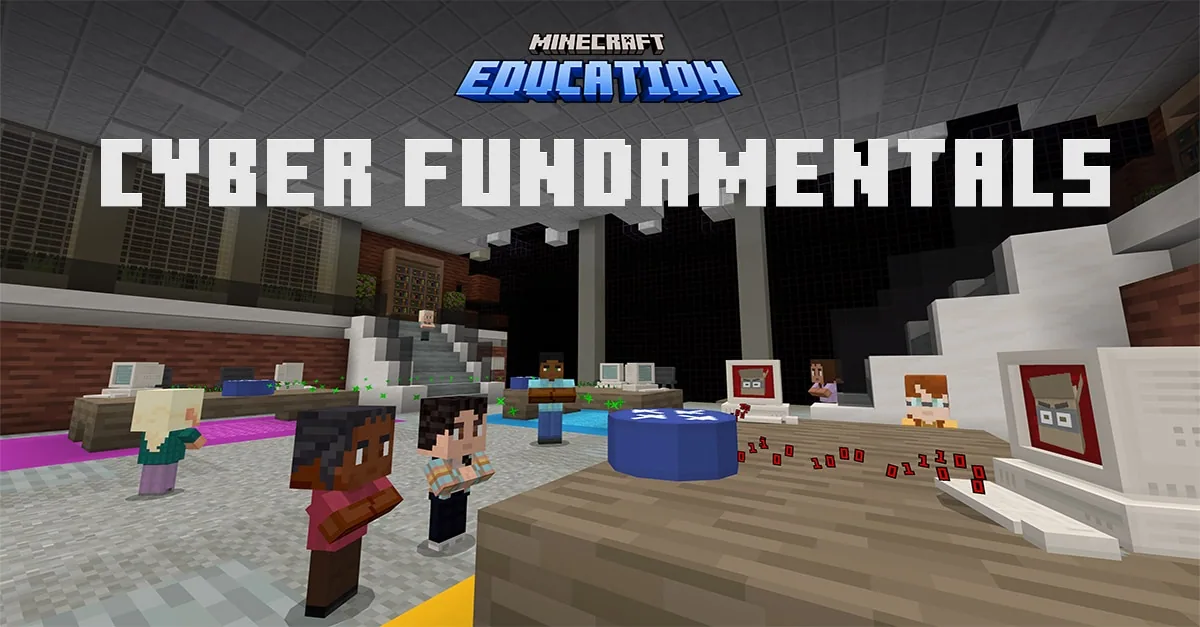
Using a multi-part progression featuring Network Heroes, The Interceptors, and Cloud Champions, students analyze how defensive safeguards operate. Learners investigate password complexity, multi-layered authentication including biometrics and physical tokens, and datacenter protection against malicious programs such as G.H.O.S.T. v2.
Learning objectives
By the end of this lesson students will be able to:
- Identify common network vulnerabilities, including targeted intrusions and malicious software.
- Demonstrate how to create resilient passwords and utilize multi-layered authentication methods.
- Describe the physical and digital components necessary to protect datacenters and cloud infrastructure.
Blocks and items used in this lesson


Key vocabulary
- Encryption
- A defensive technique that encodes information so only authorized parties can read it.
- Multi-Layered Authentication
- A security setup requiring two or more verification methods, such as passphrases, keycards, or biometric scans.
- Malware
- Malicious software designed to infiltrate, damage, or compromise computers and networks.
- Datacenter
- A specialized facility that houses physical servers, network hardware, and cloud storage systems.
Before class
Lesson sequence
Suggested timing: about 45 minutes in total.
- Introduction to Network Threats10 min
Introduce the role of cybersecurity defenders and the scenario involving the digital adversary BiGB4D1 attempting to breach network security. Discuss standard security risks, including malware threats and automated attacks against encrypted data.
- Analyzing Multi-Layered Authentication15 min
Review concepts from Network Heroes and The Interceptors. Have students examine the limitations of basic passwords and explore multi-layered defenses, including unique physical keycards and biometric face scans.
- Securing Datacenters and Cloud Networks15 min
Explore the Cloud Champions scenario, where students evaluate the security of a datacenter against the release of the G.H.O.S.T. v2 malware. Guide learners to identify protective practices that isolate and neutralize cloud-based threats.
- Review and Reflection5 min
Conclude with a reflection on how layered defense applies to everyday digital citizenship. Discuss related career opportunities in cybersecurity operations and digital defense.
Video
Assessment: success criteria
- Student identifies at least two distinct authentication factors, such as a biometric scan and a security keycard.
- Student explains how complex passwords reduce the risk of unauthorized system access.
- Student describes how malware like G.H.O.S.T. v2 can impact cloud datacenters and how defensive layers stop it.
Differentiation
Provide a visual reference card defining the differences between single-factor and multi-layered authentication.
Have students map out a comprehensive security plan for a cloud datacenter combining physical access controls, biometrics, and digital encryption.
Knowledge check
5 questions to check understanding after the lesson. Tap an answer to see if it is right; the score appears at the end.
1Which strategy provides the strongest defense against unauthorized access to school networks?
Answer: B. Combining complex passwords with multi-layered authentication creates multiple barriers against targeted attacks.
2What is the primary objective of the antagonist BiGB4D1 in the Cloud Champions module?
Answer: C. In Cloud Champions, BiGB4D1 attempts to infiltrate the datacenter to deploy the G.H.O.S.T. v2 malware onto the cloud.
3Which collection of tools represents the multi-layered security methods featured in The Interceptors?
Answer: A. The Interceptors module showcases solving digital security challenges using passwords, face recognition, and keycards together.
4What is the main function of a cloud datacenter?
Answer: B. Datacenters contain the physical hardware and server infrastructure that support network data and cloud platforms.
5Why is relying solely on a simple password considered a network vulnerability?
Answer: D. Simple passwords lack the depth of layered authentication and are easily circumvented by modern cyber threats.
Resources
- Lesson package (.zip)Everything the author attached to this lesson in one download.
- Cyber Fundamentals 1: Network HeroesWorld Map
- Cyber Fundamentals 2: The InterceptorsWorld Map
- Cyber Fundamentals 3: Cloud ChampionsWorld Map
Frequently Asked Questions
Does this lesson require an external world download file?
No, this lesson does not rely on a downloadable world file and can be taught conceptually using standard digital literacy frameworks and classroom discussion.
What age ranges are best suited for these materials?
The content is designed for students between the ages of 8 and 13, covering beginner-friendly digital literacy through intermediate network defense concepts.
Adapted from Cyber Fundamentals by Minecraft Education on Minecraft Education, last updated Oct 9, 2023. This classroom version, the timings and the quiz were written by 9Minecraft Education.










































