
- Type
- Lesson plan
- Ages
- Ages 8-13
- Duration
- 45 min
- Level
- Beginner
How can secure backup strategies and careful management of connected devices protect critical digital systems from cyberattacks?
Overview
This unit immerses learners in foundational cybersecurity concepts, emphasizing secure data preservation and the mechanics of modern networks. Students explore the concept of a digital footprint, learn why regular backups are critical, and unpack the benefits and vulnerabilities introduced by Internet of Things devices.
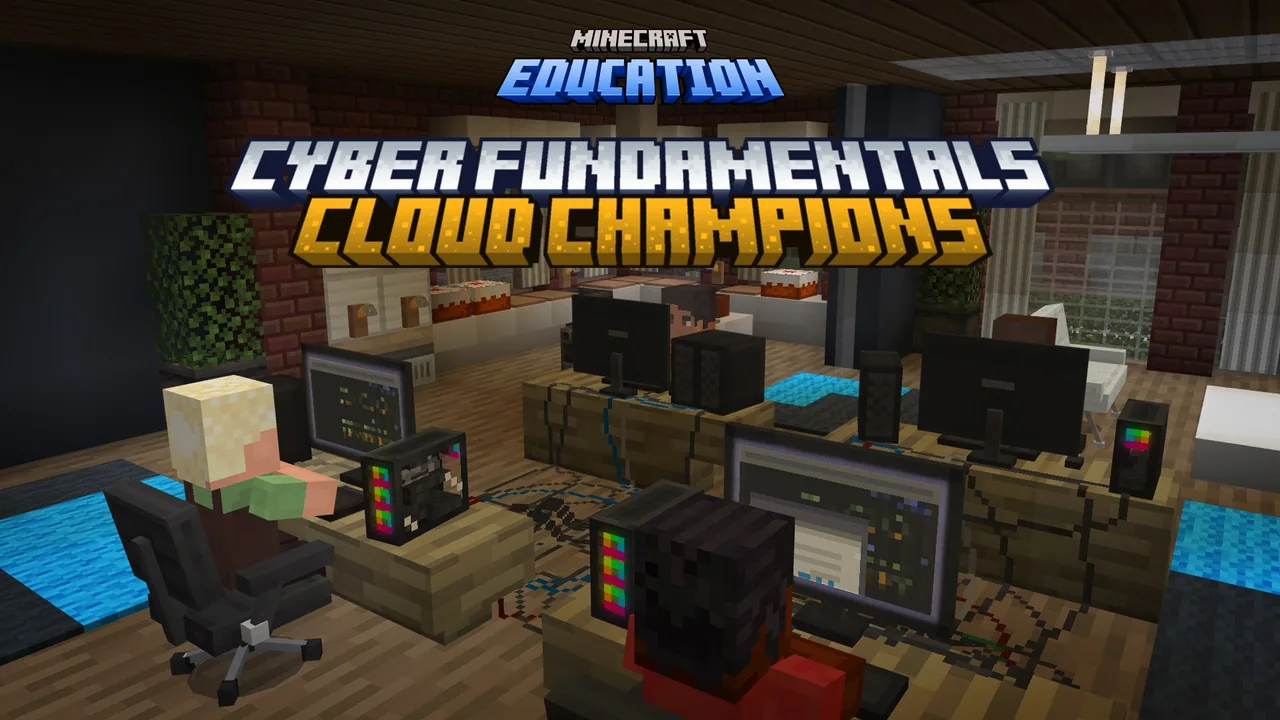
Inside Minecraft, students collaborate with in-game guides to inspect digital records, complete a cloud-hopping data transfer using the 3-2-1 backup strategy, identify compromised warehouse hardware using hotbar scanners, and fend off botnet portals attacking a central supercomputer.
Learning objectives
By the end of this lesson students will be able to:
- Explain what a digital footprint is and identify personal actions that contribute to it.
- Describe the components of the 3-2-1 data backup framework and why backups are essential.
- Define the Internet of Things and give examples of connected devices.
- Analyze the potential benefits and cybersecurity risks associated with IoT technology.
Blocks and items used in this lesson


Key vocabulary
- Cloud
- A worldwide network of remote servers connected together to function as a shared ecosystem.
- Digital footprint
- The trace of data left behind on the internet by an individual's online presence and activity.
- Internet of Things (IoT)
- Everyday physical objects that connect to the internet either locally or remotely.
- Hacker
- An individual who discovers and exploits vulnerabilities within computer networks or hardware.
- Vulnerability
- A security weakness or procedural flaw in an information system that an attacker can exploit.
- Ransomware
- A type of malicious software that blocks access to computer systems until a payment is delivered.
Before class
Lesson sequence
Suggested timing: about 45 minutes in total.
- Warm-up & Footprint Investigation10 min
Students join guides Amal, Taylor, Lee, and Malik to review logs on Amal's computer. Learners inspect three online sites, take notes on the attacker's digital footprint, and uncover the adversary's scheme to compromise the datacenter.
- Datacenter & Cloud Data Escort10 min
Students travel to the datacenter with Taylor to deploy Malik's backup program, applying the 3-2-1 strategy: maintaining three copies of data across two storage types, with one stored offsite or in the cloud. Players then jump across clouds to deliver the data to the cloud server, restarting if they misstep and fall.
- Warehouse IoT Investigation10 min
Learners enter a warehouse where malware is suspected on connected hardware. Using a scanner placed in hotbar slot 1, students inspect devices outlined by gold particle effects to locate exploited Internet of Things equipment.
- Supercomputer Defense10 min
Students step inside the supercomputer to counter the deployed botnet software. Players search for sky beacons indicating active network portals, launching data disrupters to close the portals and using a data launcher to repel hostile bots.
- Reflection & Formative Assessment5 min
Students open their in-game Book and Quill to document their answers to prompts on digital footprints, the 3-2-1 backup model, and IoT security before collecting their CyberFUNdamentals Certificate.
Video
Assessment: success criteria
- Student accurately explains the meaning of each number in the 3-2-1 backup framework.
- Student identifies warehouse IoT devices correctly using the hotbar scanner.
- Student describes risks associated with posting personal information online in the Book and Quill.
- Student successfully locates portal beacons and uses data disrupters to secure the network.
Differentiation
Allow students who struggle with parkour to retry the cloud path at their own pace or pair up to locate gold particle indicators in the warehouse.
Prompt advanced students to explain how they would implement the 3-2-1 backup method for personal files at home.
Knowledge check
5 questions to check understanding after the lesson. Tap an answer to see if it is right; the score appears at the end.
1What rule does the 3-2-1 backup method follow?
Answer: A. The 3-2-1 method requires having 3 copies of data, stored on 2 different media types, with 1 copy placed offsite or in the cloud.
2How can players locate IoT devices inside the warehouse?
Answer: B. The source specifies that IoT devices in the warehouse are identified by gold particles.
3What happens if a player falls while jumping between clouds during the backup task?
Answer: D. Players who miss a jump during the cloud escort sequence must start the path over again.
4What visual marker indicates an active network portal in the supercomputer defense activity?
Answer: A. Beacons reaching into the sky designate where active network portals are located.
5Which tool are players given to close the hostile network portals?
Answer: B. Players are provided data disrupters to shut down active network portals and a data launcher to stop incoming bots.
Resources
- Lesson package (.zip)Everything the author attached to this lesson in one download.
- Educator GuideEducator Guide - Lesson plan and Standards
- Presentation SlidesPowerPoint Presentation Slides
- Student Activities WorkbookStudent Activities Workbook
- Formative Assessment 1Formative Assessment 1
- Formative Assessment 2Formative Assessment 2
- CertificateCertificate of Completion
- Lesson worldOpens the world page in Minecraft Education (sign-in with a school account may be needed).
Frequently Asked Questions
How do students record their written reflections during the lesson?
Students receive a Book and Quill in their hotbar containing reflection prompts, turn to an empty page, and enter their responses directly into the book.
What equipment do students use inside the supercomputer challenge?
Students are equipped with a data launcher to neutralize incoming bots and data disrupters to deactivate the network portals marked by beacons.
Adapted from Cyber Fundamentals 3: Cloud Champions by Minecraft Education on Minecraft Education, last updated Oct 26, 2023. This classroom version, the timings and the quiz were written by 9Minecraft Education.










































