
- Type
- Lesson plan
- Ages
- Ages 8-18
- Duration
- More than 3 hours
- Level
- Intermediate
- Includes
- Quiz: 5 questionsMinecraft world
How can we apply cyber security strategies to protect valuable assets and keep our personal information safe?
Overview
In this unit, students explore fundamental cyber security concepts and discover how digital safety principles connect directly to their everyday lives. Through class discussions and collaborative challenges, learners examine the value of personal information, explore potential career paths in digital defence, and reflect on the strategies used by adults and professionals to safeguard digital environments.
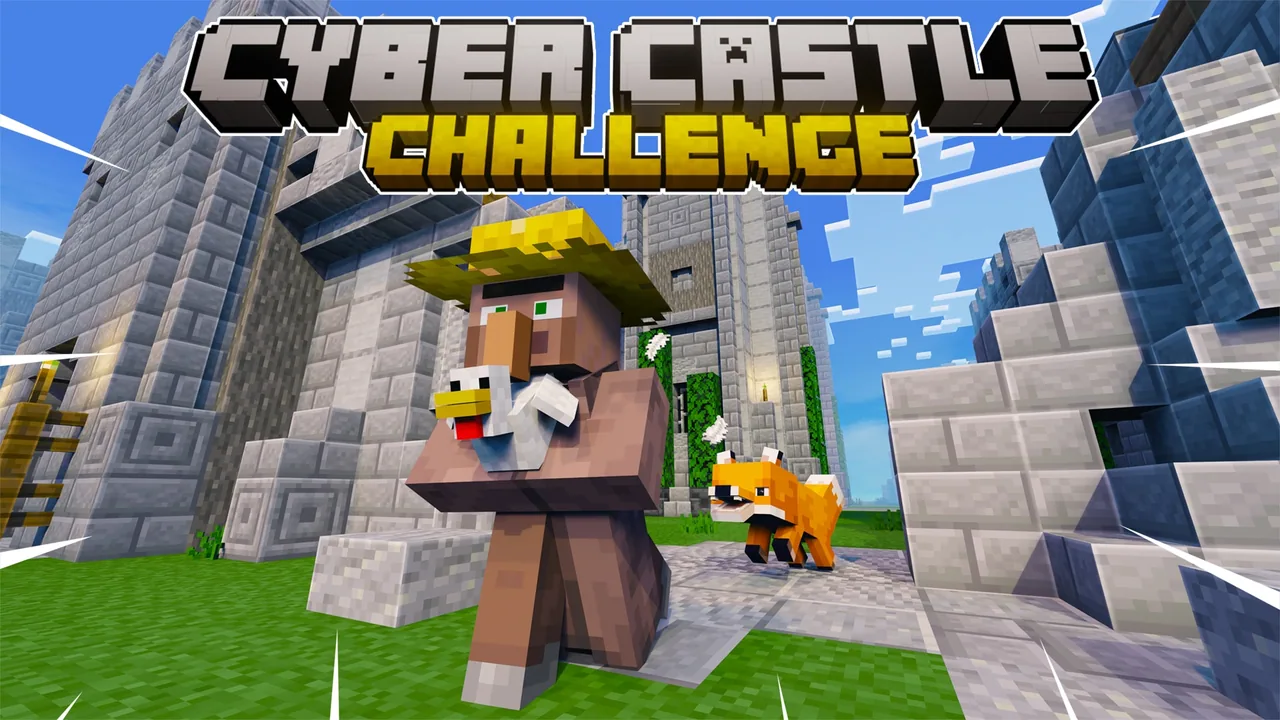
Using Minecraft Education, small teams take charge of a cyber stronghold where they must protect their chickens and fortress from encroaching foxes. Across four distinct seasons of gameplay, students identify digital assets, adapt to unpredictable threats, manage expanding networks, and verify user access to maintain the security of their kingdom.
Learning objectives
By the end of this lesson students will be able to:
- Identify valuable assets and explain how personal data can become compromised.
- Apply the Cyber Security Lifecycle to manage and defend against unpredictable security threats.
- Explain the importance of strong passwords and recognise digital systems in everyday settings.
- Evaluate the trustworthiness of digital information and identify suspicious online behaviour.
Blocks and items used in this lesson


Key vocabulary
- Asset
- Something of value that requires protection from loss, damage, or attack.
- Cyber Security Lifecycle
- A continuous process used to identify, protect against, detect, respond to, and recover from digital threats.
- Digital System
- Hardware, software, and network components working together to process and store data.
- Identity Verification
- The process of confirming whether a user or system is genuinely who they claim to be.
Before class
Lesson sequence
Suggested timing: about 210 minutes in total.
- Warm-up and Introduction30 min
Introduce guiding questions about what cyber security involves, what cyber professionals do, and how guardians keep personal details safe. Show the introductory concept videos featuring industry professionals to ground student understanding.
- Season 1: Defend Your Assets45 min
Organise students into teams of up to four. Learners identify their primary assets, allocate resources, and defend their chickens and castle against predictable waves of fox attacks while discussing how personal data can be exposed.
- Season 2: Evolving Threats45 min
Teams gather intelligence and adapt their defensive strategies against unpredictable fox incursions. In their playbooks, students connect gameplay to the Cyber Security Lifecycle and examine ways to protect personal data online.
- Season 3: Kingdom Expansion45 min
As the kingdom grows, teams manage and protect a larger network perimeter. Students investigate digital systems in their own classroom and practice generating secure passwords to keep their expanded territory safe.
- Season 4: Who Can You Trust?45 min
Students inspect incoming visitors, verify user identities, and spot unusual behaviour at the castle gates. Teams reflect on evaluating online trustworthiness and draft tips to help others stay secure online.
Assessment: success criteria
- Students can explain why personal data is valuable and describe common ways it may be compromised.
- Students demonstrate how to apply steps of the Cyber Security Lifecycle to practical scenarios.
- Students identify digital systems in the classroom and demonstrate how strong passwords protect accounts.
- Students evaluate online information for reliability and present strategies for training others to spot strange behaviour.
Differentiation
Pair learners with peer mentors and guide them step-by-step through the student playbook prompts during predictable attack waves.
Have students design an educational campaign or peer guide detailing how to spot suspicious behaviours and verify digital sources.
Knowledge check
5 questions to check understanding after the lesson. Tap an answer to see if it is right; the score appears at the end.
1What primary assets must students protect from foxes in the Cyber Castle Challenge?
Answer: B. The scenario focuses on defending the fortress and resident chickens from attacking foxes.
2Which gameplay season introduces unpredictable waves of threats and intelligence gathering?
Answer: A. Season 2 requires teams to collect intelligence and defend against unpredictable waves of foxes.
3What key cyber safety concept is emphasized during Season 3: Kingdom Expansion?
Answer: B. Season 3 focuses on expanding networks, understanding strong passwords, and identifying digital systems.
4What task must players perform in Season 4 to secure the castle?
Answer: C. Season 4 tests trust by requiring players to verify identity and recognise unusual or suspicious actions.
5What is the recommended group size for students collaborating in the challenge?
Answer: C. The lesson instructions specify that students collaborate in teams of up to four members.
Resources
Frequently Asked Questions
How many class periods are required to complete this unit?
The unit runs for more than three hours in total and is designed to be taught across four distinct sessions, each corresponding to one season of the challenge.
What additional materials are supplied to assist instruction?
Educators receive a comprehensive teacher guide with lesson plans and prompts, student playbooks for ages 8 to 13, and short videos featuring cyber security experts.
Can this lesson be used across multiple age groups?
Yes, the source material specifies suitability for age brackets ranging from 8-10, 11-13, through to 14-18, with targeted playbook activities for learners aged 8 to 13.
Adapted from CYBER CASTLE CHALLENGE by Whetu Paitai on Minecraft Education, last updated Nov 1, 2022. This classroom version, the timings and the quiz were written by 9Minecraft Education.










































