
- Type
- Lesson plan
- Ages
- Ages 8-18
- Includes
- Quiz: 5 questionsLesson files
How can we design a local community that keeps all members healthy, happy, and connected?
Overview
In this collaborative build-and-pass project, students explore how local environments influence community well-being and social connection. Drawing on real-world experiences, classes investigate what diverse residents require to stay safe, active, and emotionally supported, particularly during times of local restriction.
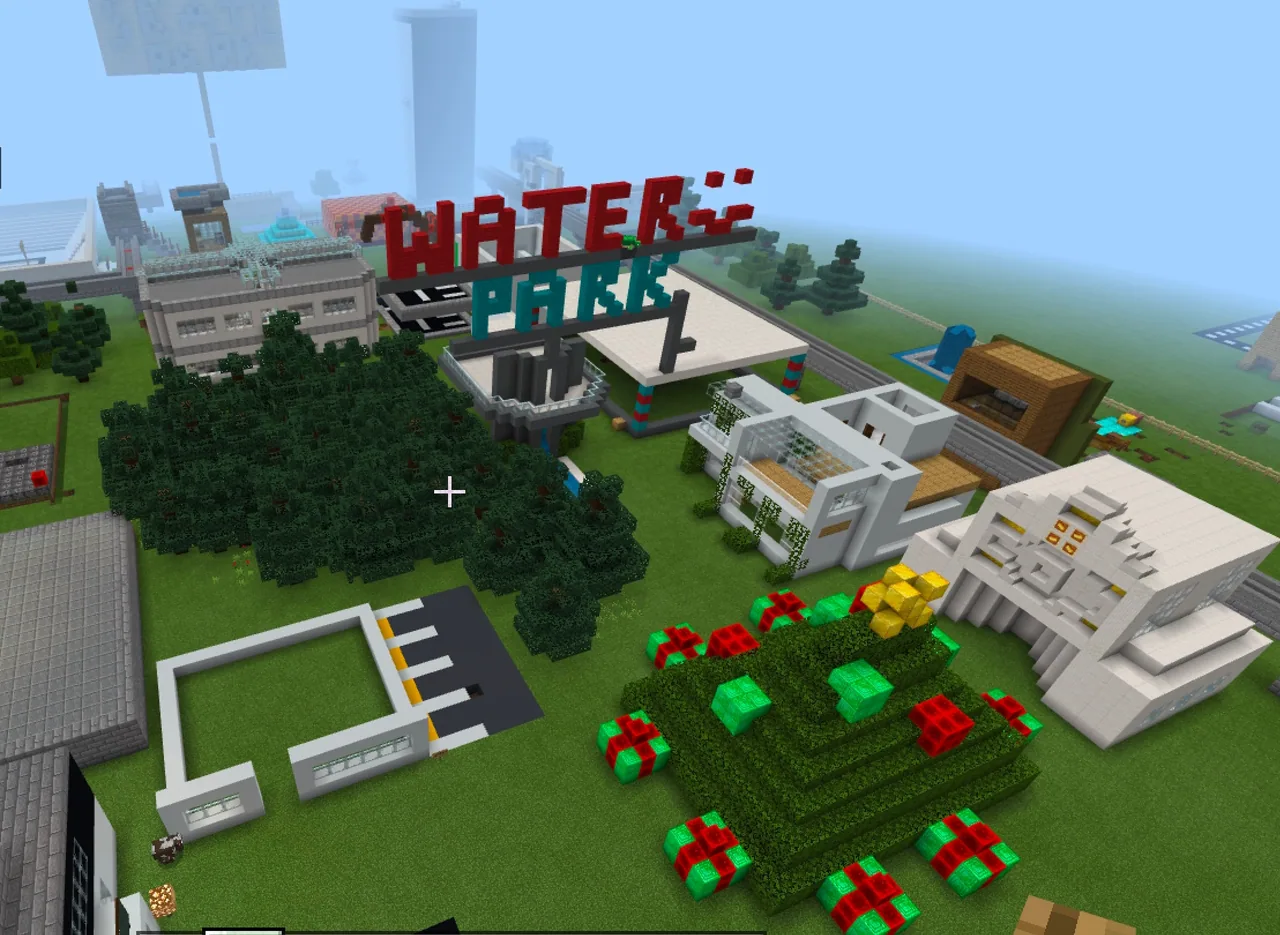
Working in teams across classes or partner schools, student groups take turns developing a single shared Minecraft world. Each team analyzes the existing town layout, constructs new facilities that support well-being, labels their work with attribution signs, and records a short pitch video to guide the next group of builders.
Learning objectives
By the end of this lesson students will be able to:
- Investigate the physical and social needs of diverse individuals within a local community.
- Design and construct community features in Minecraft that promote health, happiness, and connection.
- Label all added structures using in-game signs to provide context and team attribution.
- Produce a short video walkthrough pitching the benefits of the team's additions to the next builders.
- Reflect in writing on personal well-being within the student-designed community.
Blocks and items used in this lesson


Key vocabulary
- Build and Pass
- A collaborative challenge format where different student teams take turns building in and passing along a single shared world file.
- Connected Community
- A neighborhood designed with services, spaces, and features that help residents interact, support each other, and stay healthy.
- Non-Player Character (NPC)
- An in-game character placed by builders to share dialogue, guide visitors, or represent community members.
- Attribution
- Labels or signs placed in the world to show which team or school contributed a specific building or feature.
Before class
Lesson sequence
- Investigate and Brainstorm
Introduce the challenge questions to the class. Have students discuss what people need to stay happy, healthy, and connected, especially when restricted to their local area. Groups research community attributes and list the facilities, spaces, and services their build should provide.
- Review Existing World
If your team is not the first school in the rotation, load the shared world file and explore what earlier groups have built. Students assess current features to identify gaps and plan complementary additions that expand the community thoughtfully.
- Construct and Label Additions
Students build their planned features in Minecraft. Teams place clear in-game signage explaining the purpose of each new space and add team or school attribution labels to all major contributions.
- Record Video Pitch
Teams create a 2 to 5-minute video walkthrough. In the recording, students pitch the community benefits of their additions and present questions or ideas to inspire the next group of builders.
- Hand Off and Reflect
Send the updated world file using the agreed version numbering protocol and the pitch video to the central coordinator. Individually, students complete a written reflection answering whether they would feel happy, healthy, and connected living in the designed community.
Assessment: success criteria
- The team constructs functional community features that target local health, happiness, and connection.
- In-game signage clearly explains the purpose of features and attributes work to the correct team.
- The team submits a 2 to 5-minute video walkthrough that justifies design choices and engages future builders.
- Each student completes an individual written reflection evaluating life in the designed community.
Differentiation
Focus on planning and constructing essential community spaces using standard blocks and clear text signs.
Incorporate interactive elements such as Redstone mechanisms, coded animations, or customized NPCs to deliver community narrative and guidance.
Knowledge check
5 questions to check understanding after the lesson. Tap an answer to see if it is right; the score appears at the end.
1What is the primary collaborative method used in this project?
Answer: B. The project uses a Build and Pass approach where teams take turns working on and passing along the same world.
2What must teams add in-world to identify their work and explain their contributions?
Answer: A. Teams are required to add appropriate signage explaining their features along with school or team attribution labels.
3How long should each team's walkthrough pitch video be?
Answer: D. The project guidelines state that walkthrough pitch videos should be 2 to 5 minutes in length.
4Which advanced Minecraft features can students include to add interactivity and narrative to their community?
Answer: C. Students can demonstrate creativity through interactive elements like NPCs, Redstone power, or coded animations.
5What is the focus of the individual written assessment task?
Answer: B. Individual students write a reflection evaluating whether they would feel happy, healthy, and connected in the community they built and why.
Resources
Frequently Asked Questions
How many teams or schools can comfortably participate in one round?
A rotation of six teams or schools works well within a single school term, allowing each group approximately one week of building time with the world file.
How do teachers keep student work safe from being overwritten?
A designated central coordinator manages all file transfers, backs up every submission, and enforces a standardized file version numbering protocol before passing the world to the next group.
Adapted from Connected Communities by Victorian Minecraft Innovators on Minecraft Education, last updated Apr 27, 2021. This classroom version, the timings and the quiz were written by 9Minecraft Education.






































