- Type
- Lesson plan
- Ages
- Ages 6-10
How can we connect alphabet letters to written words and three-dimensional block builds?
Overview
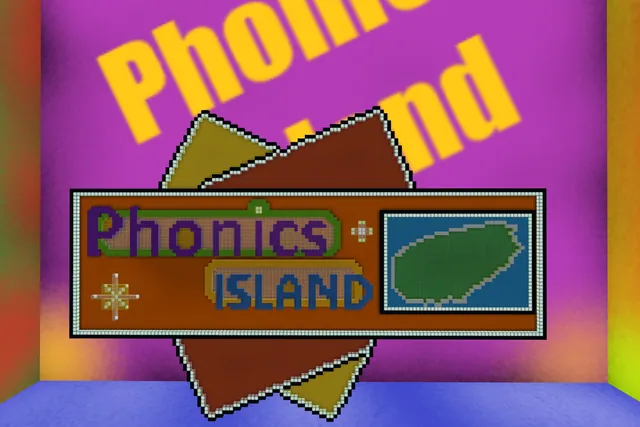
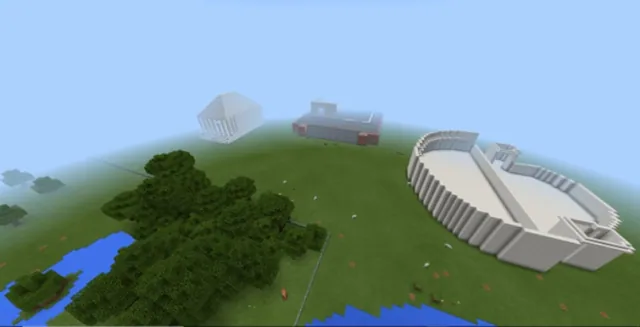
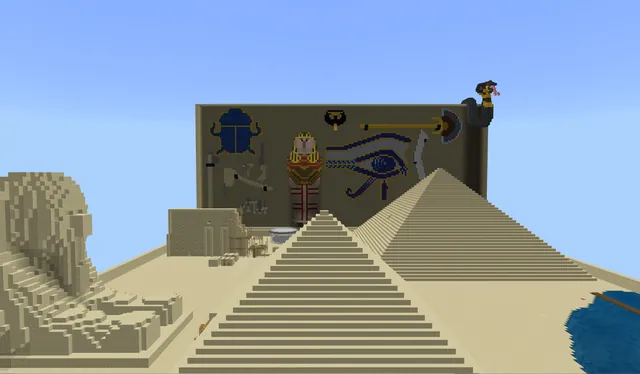
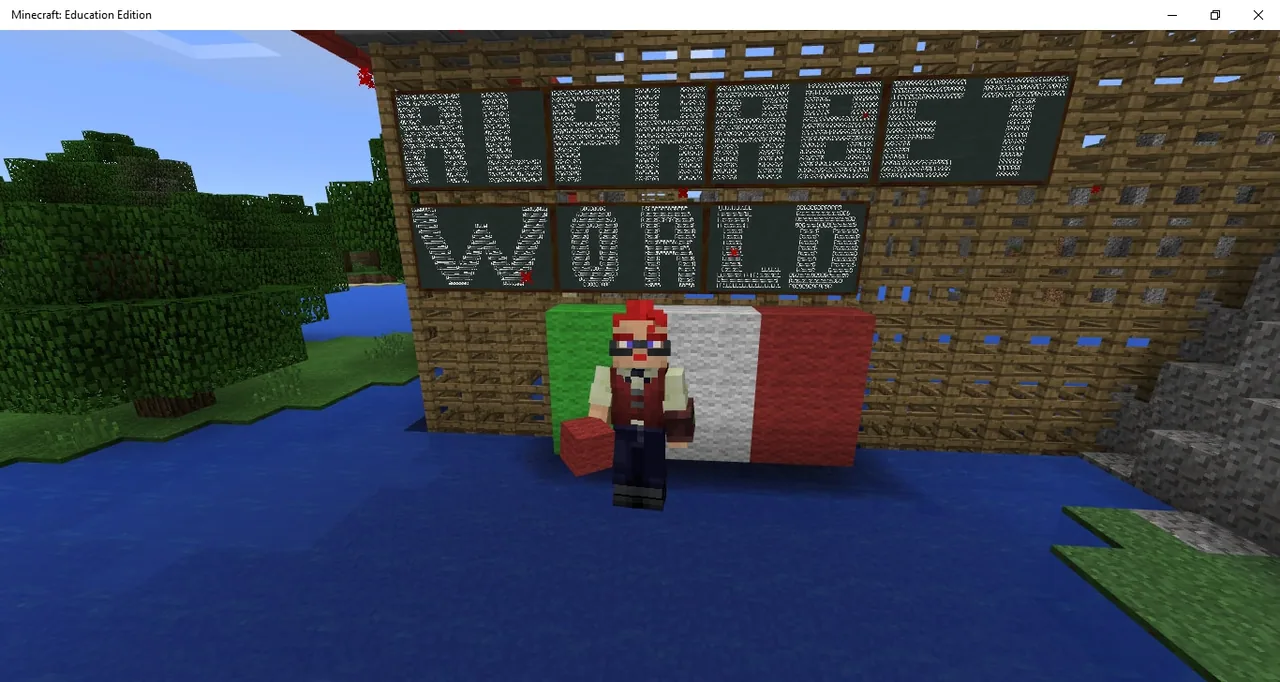
Alphabet World combines digital exploration with foundational literacy skills. Learners navigate guided routes through three distinct environments, connecting letter identification to vocabulary building and traditional handwriting.
Using Minecraft as an interactive landscape, students follow color-coded paths, locate letters from A to Z, recreate slate designs in allow block areas, and collaborate in a village zone to build three-dimensional models of words from their lists.
Learning objectives
By the end of this lesson students will be able to:
- Write words on paper that begin with each letter discovered along the path.
- Build block letters that match the models displayed on slates in allow block areas.
- Construct a three-dimensional representation of a word recorded on paper.
- Collaborate with peers when building shared vocabulary concepts in the building area.
Blocks and items used in this lesson


Key vocabulary
- Allow block
- A special block in Minecraft that designates an area where players are permitted to build and place blocks.
- Slate
- A small sign or board in Minecraft used to present text or simple visual reference guides.
- Alphabet
- The standard series of letters from A to Z used to represent the sounds of a language in writing.
Before class
Lesson sequence
- Zone 1: Blue Path Letter Hunt
Equip students with pencils and paper, then direct them to follow the blue path. Students discover each letter from A to Z and write down at least one word starting with each discovered letter on their paper.
- Zone 2: Stables and Yellow Path Building
After finding the letter Z, students leave their horses in the stable and switch to the yellow path. They travel to designated allow block areas to build the letters shown on the slates and record additional, unique words on their sheets.
- Zone 3: Remote Village and Vocabulary Construction
Students cross the long bridge originating from the remote village to enter the large allow block zone. Here, learners build an object or concept they wrote down on their paper, collaborating with peers who chose similar words.
- Review and Gallery Walk
Students walk through the final build area to view classmates' constructed words, checking off the built items against their own word sheets to reinforce letter-word connections.
Assessment: success criteria
- Student wrote at least one appropriate word on paper for every letter found in Zone 1.
- Student accurately built letter structures in Zone 2 based on the slate models.
- Student successfully constructed a block model corresponding to a recorded word in Zone 3.
- Student maintained focus along the colored paths and collaborated respectfully during the shared build.
Differentiation
Provide a partially completed Alphabet Sheet with starter words or allow students to work in pairs while navigating the blue path.
Require students to write multiple distinct words per letter or challenge them to create a multi-part scene for their chosen word in Zone 3.
Knowledge check
5 questions to check understanding after the lesson. Tap an answer to see if it is right; the score appears at the end.
1What offline tools do students need while exploring the first zone?
Answer: A. The source specifies that students use a pencil and blank paper to write down words for each letter found.
2Which colored path guides students to discover letters from A to Z in the first zone?
Answer: B. The lesson details that learners must follow the blue path through the first zone to find letters A through Z.
3What should students do with their horses before entering the second zone?
Answer: C. The source notes that after letter Z, students leave their horses in the stable before following the yellow path.
4What are learners expected to construct in the allow block areas along the yellow path?
Answer: D. In Zone 2, students follow the yellow path to allow block areas where they build the letters shown on the slates.
5What do students build in the final allow block area reached via the long bridge?
Answer: B. In the third zone, students build something they have recorded on their paper, collaborating if they share the same word.
Resources
- Lesson package (.zip)Everything the author attached to this lesson in one download.
- The Alphabet SheetThe file of the Alphabet Sheet
- The Alphabet PortfolioThe file of the Alphabet Portfolio
- The Alphabet LettersThe file of the Alphabet Letters
Part of the Language Learning curriculum
This is lesson 4 of 5 in Language Learning.
Frequently Asked Questions
What supporting files accompany this lesson?
The lesson lists three supporting files: The Alphabet Sheet, The Alphabet Portfolio, and The Alphabet Letters.
How can this lesson be adapted if students repeat the world?
When students revisit the world for a second session, challenge them to write more words per letter than they recorded during their initial attempt.
Adapted from Alphabet World by Marco Vigelini on Minecraft Education, last updated Jul 14, 2025. This classroom version, the timings and the quiz were written by 9Minecraft Education.