- Type
- Lesson plan
- Ages
- Ages 8-18
- Duration
- about 13 hours (suggested)
- Includes
- Quiz: 5 questionsLesson files
Why is tourism vital to the Welsh economy, and how can we showcase the country's key attractions in a visitor centre?
Overview
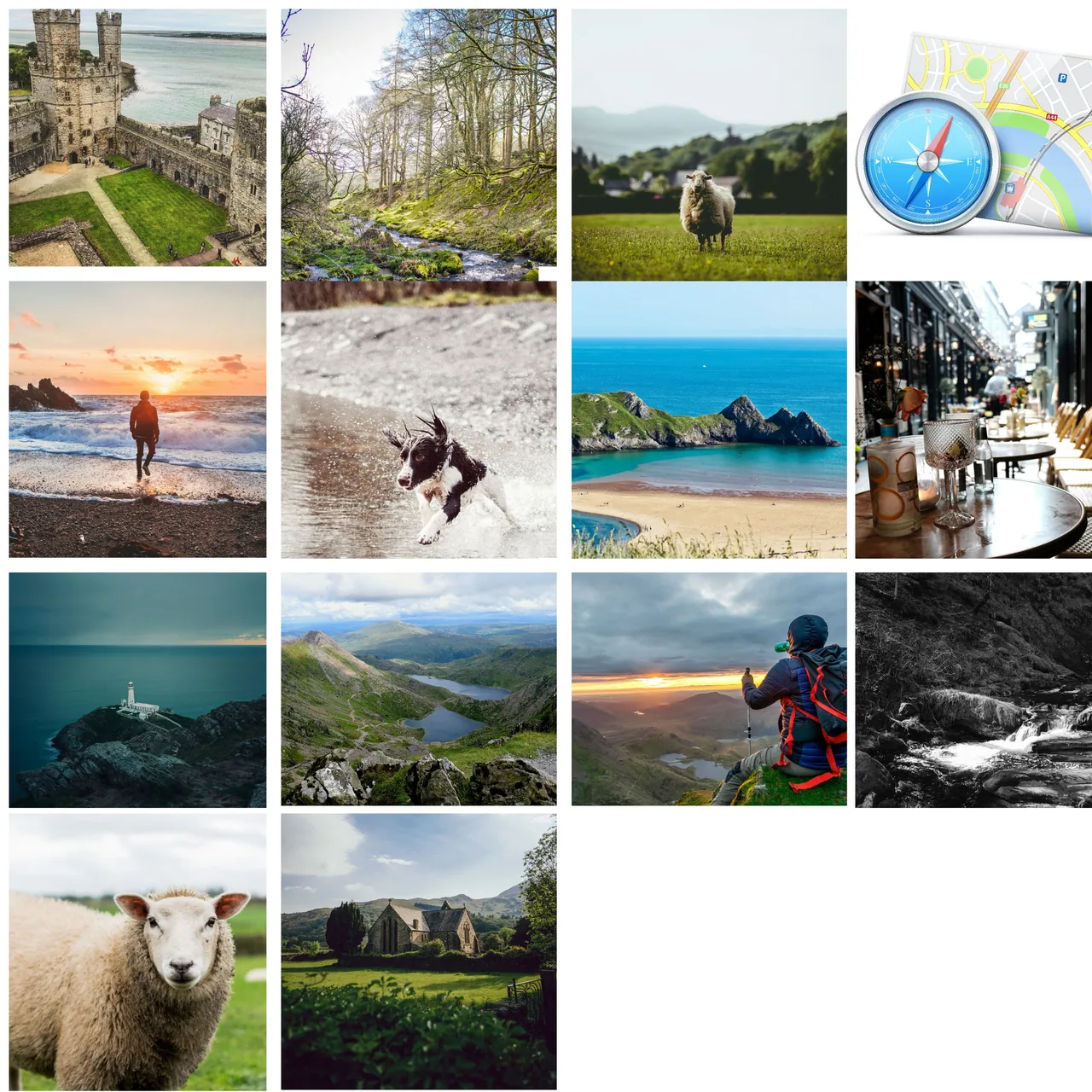
Tourism plays a vital role in local and national economies by celebrating cultural heritage, landmarks, and natural reserves. In this unit, learners investigate the geography and history of Wales (Cymru) to understand why visitors travel to specific sites, from national parks and forests to iconic heritage destinations.
Using Minecraft Education as an interactive design space, student teams draft architectural blueprints on grid paper and translate their dimensions into a virtual Tourist Information Centre. Within their build, learners embed external digital resources using non-player characters (NPCs), signs, and chalkboards, concluding with a narrated video walkthrough of their completed facility.
Learning objectives
By the end of this lesson students will be able to:
- Investigate popular tourist destinations, landmarks, and parks across Wales.
- Design a scaled architectural layout using grid paper and collaborative planning.
- Construct a Tourist Information Centre in Minecraft Education that reflects research findings.
- Integrate external presentation resources using NPCs, chalkboards, and signs.
- Produce a narrated screen recording explaining the features and educational value of the centre.
Blocks and items used in this lesson


Key vocabulary
- Tourist Information Centre
- A dedicated facility providing visitors with guides, maps, and advice about local attractions.
- Scale
- The proportional ratio used to convert real or paper dimensions into blocks within Minecraft.
- NPC
- A non-player character in Minecraft that can display dialogue and hyperlink to external web documents.
Before class
Lesson sequence
Suggested timing: about 780 minutes in total.
- Stage 1: Welsh Tourism Research180 min
Learners investigate the significance of tourism to the economy of Wales (Cymru). Using various research methods, groups explore landmarks, national parks, and key places of interest, collecting their findings into an ideas board using tools such as Microsoft Sway or Flipgrid to determine what to highlight.
- Stage 2: Layout and Scale Planning120 min
Teams evaluate their research to decide which regional attractions will be represented within their centre. Students establish the height, length, and width of the building, sketching a scaled blueprint on grid paper and discussing structural zones before opening the game world.
- Stage 3: Centre Construction240 min
Working collaboratively in Minecraft Education, students bring their paper blueprints to life. Teams construct the physical building, organizing designated exhibition spaces, reception areas, and information displays according to their agreed scale.
- Stage 4: Information Integration120 min
Learners create multimedia exhibits by placing NPCs throughout the facility and programming them with hyperlinks to online documents, Sway presentations, or slide decks. Students supplement these digital links with concise summaries written on in-game signs and chalkboards.
- Stage 5: Walkthrough and Sharing120 min
Each group records a screen capture walk-through with voiceover commentary. This recording allows learners to present the nuanced details of their research, explain their design choices, and share their completed builds with classmates.
Assessment: success criteria
- Research records demonstrate thoughtful selection of Welsh landmarks, parks, and cultural sites.
- Grid paper blueprint accurately specifies layout zones and structural dimensions.
- Minecraft build matches the planned architectural scale and layout.
- In-game NPCs, chalkboards, and signs successfully direct users to relevant informational content.
- Screen recording with voiceover clearly communicates the rationale behind the centre's features.
Differentiation
Provide structured note-taking frames and pre-scaled grid templates to assist groups during the research and planning stages.
Encourage advanced teams to design comparative exhibits highlighting the economic impact of multiple Welsh regions and embed detailed digital brochures.
Knowledge check
5 questions to check understanding after the lesson. Tap an answer to see if it is right; the score appears at the end.
1Which nation's tourism and economy serve as the focus for this research project?
Answer: A. The project asks learners to investigate popular tourist areas and the economy of Wales (Cymru).
2What should students complete during the planning stage before building inside Minecraft?
Answer: B. Learners are required to determine dimensions and draw out their building scale on grid paper before constructing.
3In addition to NPCs, which items are used to provide short informational text inside the centre?
Answer: C. The lesson specifically directs students to add smaller amounts of information using chalkboards and signs.
4What is the primary purpose of creating a screen recording with voiceover at the end of the project?
Answer: D. The walkthrough offers students an opportunity to explain nuances of their work that extend past the blocks in the world.
5How can learners connect external presentations such as Sway or PowerPoint directly into their Minecraft world?
Answer: B. External documents like Sway or PowerPoint are hyperlinked directly through appropriately placed NPCs.
Resources
Frequently Asked Questions
Does this lesson require a specific downloadable Minecraft world template?
No, the lesson does not rely on a custom world download. Students build their Tourist Information Centre in a standard Minecraft Education world based on their own grid-paper plans.
Which external digital tools can be integrated into the Minecraft build?
Students can assemble research using tools such as Microsoft Sway, Flipgrid, PowerPoint, or web-based documents, which are then linked inside the world via non-player characters.
How long is this project designed to take in the classroom?
The five project stages suggest approximately thirteen or more instructional hours, making it ideal for a comprehensive multi-week unit across geography, history, and literacy.
Adapted from Tourist Information Centre by Hwb MLCs on Minecraft Education, last updated Apr 27, 2021. This classroom version, the timings and the quiz were written by 9Minecraft Education.