- Type
- Lesson plan
- Subject
- Language Arts
- Topics
- Reading and Writing
- Ages
- Ages 6-10
- Includes
- Quiz: 5 questionsMinecraft world
How does changing a character or setting alter the plot of a fairy tale?
Overview
Students analyze the fundamental components of literature—character, setting, and plot—by reviewing familiar fairy tales. Working collaboratively and individually, learners examine how altering an essential element redirects the narrative trajectory of a story.
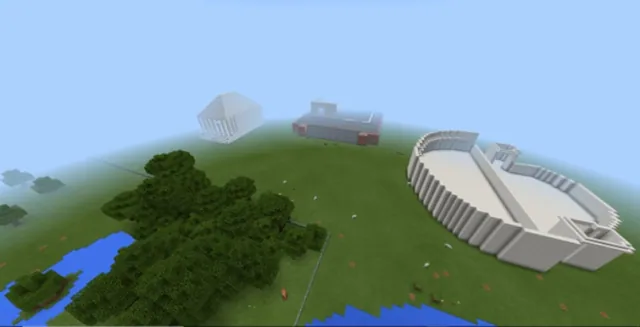
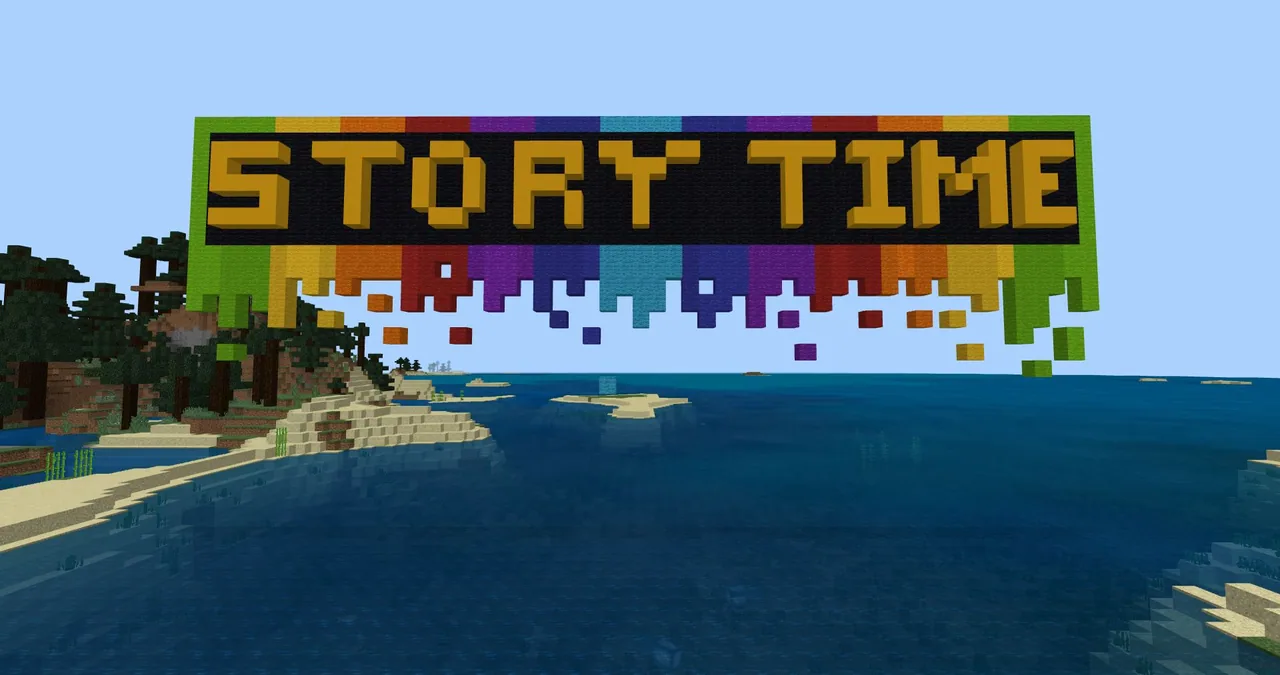
Using the StoryTime Setting world, students experience interactive scenes from Hansel and Gretel, The Three Little Pigs, and Jack and the Beanstalk. They then rebuild an alternative scene inside Minecraft, capturing their modified narrative using the in-game camera and portfolio.
Learning objectives
By the end of this lesson students will be able to:
- Retell the classic fairy tales Hansel and Gretel, The Three Little Pigs, and Jack and the Beanstalk in small groups.
- Identify and analyze the literary elements of character, setting, and plot.
- Navigate the StoryTime Setting world to experience guided fairy tale scenes.
- Build an altered scene in Minecraft that demonstrates a change in character, setting, or plot.
- Document narrative changes and explain their plot impact using the camera and portfolio.
Blocks and items used in this lesson


Key vocabulary
- Character
- A person, animal, or entity taking part in the narrative.
- Setting
- The specific place and environment where a story happens.
- Plot
- The sequence of events that make up the story.
- Portfolio
- An in-game item used to collect photos and record written descriptions.
Before class
Lesson sequence
- Oral Retelling and Element Charting
Organize students into groups of three. Each student verbally retells one story—Hansel and Gretel, The Three Little Pigs, or Jack and the Beanstalk—while partners add supporting details. Gather as a whole group to define character, setting, and plot, modeling an element chart and discussing how altering an element impacts the plot.
- World Orientation and Story Exploration
Launch the world facing the sky sign and demonstrate turning around on the dock to find the teleport buttons. Students interact with NPCs for directions and explore the three fairy tale areas, making sure to read signs along the paths so they do not get stuck.
- Story Modification and Planning
Learners choose one fairy tale, create their own story element chart, and sketch proposed changes to a character or setting. Students articulate in speech or writing how their chosen adjustment transforms the plot.
- In-Game Building and Documentation
Students construct their modified fairy tale scene in the Minecraft world. Using the camera and portfolio, they take a screenshot of their build and write sentences explaining the changes made to the story.
Assessment: success criteria
- Student accurately recounts one of the focus fairy tales with supporting details.
- Student completes an element chart proposing a change to a character or setting.
- Student builds a clear in-game representation of the revised scene.
- Student explains in the portfolio how the modification changes the original plot.
Differentiation
Allow students to present their story changes orally and provide hands-on help with reading signs or managing chest inventories.
Challenge learners to alter both a character and the setting simultaneously, constructing an elaborate scene with a detailed portfolio entry.
Knowledge check
5 questions to check understanding after the lesson. Tap an answer to see if it is right; the score appears at the end.
1Which three fairy tales are featured in the StoryTime Setting world?
Answer: B. The lesson specifically focuses on Hansel and Gretel, The Three Little Pigs, and Jack and the Beanstalk.
2What should students do immediately after spawning in the world to find the teleport buttons?
Answer: C. The teacher models turning around in place on the dock to reveal the three teleport buttons.
3Which in-game tools are used to capture the build and describe story changes?
Answer: A. The lesson directs students to take a picture of their build with the camera and document their ideas in the portfolio.
4If a player becomes lost or stuck, how can they return to the starting dock without losing progress?
Answer: D. The source notes that typing /remove @p in chat causes the player to respawn back at the starting dock by the water.
5Why is it important for students to read the in-game signs during the adventure?
Answer: B. The source explains that students who skip signs because they are excited or know the story often end up stuck.
Resources
Frequently Asked Questions
How can I prevent students from permanently breaking their adventure map?
Have students save a local backup copy of the world before they begin playing. If they break an essential item or block, they can easily reload the original world.
What controls do students need to understand before exploring the map?
Students must know how to open chests, transfer items into their inventory, interact with NPCs, press teleport buttons, and read in-game signs.
Adapted from Storytime Settings by Phygital Labs on Minecraft Education, last updated Jul 5, 2021. This classroom version, the timings and the quiz were written by 9Minecraft Education.