
- Type
- Lesson plan
- Ages
- Ages 6-13
- Duration
- 45 min
- Level
- Beginner
How can we model the vast structures of our universe and the relationships between stars and planets?
Overview
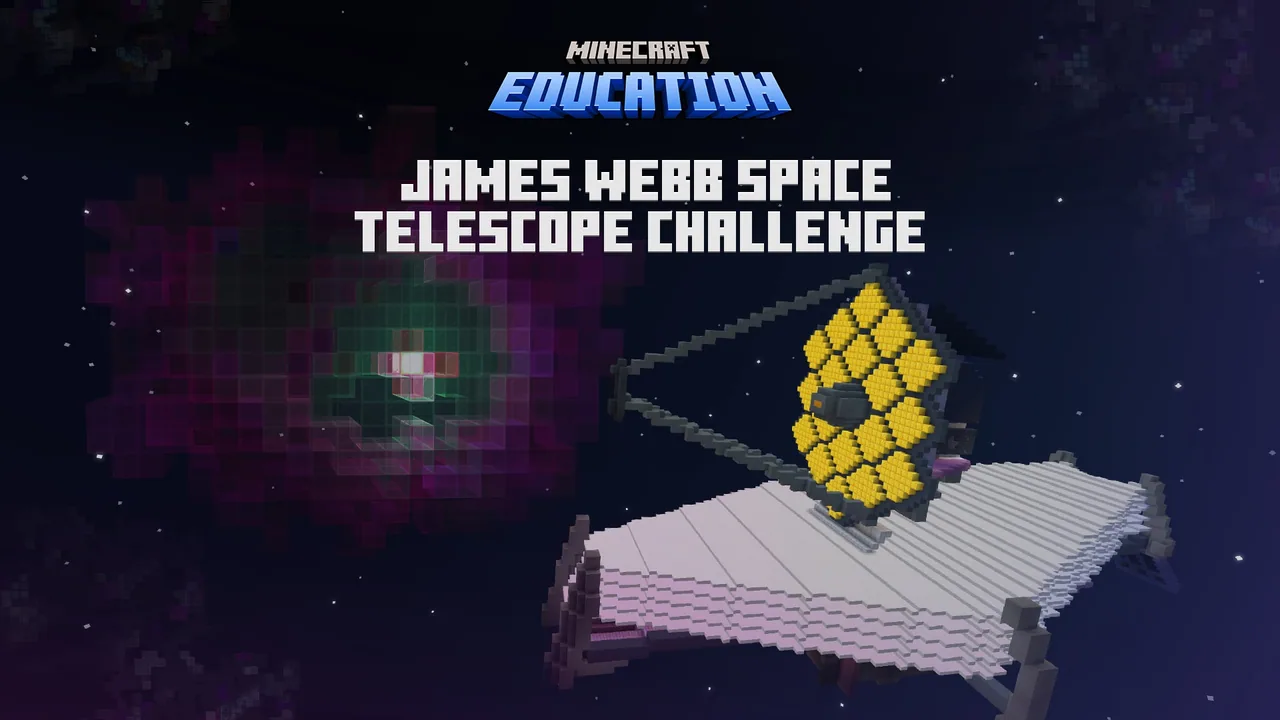
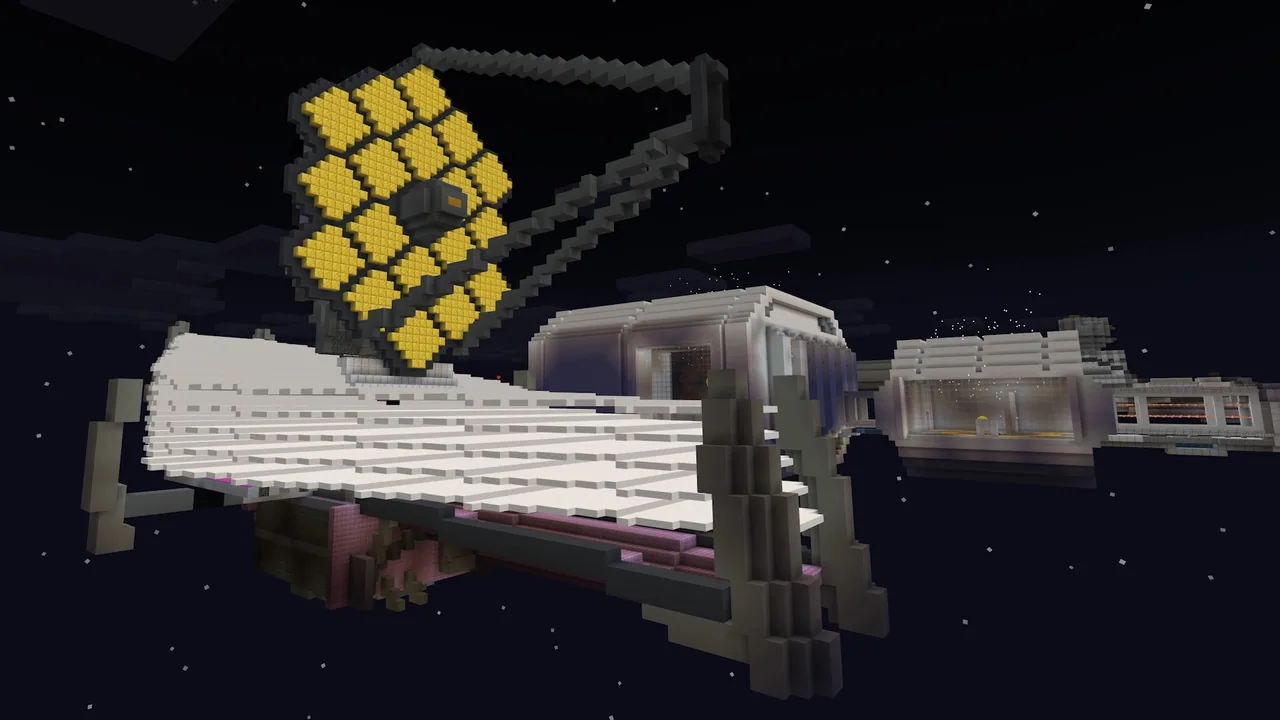
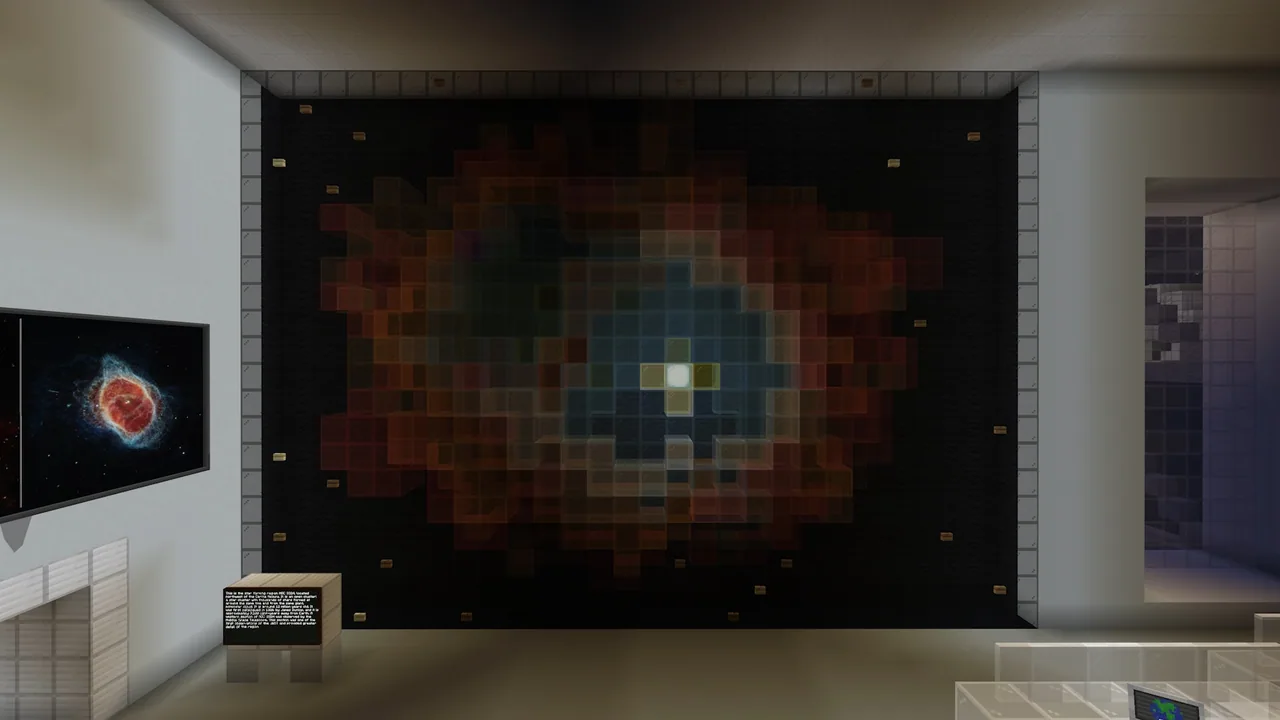
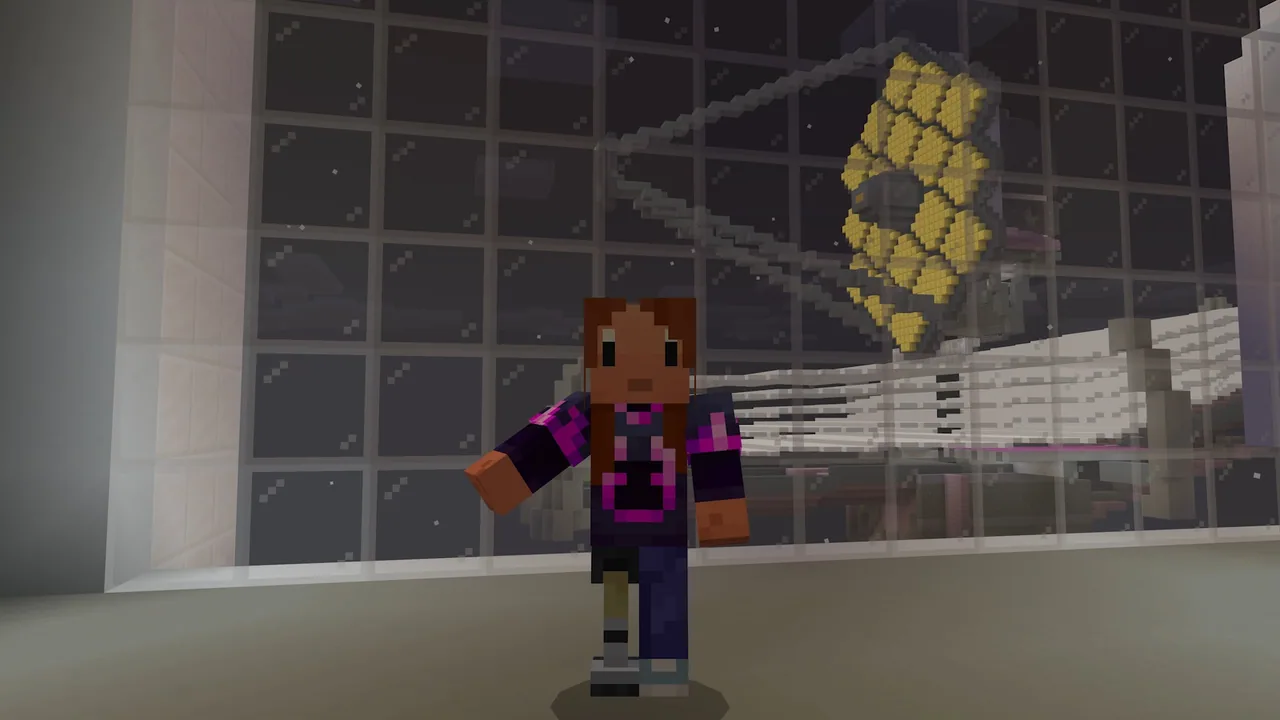
Space exploration pushes humanity to understand the origins of stars, planets, and galaxies. Inspired by modern astronomical research, this lesson invites learners to examine how instruments like the James Webb Space Telescope uncover the structure of our universe, contrasting diverse celestial bodies such as stars, planets, and black holes.
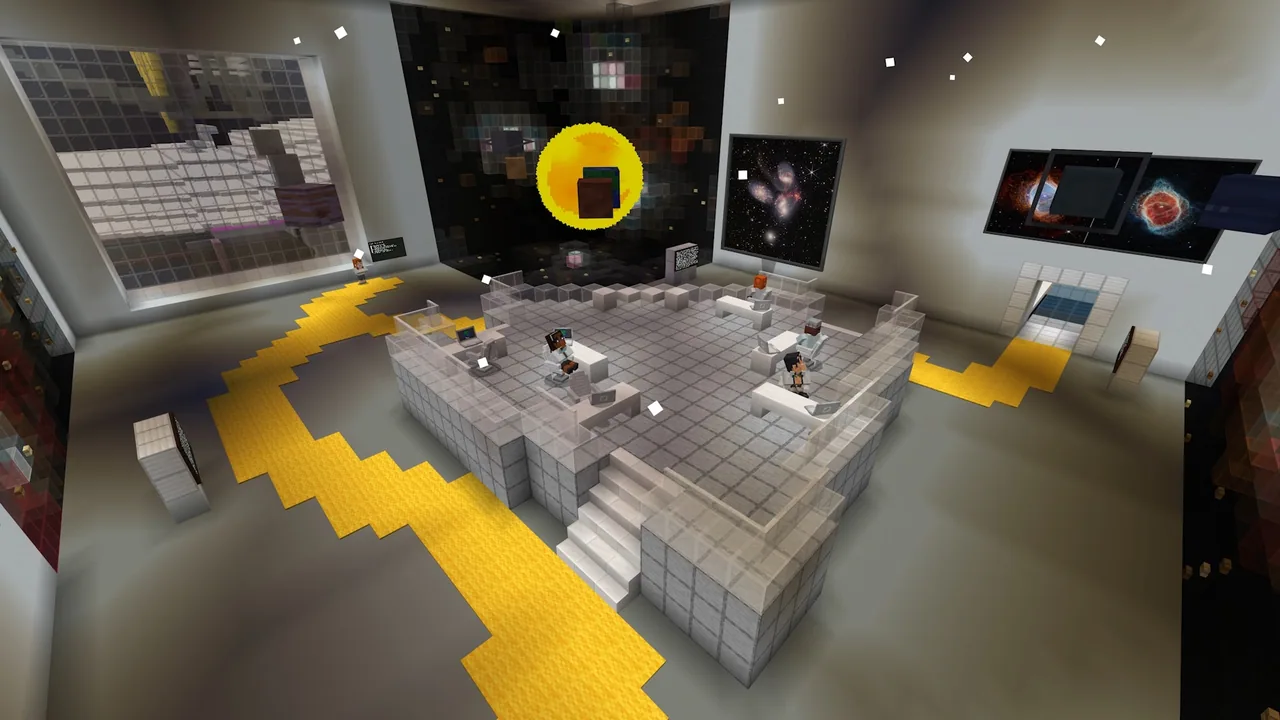
Inside Minecraft, students explore interactive exhibition rooms guided by Dr. Ceres to study stellar classifications, planetary traits, and galaxy structures. They then apply their learning by building custom solar systems, configuring orbital paths, and documenting their astronomical designs using in-game cameras and journals.
Learning objectives
By the end of this lesson students will be able to:
- Explain the function of the James Webb Space Telescope in collecting data about the universe.
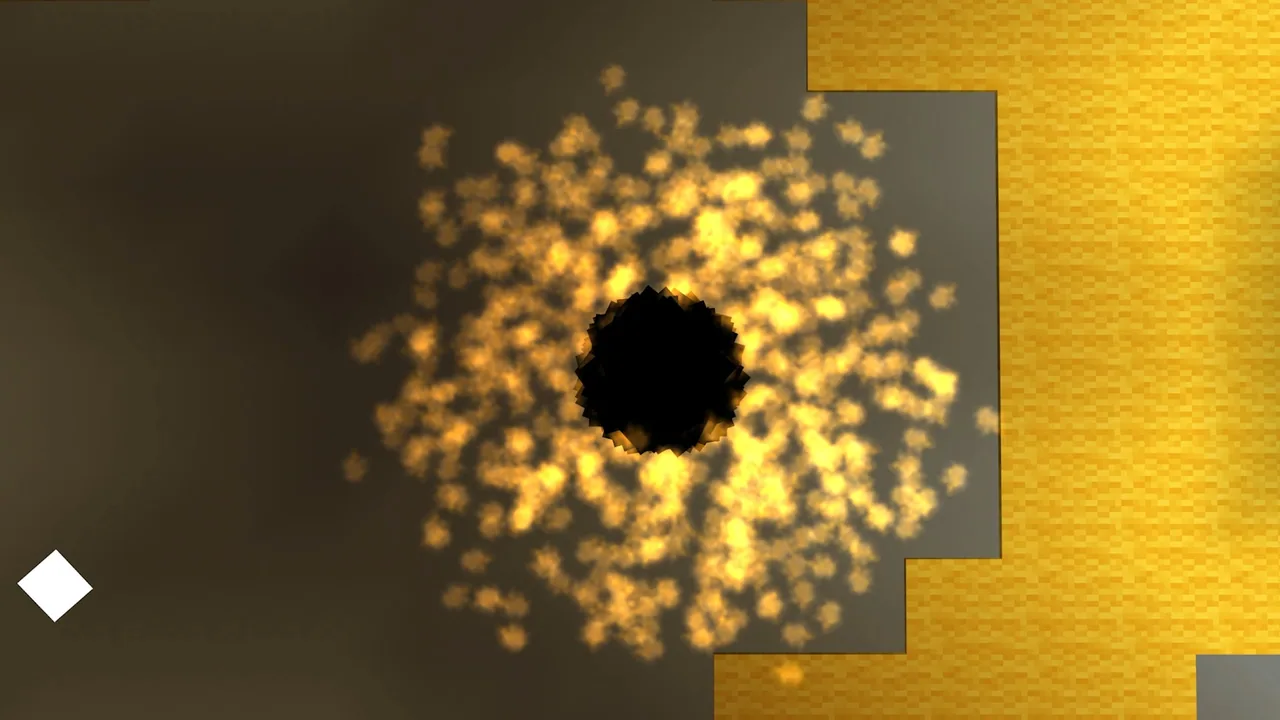
- Analyze differences between stars, planets, and other celestial objects like black holes.
- Build a functional model of a solar system displaying planets, orbits, and a central celestial body.
- Document observations and design decisions using the camera and book and quill.
Blocks and items used in this lesson


Key vocabulary
- Exoplanet
- A planet that orbits a star outside of our solar system.
- Orbit
- The curved path that an object takes around a central celestial body.
- Star Classification
- A scientific categorization system (such as O, B, A, F, G, K, M) based on a star's physical characteristics.
- Black Hole
- A celestial object with gravity so dense that neither matter nor light can escape from it.
Before class
Lesson sequence
Suggested timing: about 45 minutes in total.
- Orientation and Briefing5 min
Introduce the lesson topic and discuss the James Webb Space Telescope. Have students load the world, speak to Dr. Ceres for a challenge overview, and complete or skip the controls tutorial according to their comfort level.
- Station Exploration15 min
Students visit distinct exhibition rooms to study astronomical concepts:
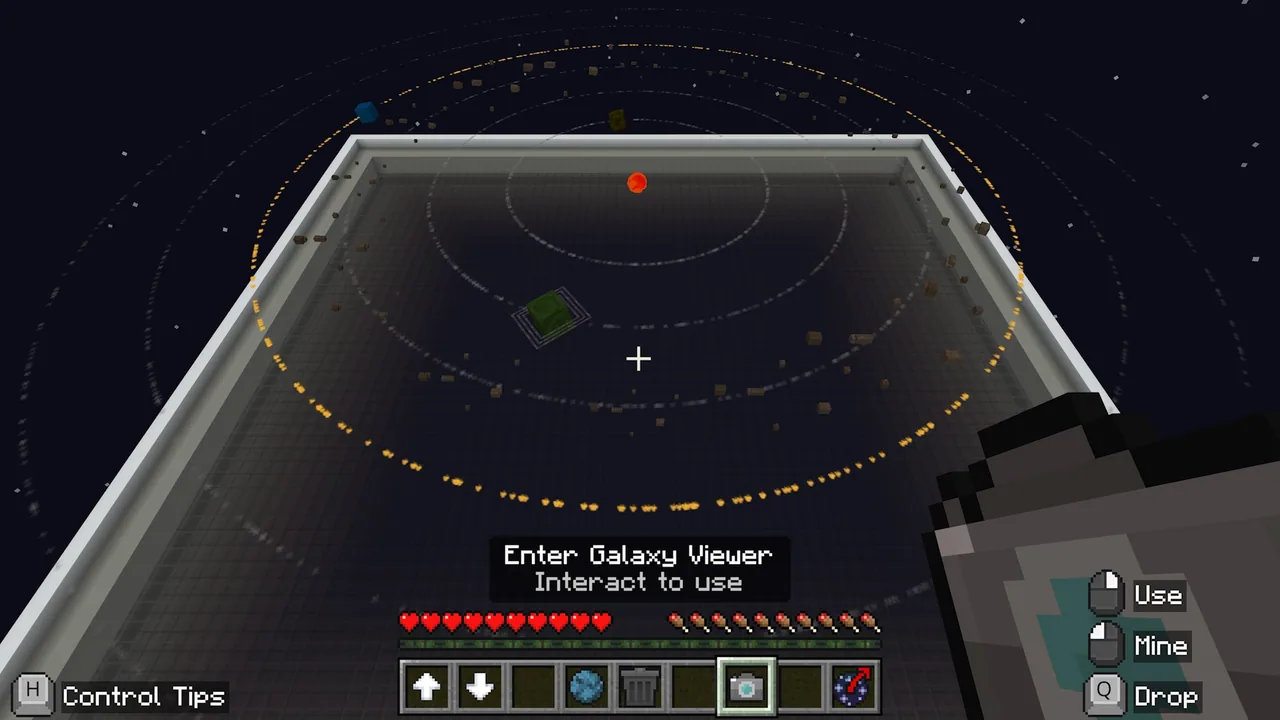
- Solar System Room: Study the diorama to inspect stars, planets, and exoplanets while logging notes and screenshots.
- Star Formation: Use interactive buttons to examine star types (O, B, A, F, G, K, M).
- Planet Characteristics & Galaxy Room: Inspect planetary sizes, colors, and rotations, then speak with Dr. Ceres about galaxies and black holes.
- Solar System Build Challenge15 min
Learners consult Dr. Ceres to begin the build challenge. Each student chooses a central object—either a star or a black hole—creates orbital rings, and customizes orbiting planets or asteroid belts by adjusting size, color, rotation speed, and rings.
- Documentation and Sharing10 min
Learners record their scientific choices and builds using the in-game camera and book and quill. Students conclude by presenting their systems to peers, explaining the scientific principles behind their planetary arrangements.
Video
Inside the lesson world
Assessment: success criteria
- Demonstrates understanding of the telescope's role in studying stars, planets, and galaxies.
- Accurately applies scientific concepts when designing celestial bodies and orbital structures.
- Constructs a complete solar system model with a chosen central object and customized planetary features.
- Documents observations and design rationale clearly using in-game screenshots and notes.
Differentiation
Allow learners to build a basic system with a central star and two simple planets before attempting rings or varied rotation speeds.
Challenge students to simulate star formation stages from nebulae, design exoplanets with potential alien ecosystems, or construct spiral, elliptical, and irregular galaxies.
Knowledge check
5 questions to check understanding after the lesson. Tap an answer to see if it is right; the score appears at the end.
1Which in-game character guides students through the learning rooms and challenge instructions?
Answer: B. Dr. Ceres is the guide who introduces the build challenge and explains the galaxy modules.
2What stellar classification sequence do students investigate in the star formation area?
Answer: A. The star formation module uses interactive buttons to teach the standard O, B, A, F, G, K, M star types.
3What two options can students choose from as the central object of their built solar system?
Answer: C. Students begin their build challenge by choosing either a star or a black hole as the system center.
4Which in-game tools are designated for documenting observations and design progress?
Answer: D. Students are instructed to take screenshots with the camera and record notes using the book and quill.
5According to the extended build challenge options, which three galaxy shapes can students create?
Answer: B. The extended build challenge lists spiral, elliptical, and irregular as the galaxy types students can model.
Resources
- Lesson package (.zip)Everything the author attached to this lesson in one download.
- Educator Guide and lesson planEducator Guide and lesson plan for James Webb Telescope Challenge
- Lesson worldOpens the world page in Minecraft Education (sign-in with a school account may be needed).
Frequently Asked Questions
Do students need prior experience with Minecraft controls?
No. The world includes an optional controls tutorial at the start that beginners can take, while students familiar with Minecraft can skip straight to Dr. Ceres and the learning modules.
How can teachers expand the lesson beyond the 45-minute limit?
Teachers can use the extended challenge ideas provided in the lesson, such as having students design exoplanet ecosystems, simulate multi-stage star formation, or model astronomical phenomena like supernovae and black holes.
Adapted from James Webb Space Telescope Challenge by Minecraft Education on Minecraft Education, last updated Sep 29, 2025. This classroom version, the timings and the quiz were written by 9Minecraft Education.








































