- Type
- Lesson plan
- Subject
- Math
- Topics
- Math & Economics
- Grade
- Primary (Grades 3-5)
- Ages
- Ages 8-10
- Includes
- Quiz: 5 questions
How can visual area models help us understand and solve fraction multiplication in real-world contexts?
Overview
Visual area models help students bridge the gap between abstract arithmetic and conceptual understanding. When multiplying fractions, representing products as overlapping rectangular dimensions allows learners to see why parts of parts result in specific fractional values.
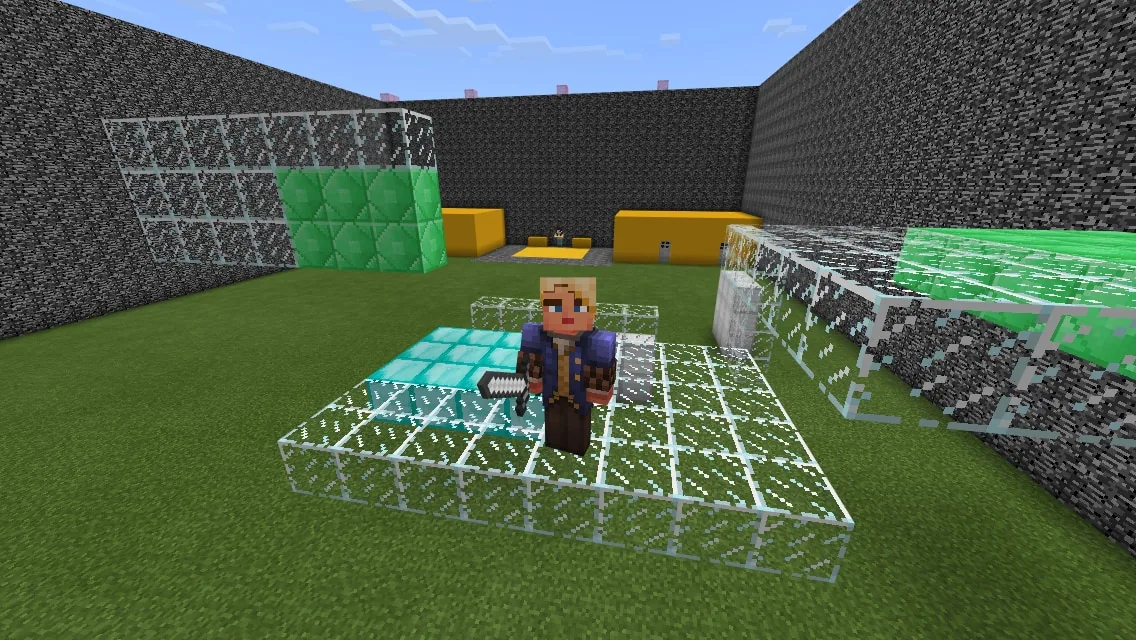
In this activity, students divide into Gold and Purple teams to construct, label, and document three-dimensional fraction models inside Minecraft. After reviewing peers' work for mathematical precision, the class transitions into a Capture the Flag game where teams work together to locate and destroy the opponent's flag.
Learning objectives
By the end of this lesson students will be able to:
- Solve real-world fraction multiplication problems on paper and in Minecraft.
- Construct and label visual fraction models representing multiplication equations.
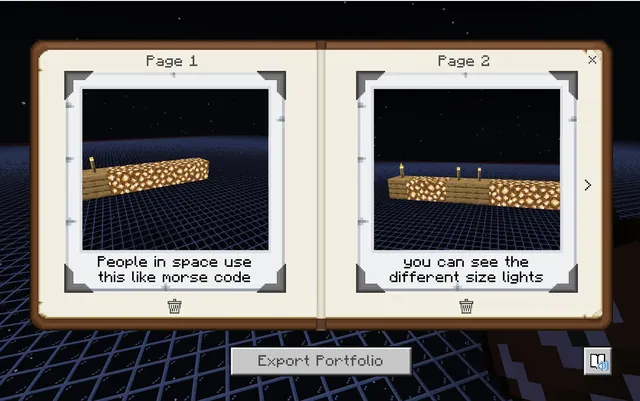
- Document mathematical models using the in-game portfolio.
- Evaluate classmate models during peer review to determine mathematical accuracy.
Blocks and items used in this lesson


Key vocabulary
- Area Model
- A visual representation that uses rectangular shapes to illustrate multiplication.
- Fraction Multiplication
- The process of finding a fractional part of another quantity or fraction.
- Peer Review
- Evaluating another student's work to confirm correctness and offer feedback.
Before class
Lesson sequence
- Team Entry and Setup
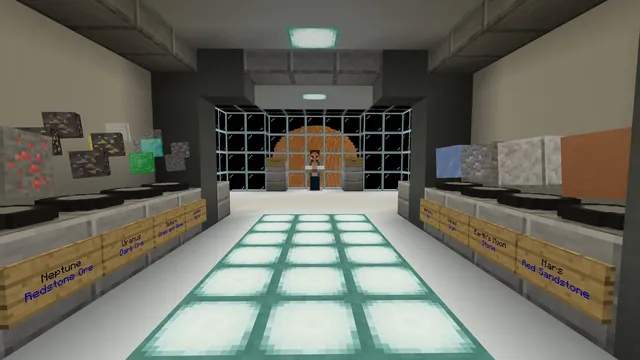
Students join the world and put on their assigned Gold or Purple team skin. The teacher presses the Build the Map button to teleport players to the selection room and into the build arena.
- Model Construction and Documentation
Present the three fraction multiplication problems. Students build area models for each equation, label their dimensions, and record their work using the portfolio. Students needing assistance can interact with the NPC behind the flag to view help videos.
- Peer Review
Students inspect at least three different models created by classmates. They analyze whether the block dimensions accurately represent the fraction multiplication equations.
- Capture the Flag Mini-Game
The teacher presses the Play Game button to teleport players into their team locker rooms. Students select their characters, enter the arena, and coordinate to destroy the opposing team's flag.
Assessment: success criteria
- Student accurately solves assigned fraction multiplication problems on paper.
- Student builds correct three-dimensional area models matching the fraction equations.
- Student documents labeled models within the in-game portfolio.
- Student completes at least three constructive peer reviews assessing model accuracy.
Differentiation
Instruct students who struggle with building models to watch the guidance videos available from the NPC behind the flag.
Have advanced students explain how their area models could be adapted to multiply mixed numbers.
Knowledge check
5 questions to check understanding after the lesson. Tap an answer to see if it is right; the score appears at the end.
1Which two team skins do students choose between when joining the map?
Answer: B. The lesson specifies that students equip either the Gold Team skin or the Purple Team skin.
2Where can students find help videos if they get stuck during the building phase?
Answer: A. The source notes that help videos are located in the NPC standing behind the flag.
3How many multiplying fraction problems does the teacher assign to students?
Answer: D. The teacher provides students with three multiplying fraction problems to model.
4How many math models is each student required to peer review before the game begins?
Answer: C. Students are instructed to peer review at least three math models before starting the mini-game.
5What is the primary objective of the Capture the Flag mini-game?
Answer: B. During the final mini-game, players enter the arena and attempt to destroy the opposing team's flag.
Frequently Asked Questions
How do students capture their work for assessment?
Students document their built and labeled models directly inside the in-game portfolio for teacher evaluation and peer review.
What button starts the Capture the Flag match?
The teacher presses the Play Game button, which teleports all learners into locker rooms to select characters and begin the match.
Adapted from Fraction Capture the Flag 5NF by Minecraft Education on Minecraft Education, last updated Apr 30, 2019. This classroom version, the timings and the quiz were written by 9Minecraft Education.