- Type
- Lesson plan
- Ages
- Ages 8-13
- Duration
- about 70 min (suggested)
How do our daily spending, saving, and payment choices influence our overall financial well-being?
Overview
Learning to manage money, differentiate needs from wants, and select suitable payment methods are vital life skills. In this lesson, students engage in simulated economic decision-making by balancing cash flow, exploring banking options, and weighing the consequences of buying versus leasing major assets.
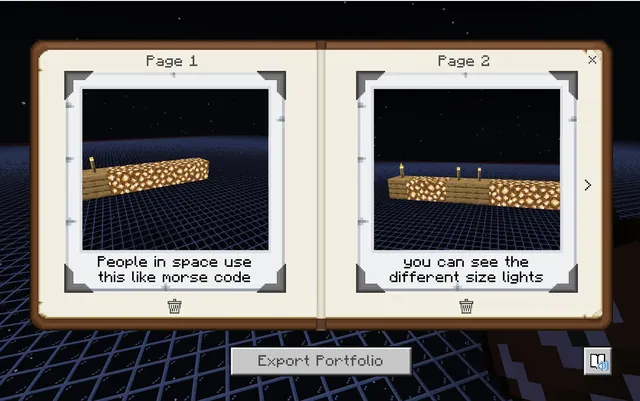
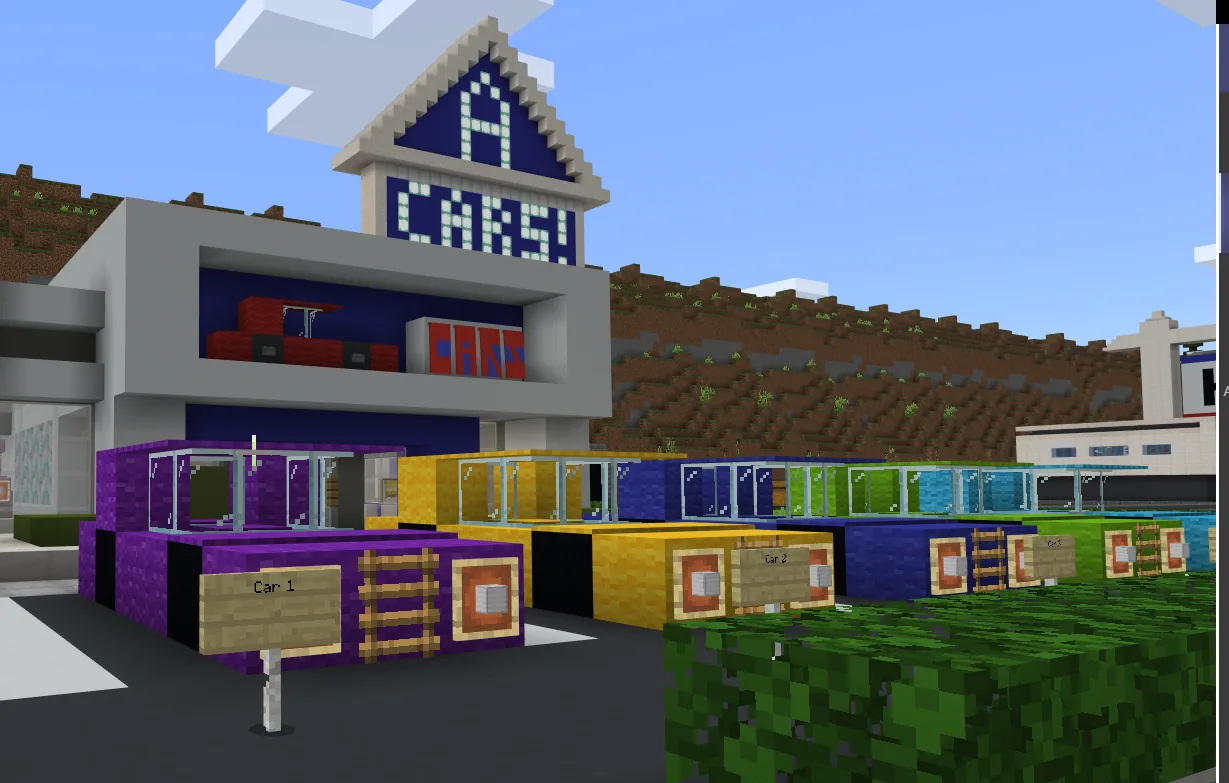
Using Minecraft as an interactive community, learners visit locations such as a shopping plaza, auto mall, bank, and residential area. Automated in-game systems handle earnings and expenses while students use an in-game camera and Book and Quill to record their transactions, assess price fairness, and reflect on their financial habits.
Learning objectives
By the end of this lesson students will be able to:
- Identify different methods of payment, including cash, savings accounts, and credit accounts.
- Distinguish between essential living expenses and non-essential spending.
- Explain the roles of earning, spending, saving, and investing in personal finance.
- Calculate total spending and determine remaining funds at the conclusion of an activity.
Blocks and items used in this lesson


Key vocabulary
- Savings Account
- A bank account designated for storing money securely to use in the future.
- Credit Account
- A banking setup that allows a person to borrow money to make purchases, which must be repaid later.
- Investing
- Using money to purchase assets with the goal of earning future financial returns.
- Essential Expenses
- Necessary costs required for basic living, such as groceries, housing, and transportation.
- Non-Essential Expenses
- Optional purchases made for leisure or entertainment, such as fast food, music, and pets.
Before class
Lesson sequence
Suggested timing: about 70 minutes in total.
- Orientation and Starting the World10 min
Introduce the lesson concepts: earning, saving, spending, and investing. Instruct students to load into the world, approach the starting Non-Player Character to activate the activity, and collect an in-game camera to record their journey.
- Open Exploration and Financial Decisions25 min
Students navigate the town freely, visiting the bank, auto mall, shopping plaza, park, and residential areas. While the game tracks transactions and automated expenses, students choose payment methods, decide between buying or leasing homes and cars, and balance needs against wants.
- Documenting Choices10 min
Using the camera and a Book and Quill, students document their key transactions, note whether goods were reasonably priced, and record their reasoning behind major financial commitments.
- Closing Finances at City Hall10 min
Direct all students to city hall to speak with the Non-Player Character inside, which halts passive income and recurring deductions. Students tally their remaining money and may choose to sell owned cars or houses for additional funds.
- Debrief and Reflection15 min
Gather the class to compare final account balances, discuss the pros and cons of using credit versus savings, and reflect on what financial strategies they would alter in a repeat run.
Assessment: success criteria
- Student accurately calculates final balances and total costs recorded during gameplay.
- Student Book and Quill records include clear photo documentation and explanations of financial choices.
- Student correctly distinguishes essential needs from non-essential wants during class discussions.
- Student articulates the advantages and drawbacks of different payment methods, such as cash, savings, and credit.
Differentiation
Provide a simple checklist of essential stops (such as the bank and grocery store) to help students manage essential purchases before spending on entertainment.
Have students replay the scenario using an alternate financial strategy, such as leasing assets instead of buying, to compare their ending capital.
Knowledge check
5 questions to check understanding after the lesson. Tap an answer to see if it is right; the score appears at the end.
1Which location must students visit at the end of the simulation to stop ongoing income and expenses?
Answer: B. Speaking to the Non-Player Character inside city hall concludes active income and expenses so students can calculate their ending balance.
2What item can students acquire from the starting Non-Player Character to help document their choices?
Answer: C. Students can pick up a camera from the initial character to take photos of their purchases and activities.
3According to the lesson, which of the following is categorized as an essential expense?
Answer: A. The source identifies groceries, shelter, and transportation as essential expenses, while items like fast food and pets are non-essentials.
4What financial action can students take with their purchased house or car at the end of the activity?
Answer: D. Students who purchased a home or car have the option to sell those assets at the end to add to their final funds.
5Which in-game item is used alongside camera photos to record financial choices for assessment?
Answer: B. The lesson assessment mentions using the Book and Quill to document decisions and reflections.
Resources
- Lesson package (.zip)Everything the author attached to this lesson in one download.
- Teacher Preparation NotesA document that outlines important notes to consider when facilitating the activity.
- Financial Literacy World Lesson PlanA document that includes all of the lesson's information.
Frequently Asked Questions
How does the game track student spending and income?
Purchases, passive earnings, and recurring expenses are automatically calculated by the in-game mechanics throughout the session until students check in at city hall.
Can students repeat the lesson to test different outcomes?
Yes, students are encouraged to replay the activity multiple times to see how different spending, saving, or payment choices change their ending balances.
Adapted from Financial Literacy World by Blaise Patterson Patterson on Minecraft Education, last updated Feb 28, 2025. This classroom version, the timings and the quiz were written by 9Minecraft Education.