
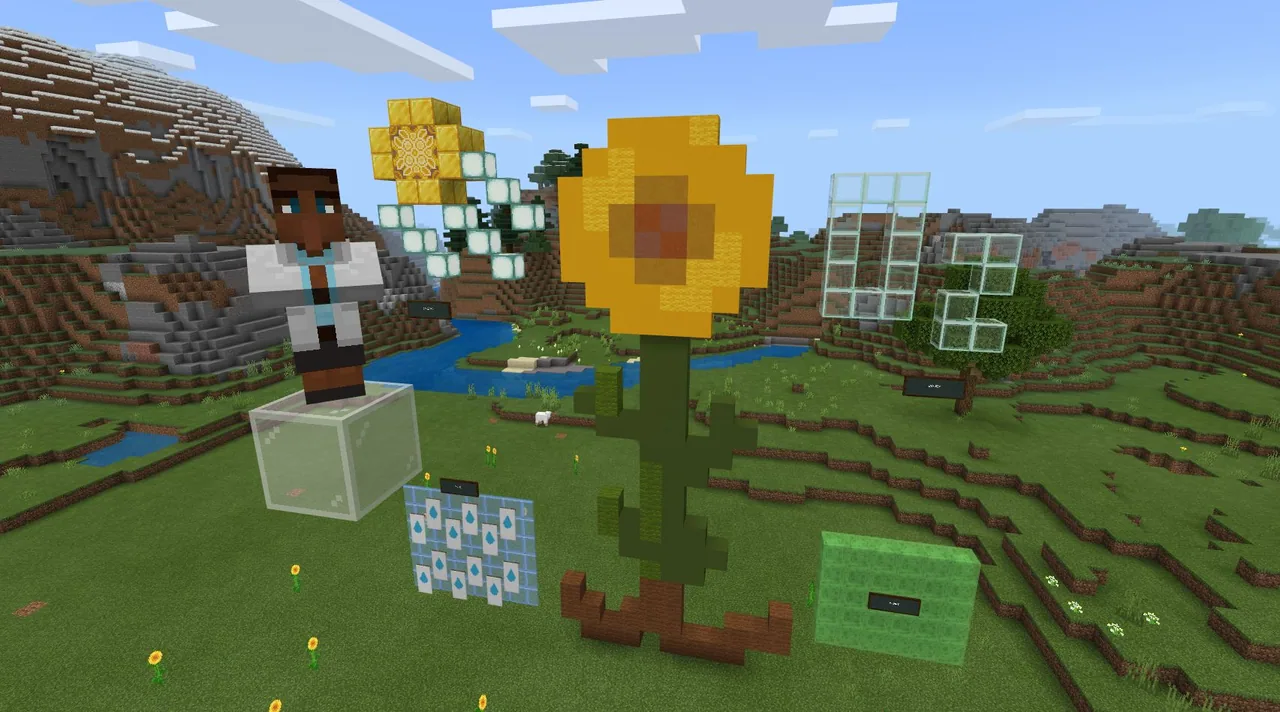
How can creative construction challenges help us develop critical thinking and communication skills?
Overview
The Build Challenge Starter Kit offers educators a practical entry point for integrating game-based learning into both in-person classrooms and remote instruction. Designed for learners of all ages, these activities present structured construction prompts that foster essential twenty-first-century competencies, including creative problem-solving, analytical thinking, and clear communication across science, technology, and computer science.
Students log in using their educational accounts and open dedicated challenge world files to start designing. By completing core build objectives, tackling optional extension tasks, and sharing their solutions with peers, learners actively apply technical knowledge and creative design principles in an open digital space.
Learning objectives
By the end of this lesson students will be able to:
- Access and launch designated build challenge world files using educational credentials.
- Design and construct a creative solution that satisfies the main challenge objective.
- Apply critical thinking and communication skills to explain a finished model.
- Attempt optional extension tasks to expand upon the core project requirements.
Blocks and items used in this lesson


Key vocabulary
- Build Challenge
- A structured prompt or task that requires learners to design and build a creative solution.
- World File
- A digital file that opens directly in the application to load a specific challenge environment.
- Extension Activity
- An additional task provided to take learning and building deeper once the main goal is reached.
Before class
Lesson sequence
Suggested timing: about 70 minutes in total.
- Login and Introduction10 min
Guide students through logging in with their educational credentials. Introduce the chosen build challenge and review the primary objective, using the introductory video if available.
- World Launch and Planning10 min
Have students double-click the challenge world file to open the digital workspace. Allow time for learners to inspect the starting area and sketch or discuss their construction ideas.
- Core Build Phase25 min
Students construct their solutions to satisfy the challenge objective. Move between students to offer feedback, prompting them to explain their design choices and use critical thinking to overcome obstacles.
- Extension and Refinement10 min
Encourage learners who finish early to attempt the challenge extension activities. Other students use this window to finalize their builds and check their work against the main objective.
- Presentation and Reflection15 min
Have learners share their completed creations with classmates or prepare work to share with the broader community. Discuss how communication and creativity supported their building process.
Assessment: success criteria
- The learner successfully signs in and opens the required challenge world file.
- The final construction meets the main objective outlined in the challenge prompt.
- The learner clearly communicates the purpose and features of their finished design.
- The learner demonstrates problem-solving when navigating constraints or extension activities.
Differentiation
Assist learners with account access and world file launching, keeping the building focus strictly on the basic main objective.
Direct advanced learners to complete the optional extension activities or incorporate multi-step design elements.
Knowledge check
5 questions to check understanding after the lesson. Tap an answer to see if it is right; the score appears at the end.
1Which type of account is needed to log in and access the full experience?
Answer: B. The guide specifies logging in with a valid Office 365 Education school account.
2What is the primary educational goal of these build challenges?
Answer: B. The challenges are created to engage creativity and strengthen skills like communication, collaboration, and critical thinking.
3Which devices are explicitly supported according to the installation instructions?
Answer: A. The quick start guide lists Windows, Mac, and iPad as the installation platforms.
4How can students deepen their learning after finishing the main build prompt?
Answer: C. The resource provides extension activities for each challenge to extend classroom learning.
5How do learners open a downloaded challenge world?
Answer: C. Double-clicking the challenge world file launches it directly in the app.
Resources
- Lesson package (.zip)Everything the author attached to this lesson in one download.
- Minecraft: Education Edition Build Challengesen_US
- Byggeudfordringer Minecraft Education Edition Build Challengesda-DK
- Desafíos de construcción Minecraft Education Edition Build Challengeses-MX
- Défis de construction Minecraft Education Edition Build Challengesfr-FR
- Sfide di costruzione Minecraft Education Edition Build Challengesit-IT
- ビルド チャレンジ Minecraft Education Edition Build Challengesja-JP
- 빌드 챌린지 Minecraft Education Edition Build Challengesko-KR
- Byggeutfordringer Minecraft Education Edition Build Challengesnb-NO
- Bouwuitdagingen Minecraft Education Edition Build Challengesnl-NL
- Wyzwania konstruktorskie Minecraft Education Edition Build Challengespl-PL
- Desafios de Construção Minecraft Education Edition Build Challengespt-BR
- Флешмобы Minecraft Education Edition Build Challengesru-RU
- Byggutmaningar Minecraft Education Edition Build Challengessv-SE
- Minecraft Education Edition Build ChallengesIndonesian, id-ID
- Minecraft Education Edition تحديات الإصدارArabic
Frequently Asked Questions
Can these build challenges be used for distance or hybrid learning?
Yes, the challenges are designed to be easily implemented whether teaching students together in the classroom or working remotely from home.
What can a student do if they do not yet have an eligible school account?
Students without a valid account can download the application to access a free demo lesson while account access is being arranged.
How many build challenges are included in this starter resource?
The guide contains a selection of ten introductory build challenges complete with links to their accompanying world files.
Adapted from Build Challenge Starter Kit by Minecraft Education on Minecraft Education, last updated Apr 27, 2020. This classroom version, the timings and the quiz were written by 9Minecraft Education.








































