
- Type
- Lesson plan
- Ages
- Ages 8-13
- Duration
- 45 min
- Level
- Beginner
- Includes
- Quiz: 5 questions
Why are viaducts vital to road networks, and what roles are required to design and build them?
Overview
Large civil engineering projects require coordinated teamwork across multiple specialized professions. In this lesson, students explore the real-world context of the A27 road scheme to discover why viaducts are constructed and what kinds of professional careers are required to plan, engineer, and build large infrastructure.
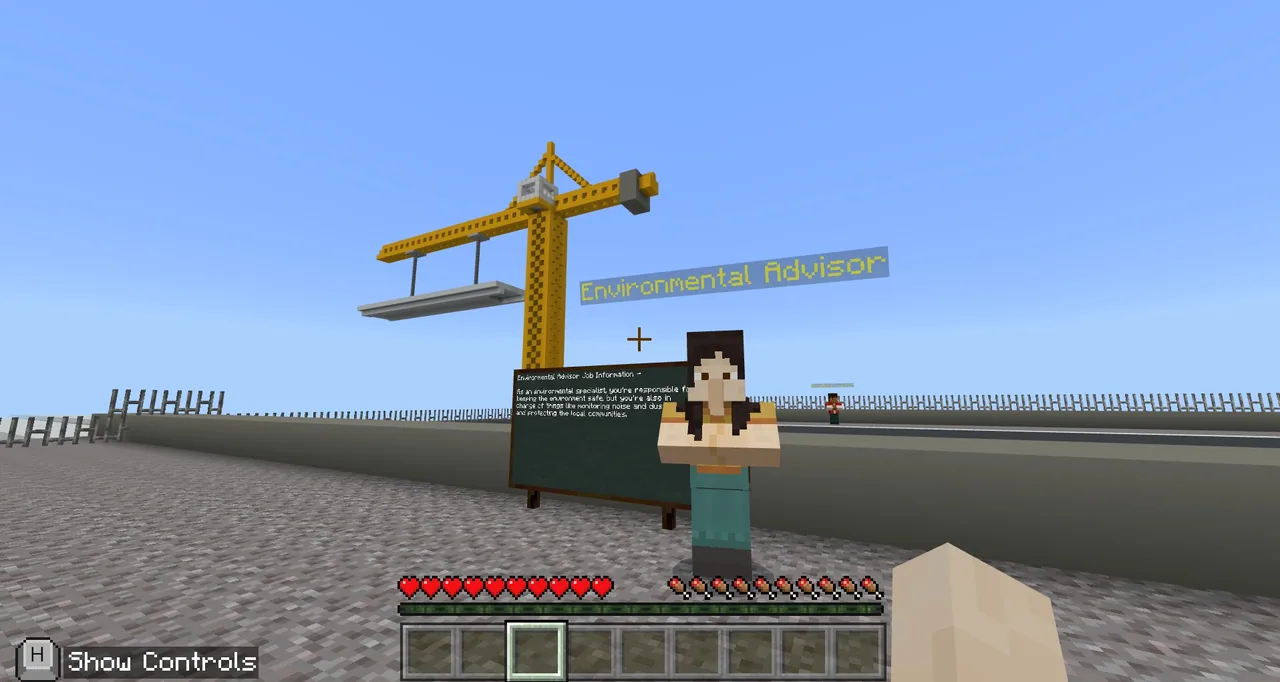
Using a custom Minecraft Education world, learners start in the National Highways office before teleporting to the active construction site. Younger learners select matching structural supplies to continue the span by hand, while older learners automate the construction process using MakeCode coding blocks.
Learning objectives
By the end of this lesson students will be able to:
- Describe the practical purpose of a viaduct in a major highway network
- Identify different careers and specialist roles involved in civil engineering schemes
- Select appropriate matching building materials from a supply chest to extend the viaduct span manually (Junior path)
- Construct sections of the viaduct automatically using MakeCode programming instructions (Senior path)
Blocks and items used in this lesson


Key vocabulary
- Viaduct
- A long bridge-like structure carrying a road or railway across a valley or low ground.
- Civil Engineering
- The design and construction of public infrastructure like roads, bridges, and transport systems.
- MakeCode
- A block-based coding platform inside Minecraft used to automate building and tasks.
- NPC
- A non-player character that provides directions, information, or choices inside the map.
Before class
Lesson sequence
Suggested timing: about 45 minutes in total.
- Office Exploration5 min
Learners log into the map and spawn in the National Highways offices. Give them five minutes to explore the floor, speak to NPC staff members, and gather initial background before regrouping outside the corner office with the NPC named Colin.
- Site Briefing and Scheme Teleport5 min
Students interact with Colin to teleport directly to the construction scheme. Once on site, they talk with the greeting NPC, visit the Facts NPC to review project details, and prepare to choose their grade pathway at the Games NPC.
- Site Investigation and Career Roles10 min
Depending on their group, learners pick either KS2 (Junior) or KS3 (Senior). Allow ten minutes to tour the construction scheme, read factual boards, and interact with every NPC representing different engineering job roles.
- Viaduct Construction Challenge25 min
Students speak to the Game NPC on the viaduct to start building. Junior learners pick suitable matching blocks from a chest to build by hand, while Senior learners use MakeCode scripts and instructional videos to automate placement. Students aim to complete as much of the span as time permits.
Assessment: success criteria
- Learners can name at least two distinct job roles involved in the viaduct scheme.
- Junior students identify and place the correct matching blocks rather than incompatible chest items.
- Senior students program functional MakeCode commands that place sections of the viaduct.
- Learners explain why a viaduct structure is needed on the A27 route.
Differentiation
Allow learners to follow along with the step-by-step video guide paused on a main classroom display while working in pairs.
Challenge Senior learners to design and program additional automated machines in MakeCode to accelerate construction.
Knowledge check
5 questions to check understanding after the lesson. Tap an answer to see if it is right; the score appears at the end.
1Where do students first appear when loading into the A27 Viaduct map?
Answer: B. Players initially spawn inside the National Highways offices and have five minutes to look around before moving on.
2Which NPC teleports students from the offices to the actual construction scheme?
Answer: C. Students find Colin in the corner office and interact with him to teleport to the project site.
3What additional tool must Senior (KS3) students use to continue building the viaduct?
Answer: A. Senior pathway players are instructed to build their section of the viaduct using MakeCode block programming.
4What obstacle must Junior (KS2) students overcome when retrieving blocks from the chest?
Answer: C. Junior players must sort through the chest and choose the correct materials that match the existing structure.
5Which two subjects are explicitly covered by this lesson alongside Science?
Answer: C. The source identifies the subjects for this lesson as Science, Technology, and Geography.
Frequently Asked Questions
Can I use this lesson for both younger and older students?
Yes. The single world map includes two differentiated tracks: the Junior (KS2) mode focuses on manual block matching and exploration, while the Senior (KS3) mode uses MakeCode for automated coding.
Do all students need to complete the entire viaduct during the lesson?
No. The source notes that students may not finish the entire build within the 25 to 30 minutes allocated, and the goal is simply to build as much as possible.
Adapted from A27 Viaduct by Block Builders on Minecraft Education, last updated Feb 27, 2023. This classroom version, the timings and the quiz were written by 9Minecraft Education.






































