- Type
- Lesson plan
- Subject
- Language Arts
- Topics
- World Languages
- Ages
- Ages 11-13
How can we use directional language to guide others accurately through a town?
Overview
In this world language lesson, students apply directional vocabulary to navigate a virtual town. By working in a pre-built town setting, learners shift from rote memorization to practical communication, determining how to guide a peer from an entrance or landmark to a specific destination.Learning objectives
By the end of this lesson students will be able to:
- Identify town locations and directional terms in the target language.
- Build non-player characters that provide step-by-step directions to an assigned location.
- Follow target-language instructions provided by a peer to reach a destination.
- Evaluate peer directions, offer constructive feedback, and revise written dialogue.
Blocks and items used in this lesson


Key vocabulary
- World Builder
- A special game state toggled with the /wb command that allows players to place and edit non-player characters.
- NPC (Non-Player Character)
- An in-game character that can be customized to display text dialogue when approached by players.
- Directional Vocabulary
- Words and phrases used to indicate navigation and movement, such as left, right, and street names.
Before class
Lesson sequence
- Vocabulary and Town Orientation
Students review key directional terms in the target language and complete the worksheet to identify town locations. The teacher assigns each student a specific end destination to which they must guide a visitor.
- Route Planning and NPC Placement
Students brainstorm the necessary vocabulary for their route. Entering /wb into the chat to enable World Builder status, students obtain NPC spawn eggs from their inventory and place characters along the path, programming each NPC with one directional instruction.
- Peer Navigation and Feedback
Learners pair up, enter each other's worlds, and follow the NPC instructions to reach the target location. After testing the route, partners share constructive feedback regarding clarity and vocabulary use.
- Revision and Final Submission
Students edit their NPC dialogue based on feedback. Because the in-game camera cannot capture dialogue windows, students take system screenshots of each NPC dialogue box, paste them into a Word document, and submit them for review.
Assessment: success criteria
- Accurate use of target-language directional vocabulary in NPC dialogue boxes.
- Successful navigation to the assigned destination following a partner's clues.
- Provision of constructive peer feedback and subsequent revisions to directional text.
- Completion and submission of the document containing screenshots of all placed NPCs.
Differentiation
Provide a vocabulary bank of core directional phrases and street labels to help students write their NPC dialogue.
Assign more distant destinations requiring multi-step navigation through several intersections.
Knowledge check
5 questions to check understanding after the lesson. Tap an answer to see if it is right; the score appears at the end.
1What world settings should be active to allow students to set up their NPCs properly?
Answer: A. The source specifies that the world status should be kept in creative, peaceful, and with cheats enabled to allow world builder access.
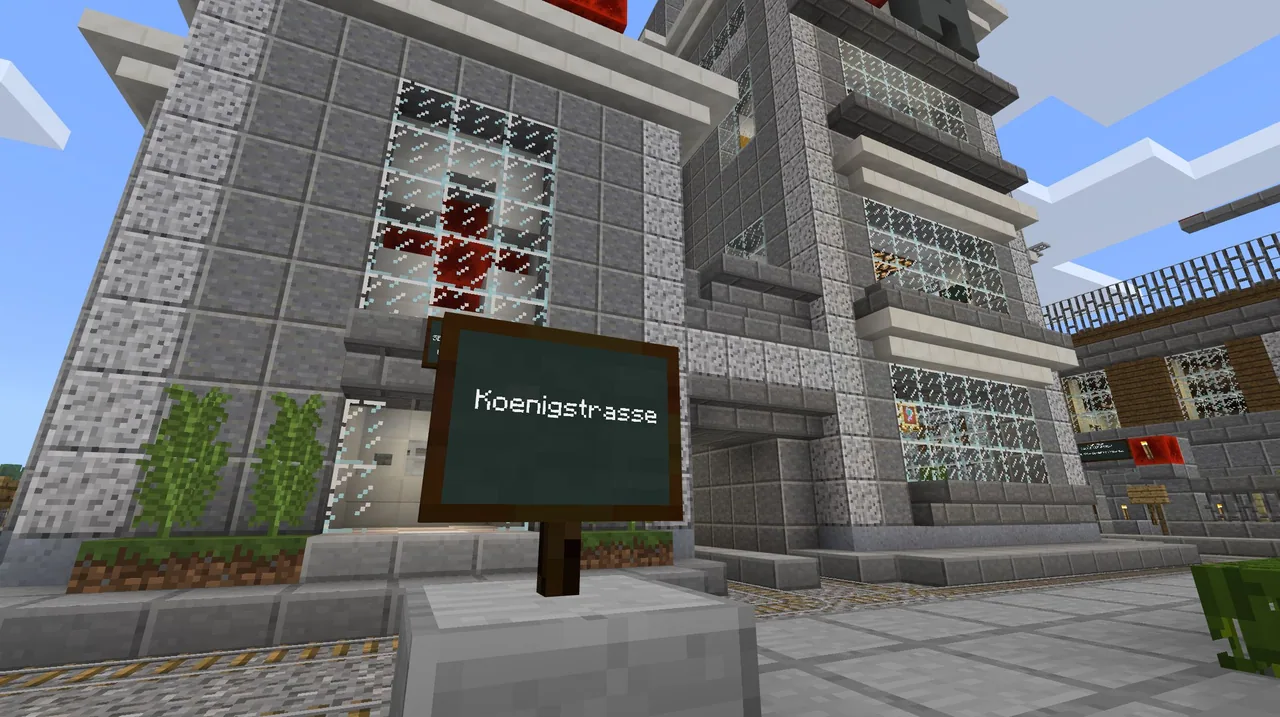
2Where are street signs positioned as players approach an intersection in the town?
Answer: B. Street signs are located on the right side of each road as you approach an intersection.
3What command do students enter to access World Builder status for NPC creation?
Answer: C. Students type /wb into chat to receive world builder permissions.
4Why must students use computer screenshots rather than the in-game Minecraft camera for their submission?
Answer: D. The Minecraft camera cannot capture NPC dialogue boxes, requiring external screenshots instead.
5What information does a street sign provide at an intersection in this map?
Answer: B. According to the guiding ideas, a street sign describes the road you are turning onto.
Resources
- Lesson package (.zip)Everything the author attached to this lesson in one download.
- Lost in Town Minecraft WorldThis is the basic starter town world with added street signs in German
- Directions Around Town German WorksheetThis is an example of the worksheet with some assignment directions given in German
- Directions Around Town English WorksheetThis is the worksheet students will fill out with vocabulary for the town locations, as well as some of their peer feedback.
Frequently Asked Questions
Can this activity be adapted for languages other than German?
Yes. While the town signs were originally created in German, they can be edited or replaced to suit any target world language.
How many directions should each NPC give?
Each NPC should provide one single direction, prompting the visitor to move forward to the next landmark or intersection where another NPC waits.
How should students submit their completed work?
Because the in-game camera does not capture open dialogue boxes, students must take external screenshots of each NPC dialogue, insert them into a Word document, and send that file to the teacher.
Adapted from Directions Around Town by Rebecca Lowe on Minecraft Education, last updated Jun 6, 2022. This classroom version, the timings and the quiz were written by 9Minecraft Education.