- Type
- Lesson plan
- Ages
- Ages 14-18
- Duration
- 2 hours
- Level
- Beginner
How can network defenders apply encryption, firewalls, and malware remediation to protect digital systems from unauthorized access and disruption?
Overview
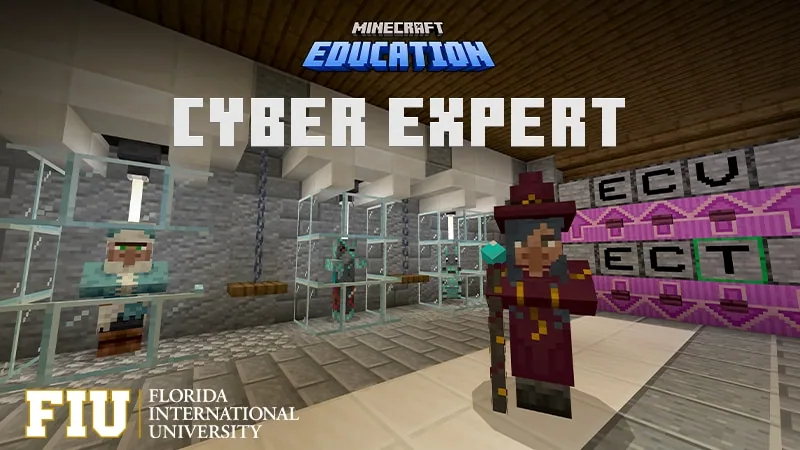
Cyber Expert introduces high school learners to foundational information security concepts, emphasizing threat mitigation, data protection, and defensive policy. Developed in collaboration with Florida International University, the curriculum provides hands-on exposure to practical security operations designed to safeguard systems against increasingly sophisticated digital attacks.
Students progress through three specialized environments: Cryptic Ciphers, Daring Defense, and Malware Mayhem. Within these simulations, learners decode confidential communications, deploy firewall rules to protect networks from denial-of-service threats, and identify, quarantine, and eliminate harmful malware code.
Learning objectives
By the end of this lesson students will be able to:
- Encode and decode intercepted communications using Caesar, multikey Caesar, and Vigenere ciphers.
- Verify message integrity using checksum techniques and uncover social engineering indicators.
- Construct a network firewall and establish rules to counter denial-of-service incursions.
- Investigate malware-induced system damage, quarantine malicious files, and remove the threat.
Blocks and items used in this lesson


Key vocabulary
- Cipher
- A systematic algorithm used for encrypting and decrypting data.
- Checksum
- A calculated numeric value used to verify that a file or message has not been altered.
- Social Engineering
- Techniques that exploit human manipulation rather than technical flaws to gain confidential information.
- Firewall
- A defensive security system that controls incoming and outgoing network traffic using established rules.
- Denial of Service (DoS)
- A cyber incident aimed at overwhelming system resources to render services unavailable to authorized users.
- Malware
- Software purposefully created to damage, infiltrate, or compromise digital systems.
Before class
Lesson sequence
Suggested timing: about 120 minutes in total.
- Warm-up and Cybersecurity Orientation15 min
Introduce the role of a cybersecurity expert. Discuss the necessity of securing digital communications, protecting infrastructure from external incursions, and responding swiftly to malicious infections.
- Phase 1: Cryptic Ciphers35 min
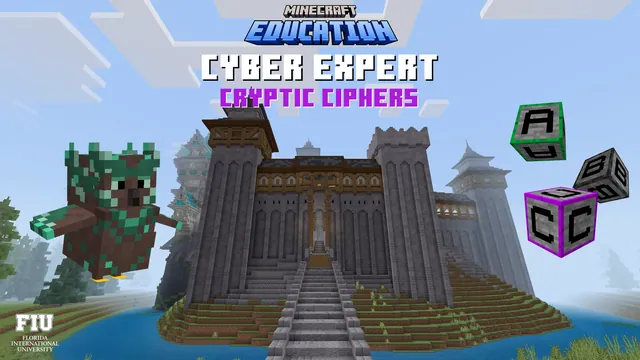
Learners enter the Secret Messages Office to inspect incoming kingdom messages. Students practice encrypting and decrypting dispatches using Caesar, multikey Caesar, and Vigenere ciphers, evaluate data integrity with checksums, and hunt for social engineering attempts.
- Phase 2: Daring Defense35 min
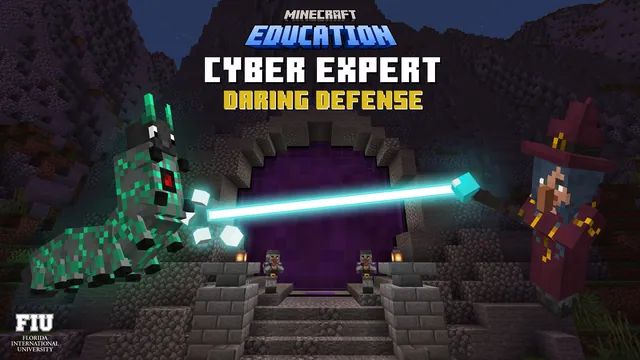
Students transition to the kingdom portal defense scenario. Working to protect the village from invading threats, players build a firewall, establish precise filtering rules, and mitigate denial-of-service attacks targeting the community.
- Phase 3: Malware Mayhem25 min
Learners investigate systems damaged by hostile software. Students trace the impact of the attack, execute quarantine procedures to isolate infected segments, and implement removal techniques to eliminate the malicious code completely.
- Synthesis and Reflection10 min
Gather the class to compare the three defense domains. Students review how cryptography, perimeter firewall rules, and incident response work together to secure digital infrastructure and support broader cyber policy.
Video
Assessment: success criteria
- Student accurately decrypts messages using Caesar, multikey Caesar, and Vigenere cipher techniques.
- Student applies checksum verification to confirm message integrity and identifies social engineering clues.
- Student establishes working firewall rules that prevent denial-of-service traffic from breaching defenses.
- Student traces malware disruption, successfully isolates the infection, and purges the malicious code.
Differentiation
Provide cipher reference sheets and step-by-step walkthroughs to assist learners with multikey and Vigenere decoding.
Have advanced students analyze how social engineering bypasses technical firewalls and write sample policy guidelines to protect kingdom personnel.
Knowledge check
5 questions to check understanding after the lesson. Tap an answer to see if it is right; the score appears at the end.
1Which three ciphers are practiced in the Cryptic Ciphers unit?
Answer: B. The Cryptic Ciphers lesson explicitly trains students using Caesar, Multikey Caesar, and Vigenere ciphers.
2What method do students use in the Secret Messages Office to verify that messages have not been modified?
Answer: A. The curriculum specifies using checksum techniques to verify message integrity.
3What defense mechanism do learners build in Daring Defense to protect the kingdom?
Answer: D. In Daring Defense, students construct a firewall and implement firewall rules to maintain security.
4What network threat must students defend against in the Daring Defense map?
Answer: B. The lesson plan outlines protecting kingdom infrastructure against denial of service attacks.
5What actions do students take after observing the damage caused in Malware Mayhem?
Answer: C. Learners investigate the damage, then implement methods to quarantine and remove the malicious code.
Resources
- Lesson package (.zip)Everything the author attached to this lesson in one download.
- Cryptic Ciphers MapCryptic Ciphers Map
- Daring Defense MapDaring Defense Map
- Malware Mayhem MapMalware Mayhem Map
Frequently Asked Questions
What age group is this cybersecurity curriculum designed for?
Cyber Expert is created for upper secondary students aged 14 to 18 in grades 9 through 12.
What educational standards does this cybersecurity sequence support?
The activities are designed to align with cybersecurity and computer science standards from Cyber.org, CSTA, and ISTE.
What sequential maps make up the Cyber Expert curriculum?
The unit consists of three sequential experiences: Cryptic Ciphers, Daring Defense, and Malware Mayhem.
Adapted from Cyber Expert by Minecraft Education on Minecraft Education, last updated Oct 9, 2023. This classroom version, the timings and the quiz were written by 9Minecraft Education.