How can we manage our behavior and share our ideas in a shared digital space to build a supportive community?
Overview
This workshop provides an inclusive digital space where neurodiverse and neurotypical learners build social and emotional competencies together. By sharing a cooperative neighborhood, participants practice interacting respectfully, communicating ideas constructively, and resolving conflicts in real time across both digital and physical learning environments.
Inside the dedicated multiplayer world, up to 36 learners join as Members while the teacher serves as the Operator. Students review community guidelines with an in-game guide, select individual building plots marked by named slates, and construct custom homes while visiting peers to share knowledge and foster positive community connections.
Learning objectives
By the end of this lesson students will be able to:
- Follow shared community guidelines to maintain a safe, welcoming digital and physical environment.
- Design and construct a unique home on an assigned lot individually or in a collaborative pair.
- Demonstrate positive peer communication and emotional regulation during cooperative gameplay.
- Visit neighboring plots to observe peers' creations and exchange ideas without disrupting their work.
Blocks and items used in this lesson


Key vocabulary
- Operator
- A role that holds administrative permissions to modify protected infrastructure and assign plots.
- Member
- The standard player permission level that allows learners to build and break blocks within designated areas.
- Border Block
- A special boundary block that keeps players contained inside the neighborhood boundary.
- Slate
- A small sign block used by the facilitator to label each building plot with the student's name.
- Immersive Reader
- A built-in accessibility tool that reads text aloud and supports reading comprehension.
Before class
Lesson sequence
Suggested timing: about 120 minutes in total.
- Orientation and Guidelines15 min
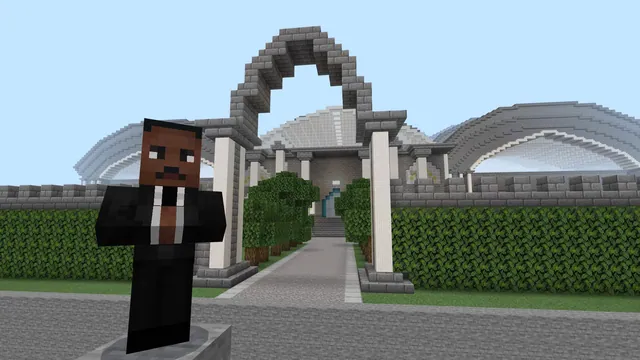
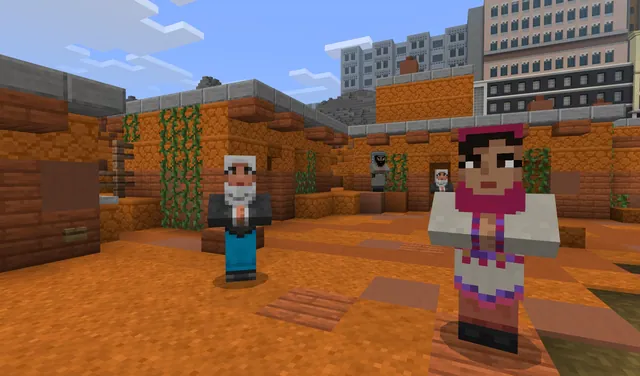
Welcome students into the world. Direct all players to speak with Daniel the non-player character at spawn and review the Community Guidelines board. Students who need reading assistance can open Immersive Reader by clicking the dialogue button or pressing the i key while looking at the board.
- Lot Selection and Registration15 min
Allow students to choose whether they want to work independently or in pairs, then guide them to select an open building plot. The teacher visits each chosen lot and writes the student or pair names on the lot slate to claim the property.
- Neighborhood Construction75 min
Students spend the main session building their custom homes on their plots. Encourage learners to take breaks from building to stroll along the immutable sidewalks, observe neighboring builds, and offer positive verbal feedback without tampering with others' spaces.
- Community Tour and Reflection15 min
Gather the class for a guided walking tour of the neighborhood. Discuss how players handled shared space, navigated frustrations, and supported classmates throughout the build session.
Assessment: success criteria
- Student reviews and abides by the community rules presented by the Daniel NPC and the guidelines board.
- Student claims an assigned lot, respects neighboring boundaries, and constructs a home individually or with a partner.
- Student demonstrates respectful dialogue and emotion regulation when interacting with classmates in-game and in the classroom.
- Student observes classmates' building lots without interfering with or altering their structures.
Differentiation
Allow learners to partner with a supportive peer and access in-game text using Immersive Reader via the dialogue button or by pressing i.
Fast finishers can plan decorative details that connect their lot to the community theme or assist neighbors through positive verbal coaching.
Knowledge check
5 questions to check understanding after the lesson. Tap an answer to see if it is right; the score appears at the end.
1What permission level do students receive when entering the community world?
Answer: B. Students are assigned Member status upon joining, which allows them to build on the neighborhood plots.
2How can a student open Immersive Reader while looking at the Community Guidelines board?
Answer: A. Pressing the i key while viewing the Community Guidelines board opens the Immersive Reader tool.
3What prevents students from wandering outside the designated neighborhood boundaries?
Answer: C. Border blocks are placed around the neighborhood to keep all participants within the designated area.
4How are building lots formally claimed by individual participants?
Answer: D. The teacher or facilitator records each player's name directly on the slate block associated with their chosen lot.
5Which parts of the world are protected so only an Operator can alter them?
Answer: B. The neighborhood infrastructure, including roads, sidewalks, lighting, and fences, is immutable to regular Members.
Resources
- Lesson package (.zip)Everything the author attached to this lesson in one download.
- The Community (World File)Attached world file for The Community designed by Daniel Kwan.
Frequently Asked Questions
How many learners can join this community world at one time?
The included world file is built to host up to 36 student participants alongside one teacher facilitator who holds Operator status.
Can students alter the surrounding street infrastructure while building?
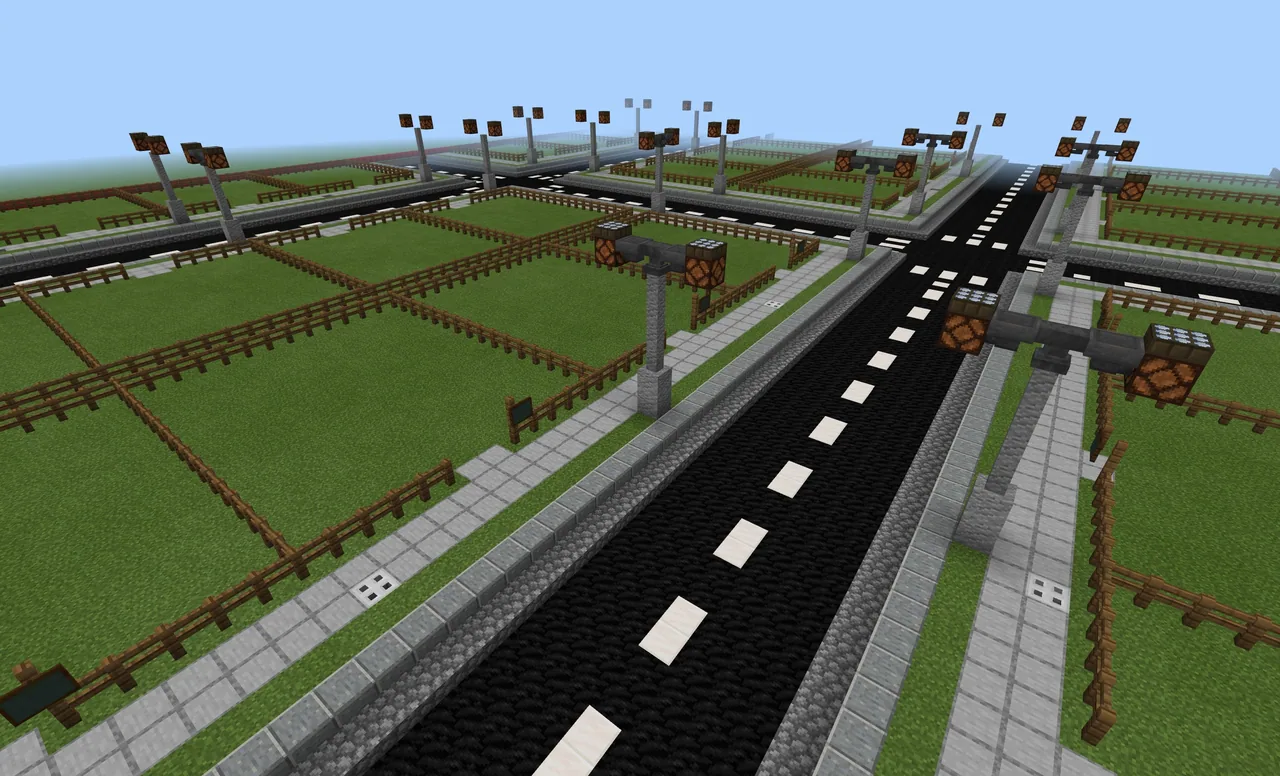
No. Roads, sidewalks, fences, and streetlights are immutable and can only be altered by the facilitator with Operator permissions.
What accessibility options exist for learners who struggle with reading?
Learners can launch Immersive Reader directly by interacting with Daniel the NPC or by pressing the i key while facing the Community Guidelines board.
Adapted from Welcome to the Community! by Daniel Kwan on Minecraft Education, last updated Jan 13, 2022. This classroom version, the timings and the quiz were written by 9Minecraft Education.