- Type
- Lesson plan
- Ages
- Ages 8-18
- Includes
- Quiz: 5 questions
How can a team translate a musical piece and written narrative into a cohesive visual video using Minecraft?
Overview
This cross-curricular project connects dramatic arts, creative writing, and music through digital media production. Working in collaborative teams, students plan and execute a music video by interpreting a piece of music, developing a storyline, and translating their written ideas into visual scenes.
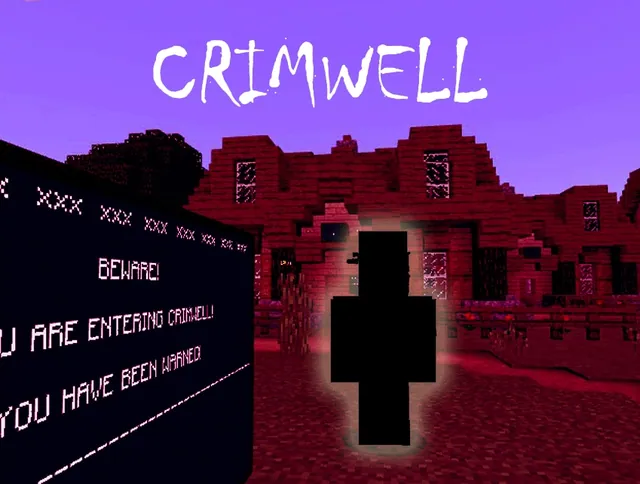
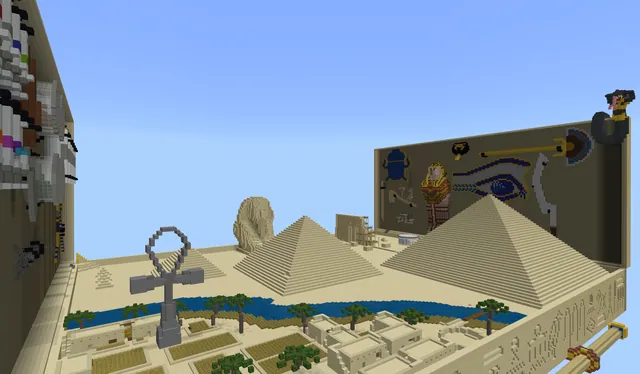
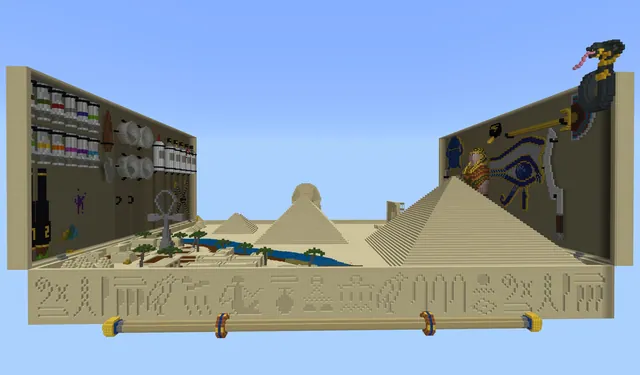
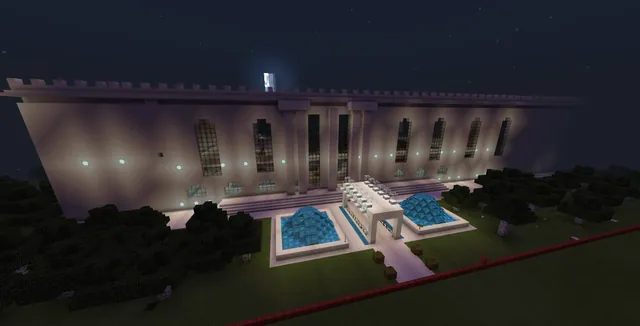
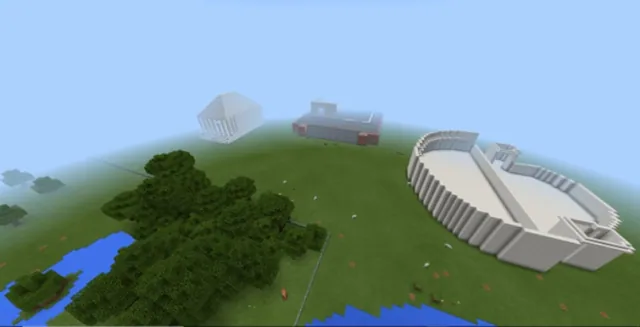
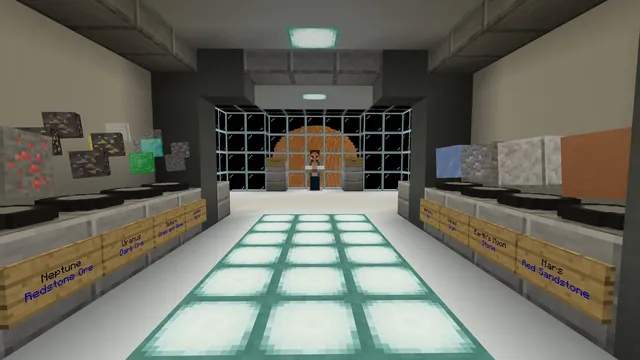
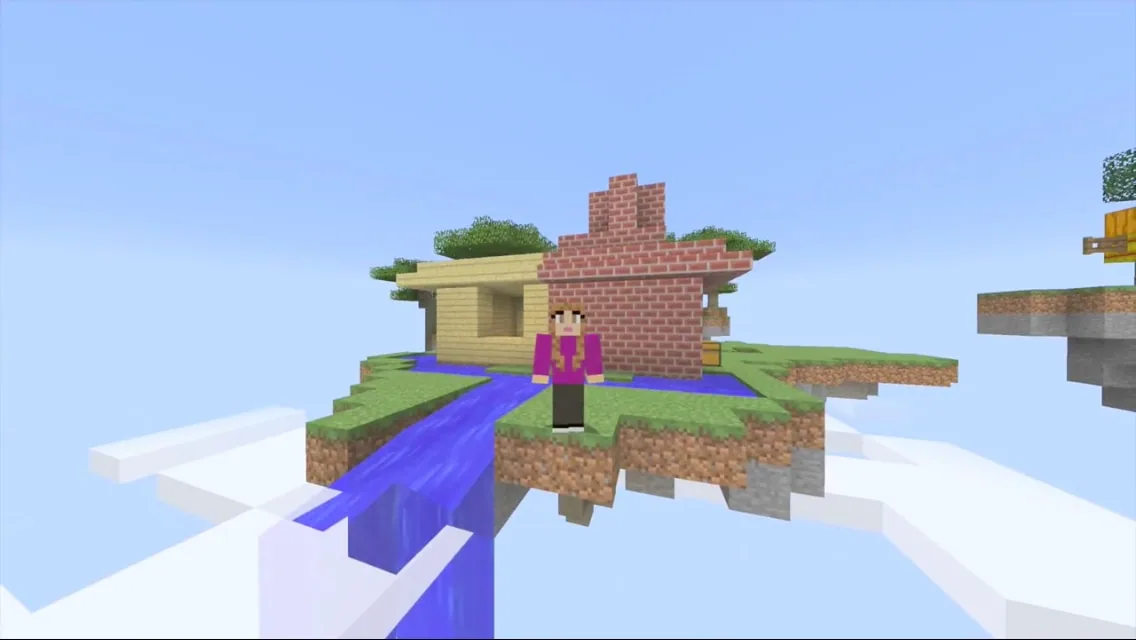
Minecraft serves as the virtual production studio and staging environment. Students design custom worlds as stage sets, customize character skins for costumes, and control their in-game avatars to perform choreographed scenes recorded with external video capture and editing tools.
Learning objectives
By the end of this lesson students will be able to:
- Assign and fulfill specific production roles such as director, writer, builder, actor, or editor.
- Write a narrative script designed to match an original or pre-existing musical track.
- Construct custom Minecraft sets and character skins that visually support the story.
- Record and edit in-game performances into a completed music video.
- Deliver constructive peer feedback on project drafts without discouraging teammates.
Blocks and items used in this lesson


Key vocabulary
- Public Domain
- Creative works not protected by copyright that anyone can legally use or adapt without permission.
- Script
- A written document that outlines dialogue, actions, scenes, and visual directions for a production.
- Skin
- The visual texture and costume applied to a Minecraft avatar to alter its appearance.
- Constructive Feedback
- Helpful, specific critique aimed at improving creative work in a positive and supportive manner.
Before class
Lesson sequence
- Role Assignment and Song Selection
Organize students into small production crews. Have groups distribute essential production roles, including director, writer, composer or musician, camera operator, and technical support. Teams select an existing recorded track, identify a public domain song, or decide to compose and record their own original music.
- Scriptwriting and Storyboarding
Teams analyze their chosen music to craft a complementary storyline. Writers and directors outline the script, establishing how visual scenes, avatar movements, and pacing will sync with the audio track.
- Set and Costume Design
Students enter Minecraft to construct the virtual sets and environments needed for each scene in their script. Simultaneously, team members design or assign character skins to represent costumes for the performers.
- Filming and Performance
Actors rehearse and enact scenes in-game while the camera operator records the action using screen capture software. Teams may also choose to incorporate live real-world footage alongside their Minecraft avatar performances.
- Editing, Critique, and Final Screening
Editors assemble footage, synchronizing recorded scenes with the audio track in video editing software. Teams engage in a constructive feedback session to refine timing and cuts before presenting their completed music videos to the class.
Assessment: success criteria
- Every team member actively participates in an assigned production role such as director, actor, writer, or editor.
- The script effectively aligns scene actions and pacing with the selected musical track.
- Minecraft sets and avatar skins are intentionally designed to match the narrative and mood of the video.
- The final video is successfully recorded, edited, and synchronized with clear audio.
- Students provide helpful, respectful feedback during the peer review process.
Differentiation
Allow groups needing help to use a pre-recorded public domain song and follow a simplified, three-scene story outline.
Encourage advanced teams to write and record an original musical composition and blend live-action real-world footage with in-game scenes.
Knowledge check
5 questions to check understanding after the lesson. Tap an answer to see if it is right; the score appears at the end.
1Which of the following is an expected team role mentioned for this production project?
Answer: C. The project lists specific production roles including director, actor, writer, composer, cameraman, musician, and technical support.
2What options do student teams have for the audio track in their video?
Answer: A. The lesson allows students to find a public domain song, use recorded music, perform published music, or compose and record their own.
3How do students establish costumes for their characters in the Minecraft music video?
Answer: B. The source identifies designing skins as the method for creating costumes for the video's characters.
4What tools are needed in addition to Minecraft to complete this project?
Answer: C. Students require screen recording and film editing software, such as Microsoft Expression Encoder or Final Cut Pro, to capture and assemble their video.
5What is an important standard for peer critique emphasized in this lesson?
Answer: B. The lesson emphasizes learning to listen and critique other ideas constructively while maintaining a supportive environment.
Frequently Asked Questions
Do students have to perform live in front of the camera?
No. Students can act using their in-game Minecraft avatars, though the project also permits groups to include real-world acting if they choose.
What video editing tools are recommended for this lesson?
The source mentions software such as Microsoft Expression Encoder or Final Cut Pro, but any standard recording and video editing software available in your school will work.
Is there a ready-made Minecraft world download for this project?
No downloadable world is supplied with this lesson. Teams build their own sets directly in Minecraft to match their script requirements.
Adapted from Minecraft Music Video by Catina Franklin Sweedy on Minecraft Education, last updated Dec 21, 2016. This classroom version, the timings and the quiz were written by 9Minecraft Education.