- Type
- Lesson plan
- Subject
- Social-Emotional Learning
- Ages
- Ages 6-13
- Duration
- 2 hours
- Level
- Beginner
- Includes
- Quiz: 5 questions
How can you express your unique positive qualities and digital identity through a 3D avatar?
Overview
This social-emotional learning lesson invites students to explore digital identity, self-image, and personal strengths. By reflecting on how they view themselves and how they wish to be perceived online, learners identify their positive capabilities and consider the impact of their digital presence on others.
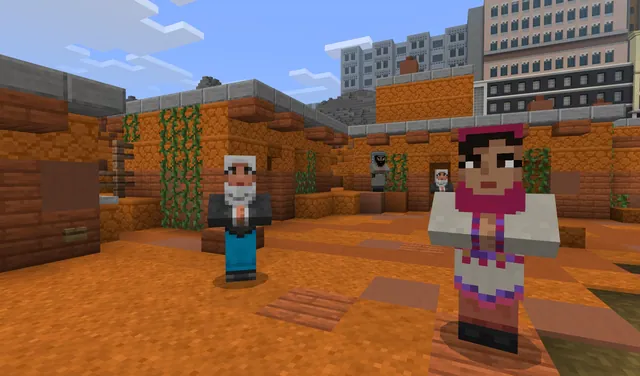
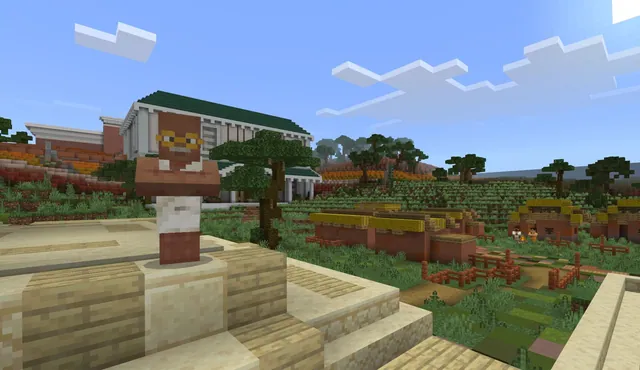
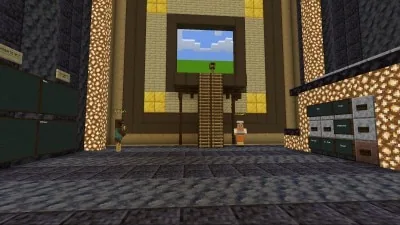
Using a provided Minecraft world template, students translate their self-reflections into a custom three-dimensional avatar. They build out their digital persona, document their design using the in-game camera and chroma backdrop features, and share their creations with their peers.
Learning objectives
By the end of this lesson students will be able to:
- Identify personal strengths, positive qualities, and individual capabilities.
- Reflect on how personal identity translates into online and virtual spaces.
- Construct a 3D model avatar in Minecraft representing personal digital identity.
- Capture images of the 3D model using in-game tools to share with classmates.
Blocks and items used in this lesson


Key vocabulary
- Digital Identity
- The way a person presents and expresses who they are in online and virtual environments.
- Johari Window
- A visual reflection tool used to help individuals understand their personal traits and relationships.
- Chroma
- A solid-colored backdrop in Minecraft used to photograph models cleanly for custom placement.
- Avatar
- A three-dimensional digital figure that represents a player inside a virtual world.
Before class
Lesson sequence
Suggested timing: about 120 minutes in total.
- Self-Reflection & Identity Exploration25 min
Guide students through an introspective exercise comparing how they see themselves in the real world versus the digital world. Use the Johari Window and guiding questions to help them identify positive qualities and constructive contributions they can make online.
- Planning the Avatar15 min
Have students select specific positive capabilities and traits they wish to highlight. Students plan how visual elements, colors, and patterns on a 3D skin model will represent these personal attributes.
- In-Game 3D Modeling50 min
Students open the provided template world and customize their 3D avatar model. Encourage students to work at an unhurried, comfortable pace as they translate their unique qualities into blocks.
- Photography with Chroma15 min
Demonstrate how to use the in-game camera alongside the Chroma feature. Students position their camera to take clear pictures of their avatar against the backdrop for later presentation.
- Showcase & Peer Reflection15 min
Learners share their avatar photos with the class, explaining the meaning behind their design choices and how their model reflects their positive online identity.
Assessment: success criteria
- Student demonstrates thoughtful reflection on their strengths and digital presence.
- Student completes a personalized 3D avatar within the provided world template.
- Student captures clear images of the model using the in-game camera and chroma background.
- Student presents the avatar to peers, explaining how it represents positive personal traits.
Differentiation
Offer a designated quiet area and generous time so learners can reflect comfortably without feeling rushed.
Have older students build additional 3D models representing family members, close friends, or their future selves.
Knowledge check
5 questions to check understanding after the lesson. Tap an answer to see if it is right; the score appears at the end.
1What is the primary goal of building an avatar model in this lesson?
Answer: B. The lesson focuses on modeling personal strengths and digital identity on a 3D avatar.
2Which framework is suggested to help students reflect on their real and digital identities?
Answer: A. The teacher prep notes recommend using the Johari Window to help students organize thoughts about themselves.
3How do students capture their finished 3D models inside Minecraft?
Answer: C. The activity instructions state that students take pictures using the camera and the in-game Chroma backdrop.
4What classroom environment support is recommended during the reflection stage?
Answer: B. Teachers are advised to support positive reflection and offer a quiet space free of distractions.
5How can high school students extend this modeling project?
Answer: D. The teacher notes indicate that high school students can extend the task by modeling family, friends, or how they see their future.
Frequently Asked Questions
Do students need prior building experience in Minecraft to participate?
No, the lesson is suitable for beginners and provides a pre-built world template so students can focus directly on personalizing their 3D models.
How does the Chroma feature support student presentations?
The in-game chroma backdrop allows students to take clean photos of their avatar, making it simple to export and place their models into digital slides or other backdrops.
What should I do if a student struggles to identify positive traits?
Guide them using the Johari Window questions, offer one-on-one encouragement, and provide a quiet space where they can reflect without distraction or pressure.
Adapted from In the frame by Leticia Ahumada on Minecraft Education, last updated Jun 13, 2023. This classroom version, the timings and the quiz were written by 9Minecraft Education.