How can we use interactive digital environments to share the power of reading and promote quality education for all?
Overview
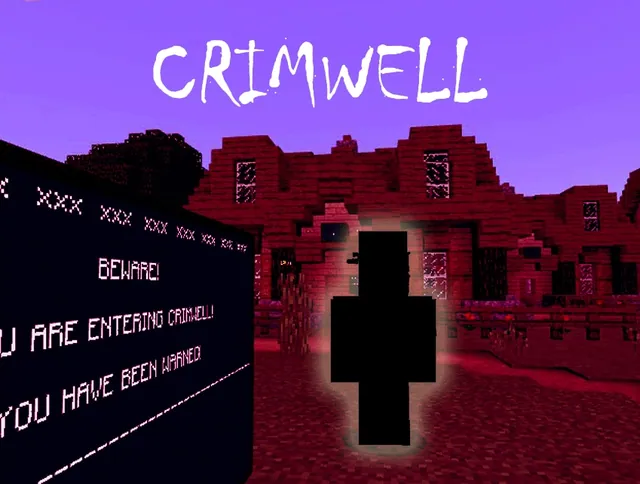
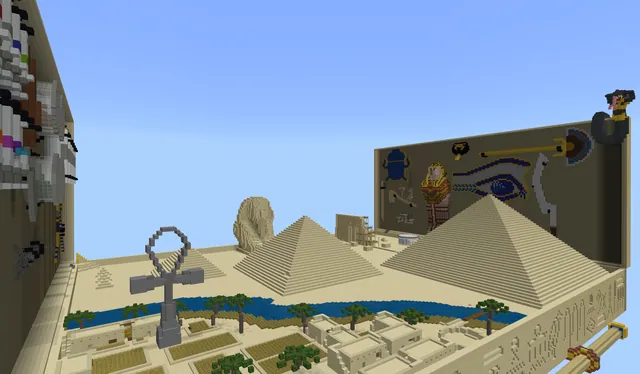
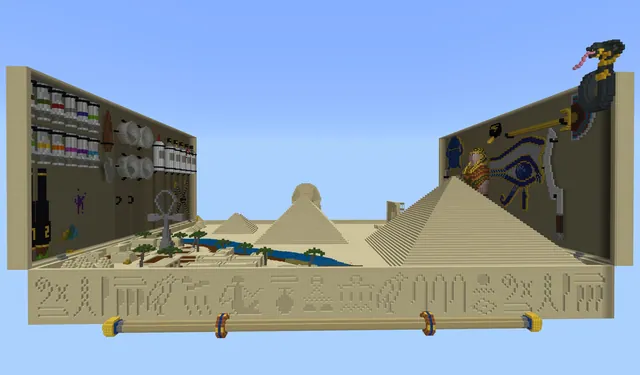
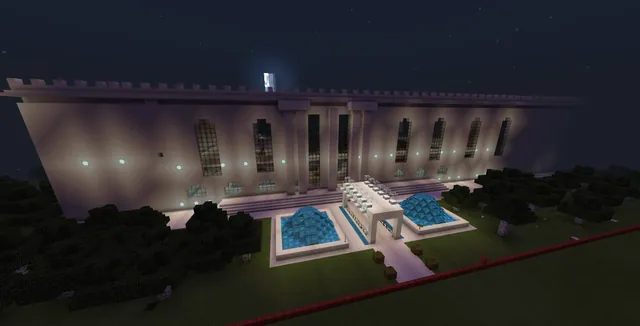
Reading allows learners to explore ideas deeply and build empathy, yet access to books and dedicated reading culture vary across communities. This project connects literacy directly with United Nations Sustainable Development Goal 4 (Quality Education). Students examine the transformative value of literature by identifying multiple genres—ranging from science, history, and autobiographies to fantasy, comics, and art—and translating their central themes into interactive virtual spaces.
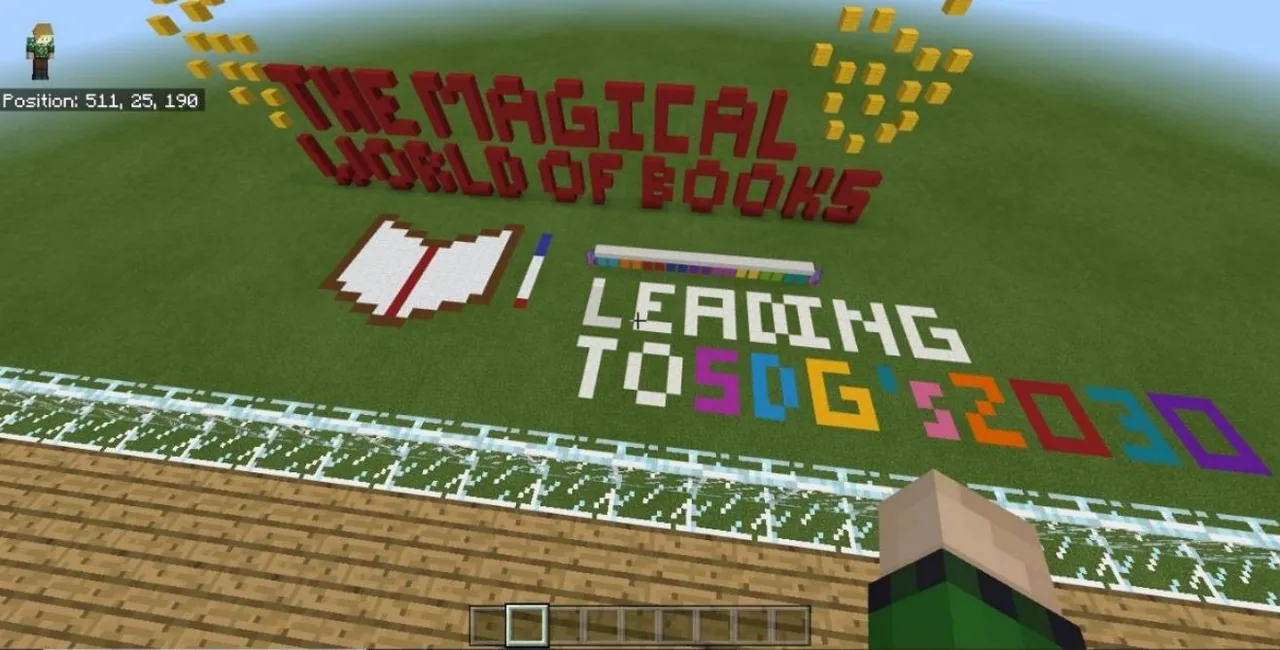
Working collaboratively, learners construct an immersive walkthrough titled the Magical World of Books. Teams use narrative items such as slates, posters, and non-player characters (NPCs) to communicate their research and guide visitors through the experience. They also apply MakeCode, redstone wiring, and world-builder commands like fill and clone to engineer automated, interactive environments while adhering to sustainable in-game building practices.
Learning objectives
By the end of this lesson students will be able to:
- Design an interactive Minecraft journey that represents multiple literary genres and advocates for reading.
- Communicate narrative information and player directions using in-game writing tools, signs, and non-player characters.
- Apply MakeCode coding blocks, redstone, or world-builder commands to construct and automate world elements efficiently.
- Demonstrate awareness of Sustainable Development Goal 4 through sustainable building practices and peer storytelling.
Blocks and items used in this lesson


Key vocabulary
- SDG 4
- United Nations Sustainable Development Goal 4, which aims to ensure inclusive and equitable quality education for all.
- Non-Player Character (NPC)
- An in-game character placed by the builder to display dialogue, names, instructions, and external links for visitors.
- MakeCode
- A visual coding platform within Minecraft Education used to automate building tasks and design interactive mechanics.
- Clone Tool
- A world-building command that copies a defined volume of blocks and pastes it in a new location.
Before class
Lesson sequence
- Stage 1: Genre Research and Sustainability Planning
Students work in groups to select books across various genres, such as mystery, drama, autobiographies, fantasy, and science. Teams plan their world layouts by drafting non-Minecraft mind maps that outline their settings and materials. To align with Sustainable Development Goals, groups must plan sustainable practices for their world, committing to replant any cleared timber and grow sustainable food crops alongside informational reminders.
- Stage 2: Narrative Development and World Layout
Learners translate their literary research into a walk-through story path. Teams place narrative items into their inventories—including slates, posters, boards, signs, and NPCs—and install them across the build to explain themes, introduce book titles, and give visitors clear directional cues so they do not get lost.
- Stage 3: MakeCode Automation and Redstone Engineering
Students use MakeCode to generate large foundational structures rapidly, refining the details by hand or with fill and clone commands. For an added challenge, teams incorporate redstone components to build interactive exhibits, automated gates, or dynamic displays that engage the visiting reader.
- Stage 4: Documentation and Final Presentation
Groups document their literary world as the story unfolds using the in-game camera and portfolio. Students record screencast guided tours and role-play segments through their build, assemble a finished storyboard in Sway, and export their completed world file for peer and global sharing.
Assessment: success criteria
- The world provides a complete, navigable journey with clear directions so visiting players do not get lost.
- A variety of narrative tools—including slates, posters, boards, signs, and NPCs—are present and convey story details.
- Students demonstrate building efficiency through MakeCode, redstone interactivity, or fill and clone commands.
- Teams document their world and reading themes through an exported world file, portfolio images, screencasts, or a Sway storyboard.
Differentiation
Provide pre-formatted text outlines for slates and signs, and pair learners with coding partners to help place basic MakeCode structures.
Encourage advanced teams to design multi-step redstone puzzles or complex MakeCode algorithms that reveal hidden narrative clues.
Knowledge check
5 questions to check understanding after the lesson. Tap an answer to see if it is right; the score appears at the end.
1Which United Nations Sustainable Development Goal forms the foundation of this reading project?
Answer: B. The project directly supports SDG 4 (Quality Education) by using Minecraft to convey the values and importance of reading books.
2What environmental rule must students follow when gathering resources or modifying the land?
Answer: A. Stage One requires teams to keep features sustainable by replanting cut trees, cultivating sustainable food crops, and leaving informational reminders.
3Which collection of in-game items is designated for guiding players and telling the story?
Answer: C. The lesson lists slates, posters, boards, signs, and NPCs as the primary narrative tools students must gather and position.
4What tool are students instructed to use to generate large, basic structures efficiently?
Answer: A. Stage Three instructs students to use MakeCode for basic large structures to simplify construction, supplemented by fill and clone tools.
5Which external application is suggested for assembling a storyboard of the completed Minecraft narrative?
Answer: A. The assessment expectations state that students should create a storyboard using Sway to present their story.
Resources
Frequently Asked Questions
What genres of books can students feature in their world?
The project encourages a broad selection of genres, including action, drama, mystery, comics, fantasy, art, sports, science topics such as states of matter, and autobiographies or historical subjects.
How do students share and submit their finished work?
Students export their completed world as an mcworld file, capture video tours using screencasting software, document builds with the in-game camera and portfolio, and compile a storyboard presentation using Sway.
Adapted from MAGICAL WORD OF BOOKS by Monica Joshi on Minecraft Education, last updated Nov 15, 2018. This classroom version, the timings and the quiz were written by 9Minecraft Education.