- Type
- Lesson plan
- Ages
- Ages 8-18
- Duration
- about 12 hours (suggested)
- Includes
- Quiz: 5 questionsLesson files
How can we use historical research and computer programming to reconstruct an authentic castle and share its history with visitors?
Overview
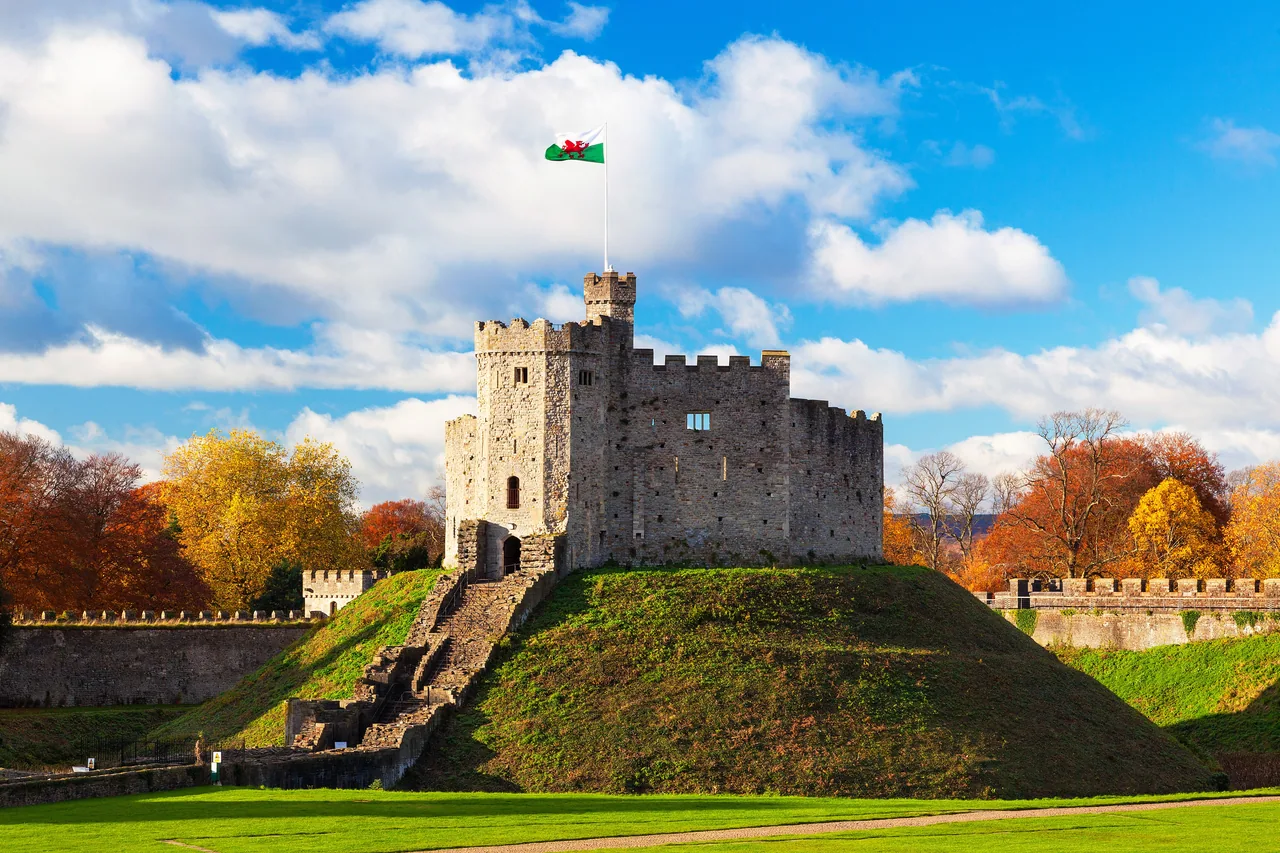
Castles offer essential insight into how past societies lived, defended their communities, and organized social structures. In this interdisciplinary project, students investigate why historical castles were positioned in specific locations and how different rooms and defensive features functioned during their time.
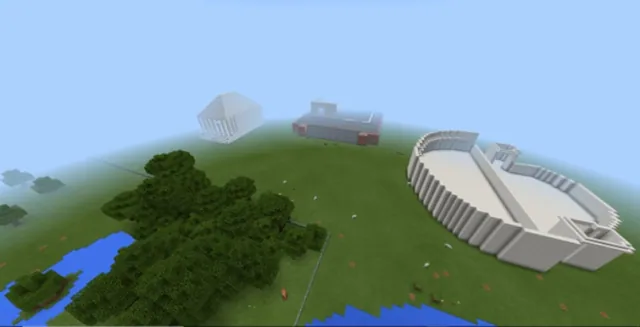
Using Minecraft: Education Edition, student teams turn their historical research into scale reconstructions. Along the way, they develop computational thinking skills by writing and debugging code for the Agent to construct wall segments, and they practice technical communication by detailing historical facts on chalkboards, NPCs, and inside a Book and Quill.
Learning objectives
By the end of this lesson students will be able to:
- Investigate the historical reasons behind a castle's location and architectural features.
- Plan a collaborative Minecraft build using Excel Online.
- Develop and debug algorithms to program the Agent to build sections of a castle.
- Communicate historical information within Minecraft using chalkboards, NPCs, and a Book and Quill.
Blocks and items used in this lesson


Key vocabulary
- Agent
- A programmable helper in Minecraft: Education Edition capable of placing blocks and automating construction.
- Algorithm
- A step-by-step sequence of instructions designed to accomplish a specific task.
- Debugging
- The process of identifying, analyzing, and correcting errors in computer code.
- NPC
- A Non-Player Character that can be placed in a world to share text, dialogue, and instructions with visitors.
- Chalkboard
- An in-game surface available in multiple sizes used to display readable text for players.
Before class
Lesson sequence
Suggested timing: about 720 minutes in total.
- Historical Research120 min
Students work collaboratively to research the history of a chosen or local castle. They investigate why the castle was erected in its specific geographical location and identify key functional zones such as keeps, courtyards, and battlements.
- Collaborative Build Planning120 min
Using Excel Online, student teams map out their castle footprint on a grid. They label and annotate their plans to reflect authentic architectural and defensive features discovered during their research phase.
- Coding the Agent120 min
Learners draft algorithms to program the Agent to construct specific, repetitive components of the castle, such as boundary walls. Students test their code inside Minecraft and debug any errors they encounter.
- Collaborative Construction120 min
Student groups enter their shared Minecraft world to build their castles according to their spreadsheet plans. They execute their tested Agent algorithms to assist with large-scale building tasks.
- Curating World Information120 min
Learners place chalkboards and configure NPCs throughout their castle build. These in-game elements explain the defensive strategies, historical uses, and daily life associated with each area of the fortress.
- Evaluation and Presentation120 min
Groups evaluate their finished Minecraft castle against their original Excel design plan. Finally, they compile their research and self-reflection into a Book and Quill to present their work to classmates.
Assessment: success criteria
- Student research correctly identifies the strategic location and functional zones of a historical castle.
- The Excel Online design plan clearly maps and annotates castle features prior to building.
- Agent code is successfully written, tested, and debugged to build assigned sections of the structure.
- Chalkboards, NPCs, and the Book and Quill provide clear and accurate historical explanations for visitors.
Differentiation
Provide a pre-formatted Excel grid template and a basic starter algorithm that moves the Agent forward while placing a single row of blocks.
Prompt learners to code the Agent to build more complex structural features, such as crenelated parapets or multi-layer towers.
Knowledge check
5 questions to check understanding after the lesson. Tap an answer to see if it is right; the score appears at the end.
1Which tool does the lesson specify for planning the castle layout collaboratively before building?
Answer: B. The lesson objectives state that learners plan their Minecraft build collaboratively using Excel Online.
2What is the primary role of the Agent in this lesson?
Answer: B. Students develop algorithms and code the Agent to assist in building parts of the castle.
3What are students expected to do when testing their Agent code in Minecraft?
Answer: C. The activities outline that learners trial their code in the world and debug it to identify errors.
4Which two Education features are placed in the world to explain the castle to visitors?
Answer: C. Students use chalkboards and NPCs to describe the historical elements of their castle build.
5What in-game item do students use to present their castle during the final evaluation stage?
Answer: A. The student activities specify that learners present their castle to an audience using a Book and Quill.
Resources
Frequently Asked Questions
Does this lesson require a specific downloadable Minecraft world template?
No, the lesson does not require a downloadable world file. Teachers can host a standard flat or creative multiplayer world where student groups have sufficient space to design and construct their castles.
What curriculum areas are addressed in this multi-part project?
This project connects History, Computer Science, and Reading and Writing by having students research historical architecture, code the Agent, and write informational text for visitors.
Adapted from Building a Castle by Hwb MLCs on Minecraft Education, last updated Apr 27, 2021. This classroom version, the timings and the quiz were written by 9Minecraft Education.