- Type
- Teacher training
- Subject
- Computer Science & Coding
- Duration
- about 45 min (suggested)
- Includes
- Quiz: 5 questionsMinecraft world
How can teachers and students use in-game documentation tools to capture, reflect on, and export learning artifacts?
Overview
Documenting learning inside Minecraft Education allows educators to assess student progress and enables learners to record their own creative process. Mastering in-game recording tools provides a direct way for students to showcase their work and reflect on their builds.
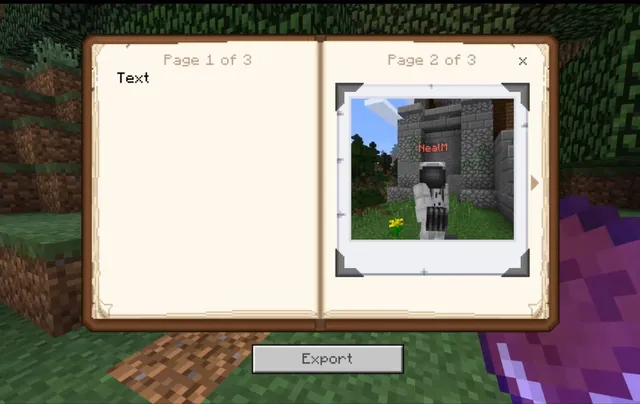
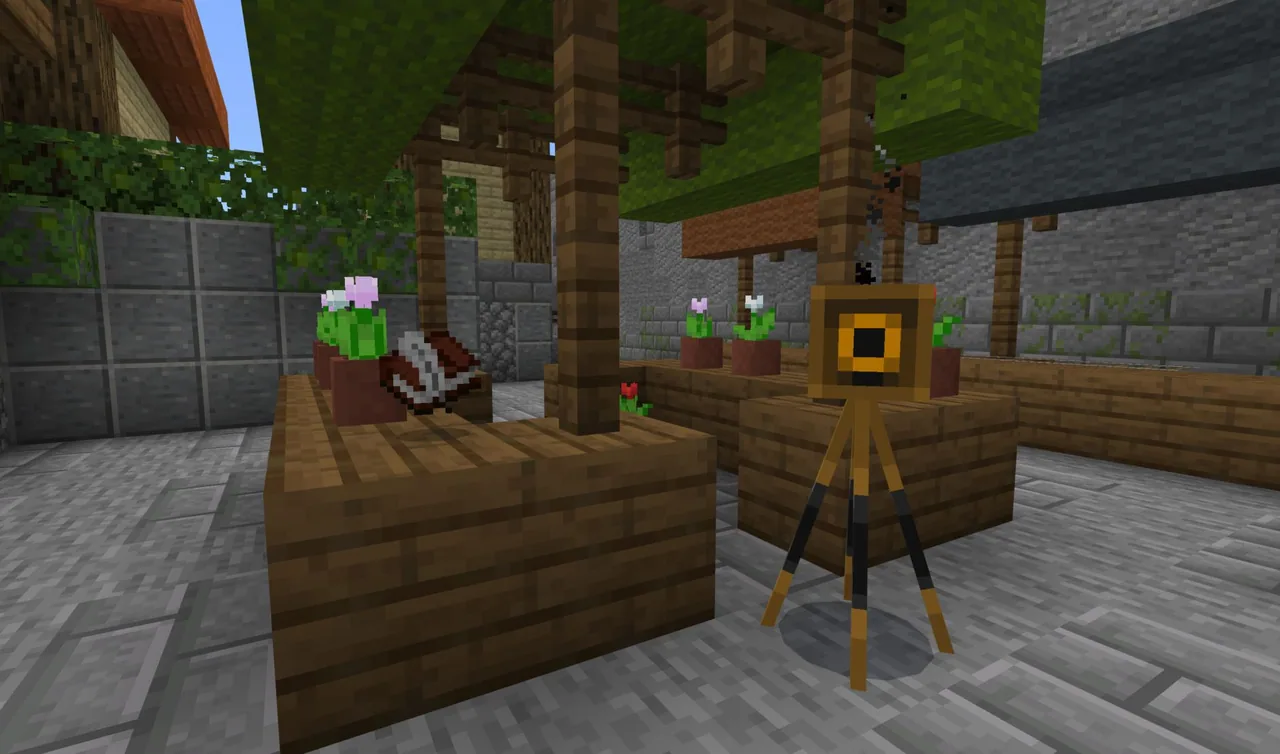
This course demonstrates how to take standard photos and selfies using the Camera, organize captured images inside the Portfolio, and combine pictures with written text using the Book and Quill for export.
Learning objectives
By the end of this activity students will be able to:
- Capture standard viewpoint pictures and selfies using the Camera.
- Access, edit, and export stored images using the Portfolio.
- Combine captured photographs with written text in a Book and Quill.
- Export a completed Book and Quill to share documentation outside the game.
Blocks and items used in this lesson


Key vocabulary
- Camera
- An item used to capture in-game photographs and selfies.
- Portfolio
- A collection tool that stores captured photos and allows them to be edited and exported.
- Book and Quill
- An item that enables players to combine written text with photographs into an exportable book.
Before class
Lesson sequence
Suggested timing: about 45 minutes in total.
- Taking Photos and Selfies10 min
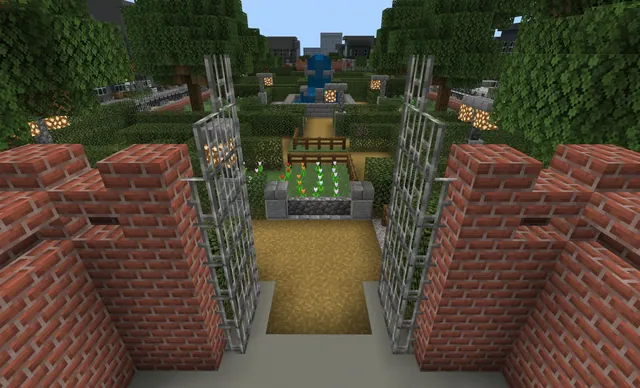
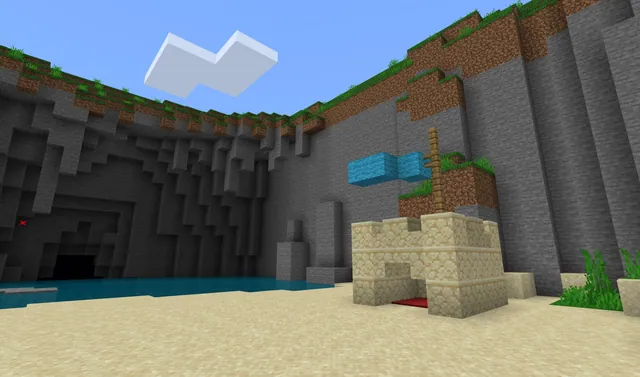
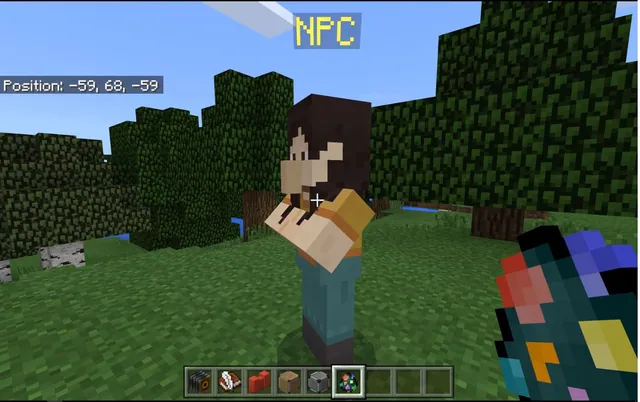
Equip the Camera to capture images of in-game structures from the first-person perspective. Practice placing the Camera to frame and capture third-person selfies of your character in front of builds.
- Reviewing and Exporting the Portfolio10 min
Open the Portfolio to inspect where all captured pictures are automatically stored. Review the options to curate your photo collection, edit entries, and export the completed portfolio.
- Composing with the Book and Quill15 min
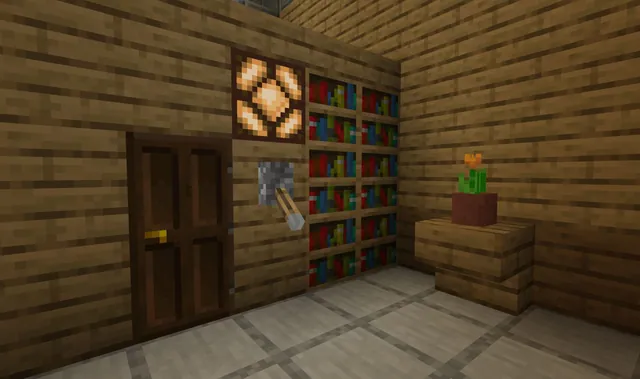
Equip the Book and Quill to combine written observations with pictures taken during the session. Learn how to write text across pages, insert saved photos, and edit the overall layout.
- Exporting Student Documentation10 min
Finalize the Book and Quill and walk through the export process. Discuss how these exported books and portfolios can be collected outside the game to evaluate student learning.
Assessment: success criteria
- Takes both first-person pictures and selfies using the Camera.
- Manages, reviews, and successfully exports images from the Portfolio.
- Combines written descriptions with captured pictures in a Book and Quill.
- Exports a finished Book and Quill file from the game.
Differentiation
Guide learners step-by-step through opening the inventory and placing the Camera on the ground before trying selfies.
Have participants create a multi-page journal using the Book and Quill that pairs diverse camera perspectives with written reflections.
Knowledge check
5 questions to check understanding after the lesson. Tap an answer to see if it is right; the score appears at the end.
1Where are pictures automatically stored when you take them with the Camera?
Answer: B. The portfolio is where all the pictures you take are stored.
2Which tool allows you to combine your captured photos with written text?
Answer: A. A Book & Quill allows you to combine pictures you have taken with additional text.
3What types of photos can you take using the Camera?
Answer: C. The tutorial covers taking standard pictures as well as selfies with the camera.
4What can you do with your Portfolio once it contains photos?
Answer: B. The course specifically teaches how to edit and export the portfolio.
5What actions can you perform with a Book & Quill after adding your content?
Answer: C. The tutorial covers editing and exporting the Book & Quill.
Resources
Frequently Asked Questions
How does the Portfolio differ from the Book & Quill?
The Portfolio serves as an image collection that stores photos taken with the Camera, while the Book and Quill lets users combine those images with written text into a structured book.
Can students export their work to share outside of Minecraft?
Yes, both the Portfolio and the Book and Quill include options to export your edited work so it can be viewed and submitted outside the game.
Adapted from Tutorial 4. Camera, Portfolio, and Book & Quill by Minecraft Education on Minecraft Education, last updated Jun 10, 2026. This classroom version, the timings and the quiz were written by 9Minecraft Education.