- Type
- Teacher training
- Subject
- Computer Science & Coding
- Duration
- about 40 min (suggested)
- Includes
- Quiz: 5 questions
How can learners record, finalize, and export their in-game work using the Book and Quill?
Overview
Documenting in-game experiences allows learners to capture their problem-solving processes and creative builds directly within Minecraft Education. The Book and Quill serves as a portfolio tool where players combine written reflections with images captured during their gameplay.
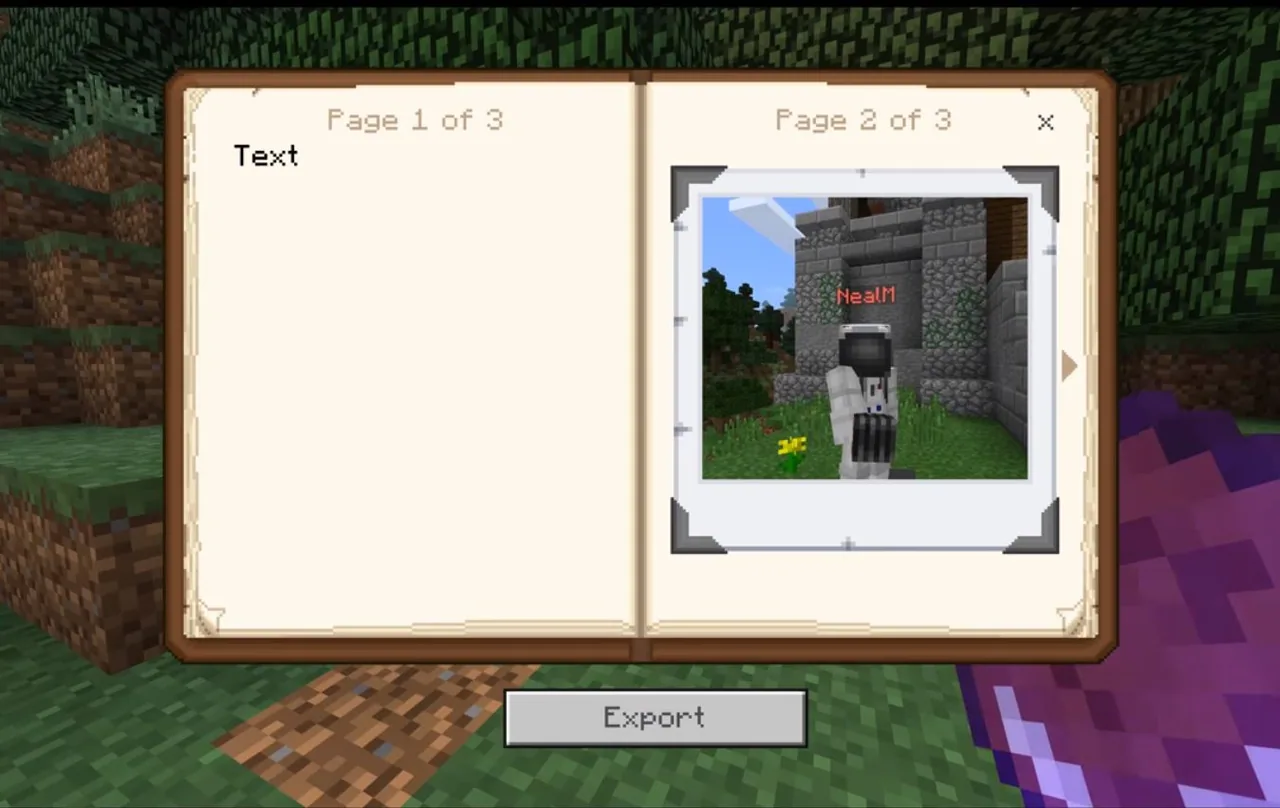
Educators can use this tool to collect student work without requiring external screen recording software. Learners locate the item, insert photos and descriptions, finalize their work by signing it, and export their documentation to their local documents folder as structured text and image files.
Learning objectives
By the end of this activity students will be able to:
- Obtain a Book and Quill using the creative inventory or a slash command.
- Insert camera photos and descriptive text into pages of the book.
- Sign and lock the completed book to finalize its title and authorship.
- Export the signed book to a computer documents folder as text and image files.
Blocks and items used in this lesson


Key vocabulary
- Book and Quill
- An in-game item used to write text and compile photos into a portable journal.
- Camera
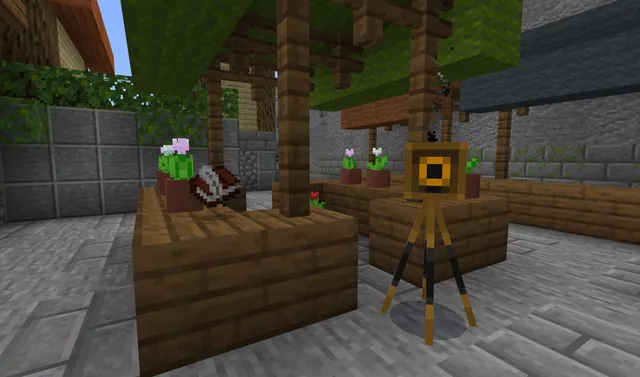
- A tool used to capture images of creations and gameplay to place into the book.
- Signing
- The process of naming and permanently locking a book so no further edits can be made.
- Export
- Saving the in-game book content out of Minecraft onto the computer as a local file.
Before class
Lesson sequence
Suggested timing: about 40 minutes in total.
- Locating the Tool5 min
Guide students to retrieve the Book and Quill from the Items tab of the inventory. Alternatively, demonstrate how to acquire it using the command
/give @s writable_book. - Adding Text and Photos15 min
Have students open the book to compose their reflections. Instruct them to type their observations and insert pictures taken earlier with the Camera to document their project.
- Signing and Locking10 min
When editing is complete, demonstrate clicking the Sign button. Warn students that signing permanently locks the book so that even the original author can no longer alter the text. Once signed, the item changes into a purple book in the inventory.
- Exporting Documentation10 min
Instruct learners to open the purple book from their inventory and choose the export option. Explain that the work saves into their documents folder under the default title format, containing individual text and image files.
Assessment: success criteria
- Student successfully acquires a Book and Quill using either the inventory tab or the slash command.
- Student inserts both camera photos and explanatory text into the book.
- Student correctly signs and locks the book, turning it into a purple book.
- Student exports the book to their documents folder as a multi-page ZIP file containing TXT and JPEG files.
Differentiation
Provide the exact slash command on a reference card and remind students to finish all typing before clicking Sign.
Have students organize a multi-page journal documenting a multi-stage project with alternating text and camera pages.
Knowledge check
5 questions to check understanding after the lesson. Tap an answer to see if it is right; the score appears at the end.
1What slash command is used to give a player a Book and Quill?
Answer: A. The command explicitly provided in the source is /give @s writable_book.
2Where in the creative inventory can the Book and Quill be found?
Answer: B. The source states that players can find the Book and Quill in the Items tab.
3What happens once an author signs their Book and Quill?
Answer: C. Signing locks the book permanently, preventing even the author from changing the text.
4What appearance does the signed book take in a player's inventory?
Answer: D. According to the source, the signed and locked item appears as a purple book in the inventory.
5How are multiple pages saved when exporting a signed book to the documents folder?
Answer: B. The source explains that multi-page books save as a ZIP file with picture pages as JPEGs and text pages as TXT files.
Frequently Asked Questions
Can students edit their writing after signing the book?
No. Once the Sign button is clicked and confirmed, the book is locked permanently. Even the original author cannot edit the text or photos after this step.
Where do exported books save on the student's computer?
Exported books are automatically saved to the user's documents folder, with a default name combining the book title and author name.
How does the tool export pages that contain photos versus pages that contain writing?
When exported as a multi-page ZIP file, picture pages are saved as JPEG files and text pages are saved as TXT files, with all files numbered in order.
Adapted from Learn to Play: Using the Book & Quill by Minecraft Education on Minecraft Education, last updated Aug 17, 2018. This classroom version, the timings and the quiz were written by 9Minecraft Education.