- Type
- Teacher training
- Subject
- Computer Science & Coding
- Duration
- about 40 min (suggested)
- Includes
- Quiz: 5 questionsMinecraft world
How do we interact with different mechanisms and characters within a virtual environment?
Overview
Learning how to interact with objects is a fundamental skill for navigating any interactive digital environment. Understanding how basic input controls translate into actions allows students to manipulate their surroundings with intention and confidence.
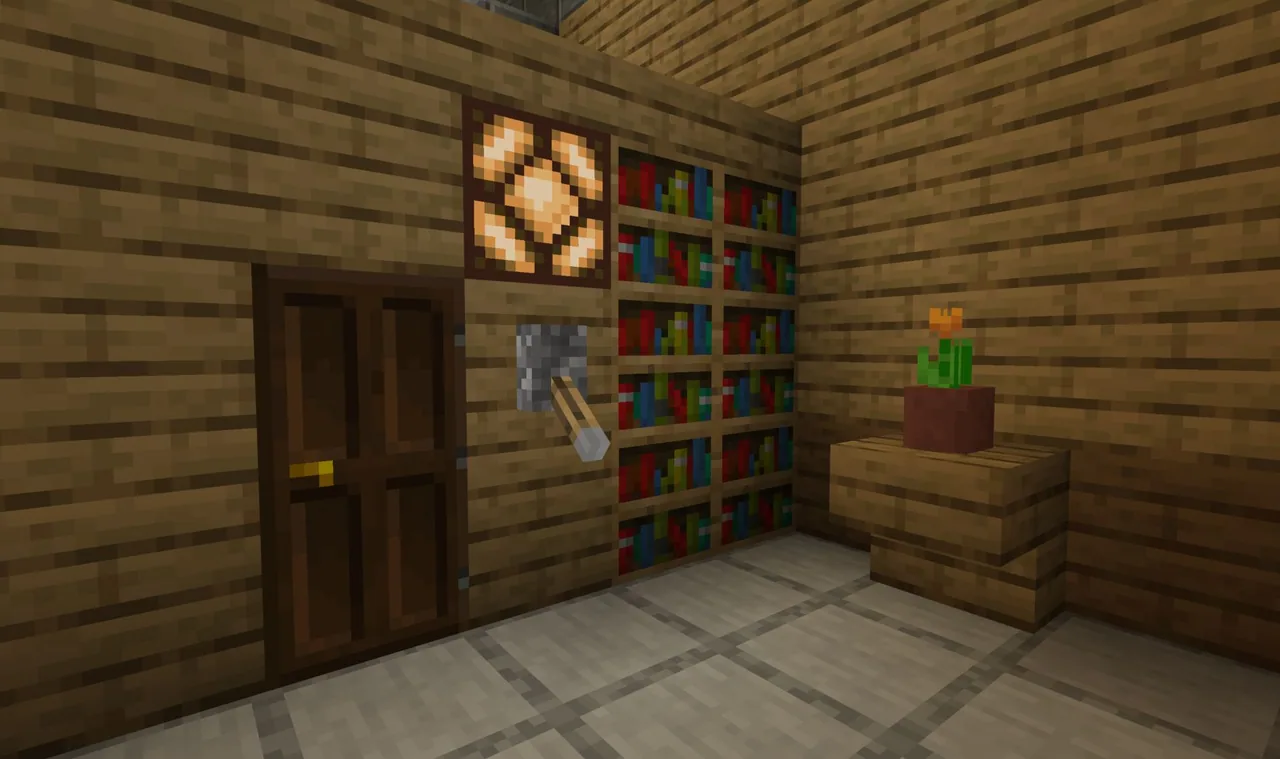
This tutorial uses basic Minecraft mechanisms to teach fundamental interaction controls. Students practice operating everyday items such as doors, levers, and buttons, while also learning how to initiate contact with non-player characters.
Learning objectives
By the end of this activity students will be able to:
- Flip levers to change their active state.
- Push buttons to trigger an interaction.
- Open and close doors correctly.
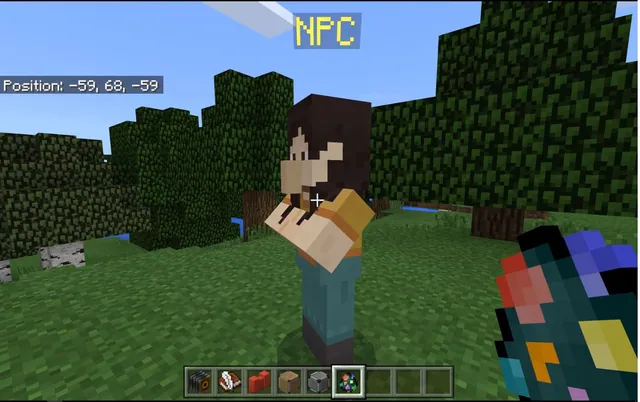
- Interact directly with a non-player character (NPC).
Blocks and items used in this lesson

Key vocabulary
- Lever
- A mechanical switch that can be flipped back and forth.
- Button
- An interactive input that is pushed to activate something.
- Door
- A hinged barrier that players can open and close.
- NPC
- A non-player character that players can approach and interact with.
Before class
Lesson sequence
Suggested timing: about 40 minutes in total.
- Warm-up10 min
Introduce the concept of in-game interaction to the class. Ask learners to discuss how everyday controls in the real world, such as switches and handles, compare to controlling virtual objects.
- Explore and Practice20 min
Have students practice the tutorial tasks in sequence. Ensure each learner flips a lever, pushes a button, opens and closes a door, and interacts with an NPC.
- Reflect10 min
Gather students to summarize the actions they practiced. Discuss the difference between interacting with functional mechanisms like doors or levers and interacting with a character.
Assessment: success criteria
- Student successfully flips a lever.
- Student demonstrates pushing a button.
- Student correctly opens and closes a door.
- Student triggers an interaction with an NPC.
Differentiation
Guide students who struggle with input controls by helping them identify the single interact key or mouse button on their device.
Challenge students to complete a sequence where they open a door, flip a lever, push a button, and interact with an NPC without pause.
Knowledge check
5 questions to check understanding after the lesson. Tap an answer to see if it is right; the score appears at the end.
1Which of the following objects does the tutorial specifically teach you to flip?
Answer: B. The source explicitly states that students will learn to flip levers.
2What action are students taught to perform with doors?
Answer: C. The lesson specifically focuses on opening and closing doors.
3How do students interact with buttons according to this tutorial?
Answer: A. The tutorial states that students will learn to push buttons.
4What type of character is included in the interaction tutorial?
Answer: D. The source lists interacting with an NPC as one of the lesson tasks.
5Which group contains all four elements covered in this tutorial?
Answer: A. The four learning goals explicitly listed in the source are levers, buttons, doors, and NPCs.
Resources
Frequently Asked Questions
What is an NPC in this lesson?
An NPC is a non-player character placed in the world for students to interact with during the tutorial.
Which physical objects will students manipulate during this tutorial?
Students will practice manipulating levers, buttons, and doors.
Adapted from Tutorial 3. Interact by Minecraft Education on Minecraft Education, last updated Jun 10, 2026. This classroom version, the timings and the quiz were written by 9Minecraft Education.