- Type
- Build challenge
- Subject
- Computer Science & Coding
- Topics
- Computer Science
- Duration
- about 50 min (suggested)
- Includes
- Quiz: 5 questionsMinecraft world
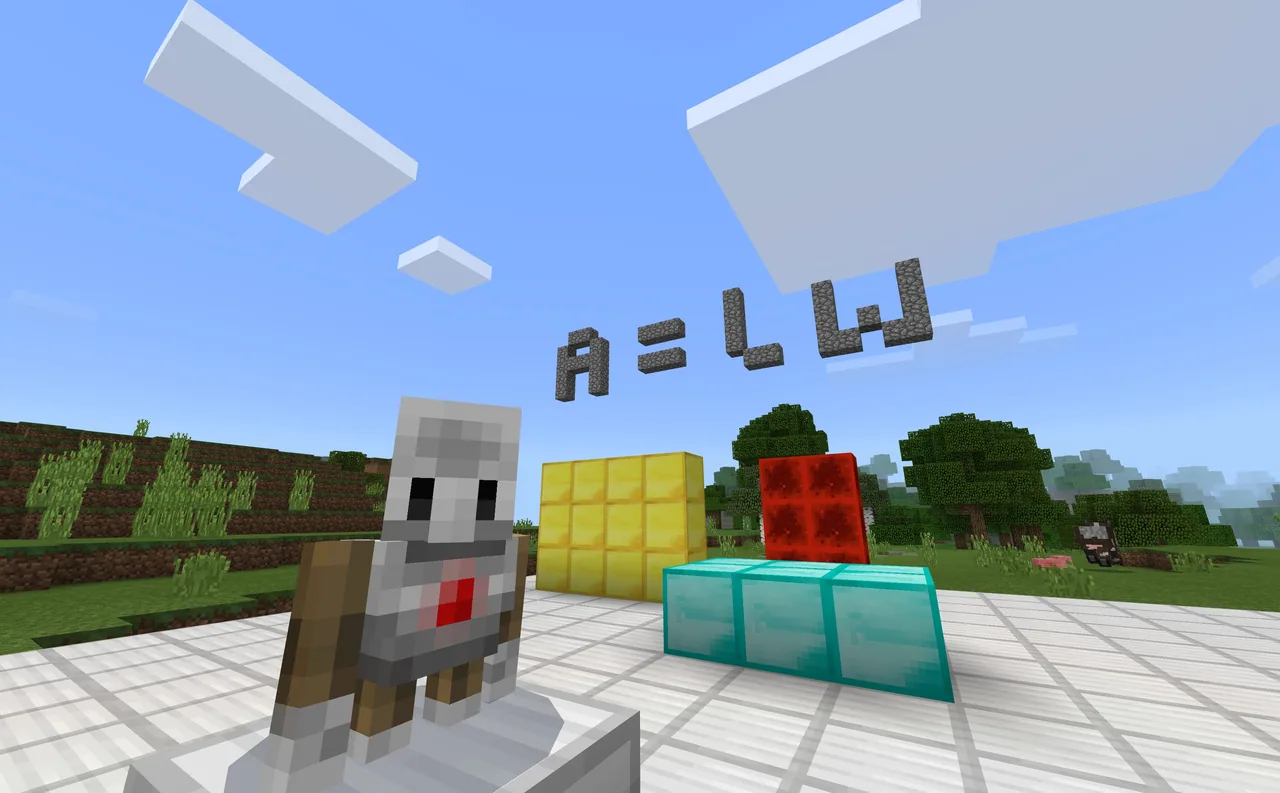
How can 3D block models help us measure, calculate, and construct shapes of specific area and volume?
Overview
Understanding two-dimensional area and three-dimensional volume can be challenging when working solely with abstract diagrams on paper. Using blocks as concrete units of measurement allows learners to directly inspect, count, and analyze dimensions in a tangible visual space.Learning objectives
By the end of this activity students will be able to:
- Determine the surface area and volume of various Minecraft block structures.
- Record mathematical solutions directly onto in-game slates next to each build.
- Construct original multi-block structures for peers to measure and solve.
- Program the Agent using Code Builder to construct three-dimensional shapes automatically.
Blocks and items used in this lesson


Key vocabulary
- Area
- The amount of flat space covered by the surface of a two-dimensional shape.
- Volume
- The total amount of three-dimensional space that an object occupies.
- Slate
- A small in-game chalkboard used to write brief notes or answers.
- Code Builder
- The coding interface in Minecraft Education used to program commands and direct the Agent.
- Agent
- A programmable helper in Minecraft Education that can move, place blocks, and construct structures.
Before class
Lesson sequence
Suggested timing: about 50 minutes in total.
- Investigation and Measurement15 min
Students navigate through the world to examine the pre-made structures. They inspect the dimensions of each model to determine its area or volume.
- Recording Solutions10 min
Learners write their calculated measurements directly onto the slate placed beside each build, checking their math against the physical block layout.
- Partner Challenge Creation15 min
Students build their own unique structures with specific measurements, place a slate nearby, and swap stations with a classmate to solve each other's models.
- Documentation and Coding Extension10 min
Learners capture pictures of their completed models using the in-game camera and portfolio, or open Code Builder to program the Agent to generate shapes.
Assessment: success criteria
- Calculations recorded on each slate correctly reflect the dimensions of the corresponding build.
- Custom structures created for peers provide clear dimensions for measuring area or volume.
- Documentation in the portfolio demonstrates clear evidence of completed tasks and solutions.
Differentiation
Allow learners to count individual blocks layer by layer or use single-layer flat builds to focus on area before moving to volume.
Challenge students to use Code Builder commands so the Agent automatically constructs shapes with predetermined volume values.
Knowledge check
5 questions to check understanding after the lesson. Tap an answer to see if it is right; the score appears at the end.
1Where should students record their answers for each build in the world?
Answer: B. The challenge specifies that students find the solutions for each build and write the answers on the slate.
2What tool can students use to automatically build shapes in this challenge?
Answer: C. The extensions suggest using Code Builder to have the Agent create shapes for the student.
3How can students document and export their completed challenge work?
Answer: D. The challenge extensions recommend using the camera and portfolio to export the project.
4What is one collaborative extension activity mentioned in the challenge?
Answer: A. Students are invited to create their own builds and invite a partner to solve them.
5Which two subject skills are emphasized in this build challenge?
Answer: B. The lesson lists creativity and critical thinking as the target skills for the challenge.
Resources
Frequently Asked Questions
Do students need prior coding experience to complete the core challenge?
No. Calculating area and volume and recording answers on slates requires no coding, while Code Builder is an optional extension.
How do students export their work to show the teacher?
Students can use the in-game camera to take photos of their solved slates and structures, place them into the portfolio, and export the portfolio as a document.
Adapted from Area and Volume by Minecraft Education on Minecraft Education, last updated Nov 13, 2026. This classroom version, the timings and the quiz were written by 9Minecraft Education.