- Type
- Build challenge
- Duration
- about 60 min (suggested)
- Includes
- Quiz: 5 questionsMinecraft world
How can you design and build an accessible, functional shelter within the branches of a tree?
Overview
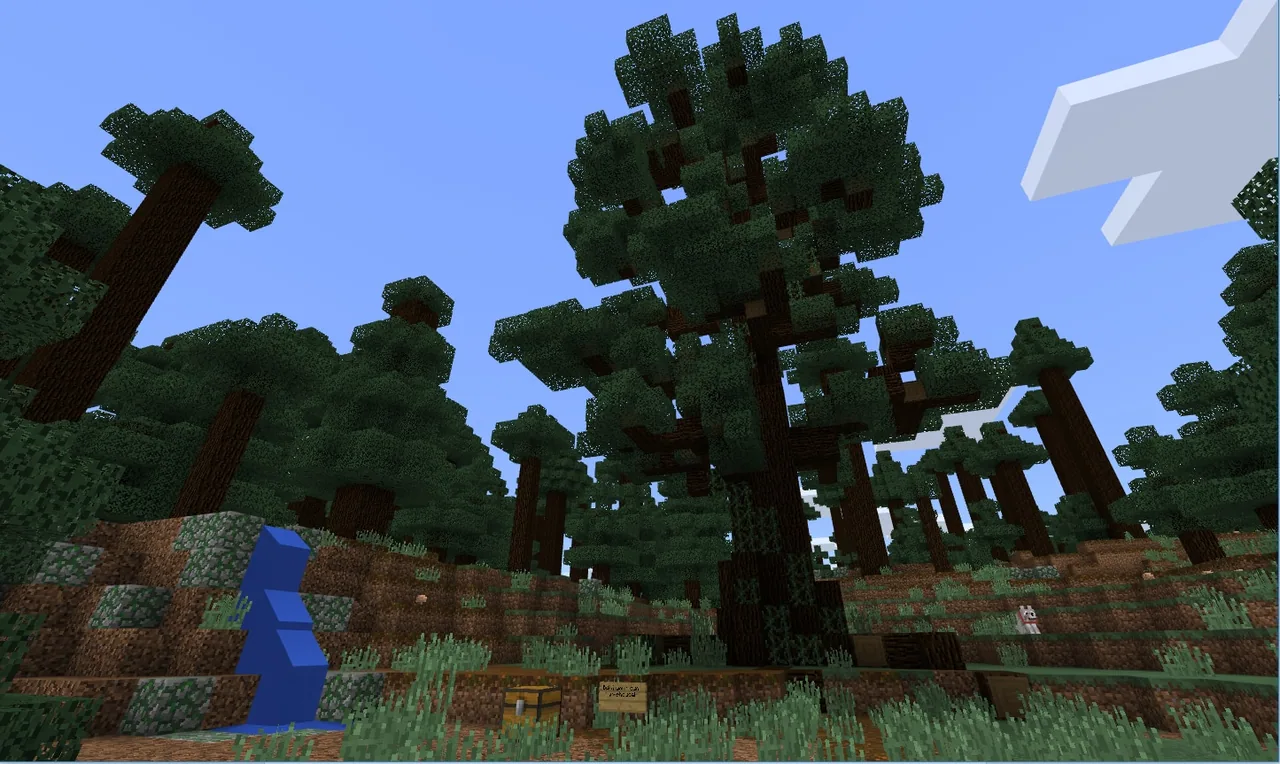
Constructing an elevated shelter requires learners to consider architectural stability, living functionality, and accessibility. In this challenge, students explore how natural structures like trees can be adapted into functional human living spaces while preserving safety and ease of movement.
Using Minecraft, students either work independently or in teams to construct a complete shelter nestled inside tree branches. They solve entry challenges using stairs or ladders, record their work with the in-game camera, and critically examine the practical trade-offs of treehouse living in both real-world conditions and Survival Mode.
Learning objectives
By the end of this activity students will be able to:
- Construct a functional shelter integrated within tree branches.
- Build an access point to enter and exit the shelter using stairs or a ladder.
- Collaborate individually or within a team under a designated time limit.
- Capture images of the completed treehouse using the in-game camera.
- Compare the advantages and disadvantages of treehouse shelters in real-world contexts and Survival Mode.
Blocks and items used in this lesson


Key vocabulary
- Functional shelter
- A structure that provides usable living space and protection from external elements.
- Access point
- A route or architectural feature, such as stairs or a ladder, used to enter and exit a structure.
- Survival Mode
- A game mode where players collect resources, maintain health, and defend against environmental hazards.
Before class
Lesson sequence
Suggested timing: about 60 minutes in total.
- Planning and Setup10 min
Introduce the challenge goals and establish the building time limit. Students decide whether to work alone or in teams and locate an appropriate tree with suitable branches.
- Treehouse Construction25 min
Learners construct their shelter directly within the tree branches. Emphasize that the build must remain functional as a shelter and include a working ladder or staircase to reach the entrance.
- Photo Documentation10 min
Students equip the in-game camera to photograph key features of their completed treehouse, including the interior space and the access route.
- Review and Discussion15 min
In small groups or as a whole class, students present their photos and discuss the pros and cons of their structure, comparing real-world constraints with Survival Mode shelter needs.
Assessment: success criteria
- The shelter is built securely within the branches of a tree.
- A functional ladder or staircase connects the ground to the shelter entrance.
- The build was completed within the agreed time limit.
- Images of the treehouse were captured using the camera tool.
- The student can articulate clear pros and cons of the design for real-world use and Survival Mode.
Differentiation
Allow students to build a simple platform on a lower branch with a straight ladder before adding walls and a roof.
Have students evaluate how their treehouse would hold up against multiple specific real-world weather events and Survival Mode threats.
Knowledge check
5 questions to check understanding after the lesson. Tap an answer to see if it is right; the score appears at the end.
1Where should the shelter be constructed for this challenge?
Answer: B. The challenge directions specify building a functional shelter within the branches of a tree.
2What specific access feature must students include in their build?
Answer: A. The instructions explicitly remind builders not to forget a ladder or stairs to get inside.
3How can students add an extra challenge to the build activity?
Answer: C. The source suggests challenging yourself by setting a time limit during construction.
4Which tool are students instructed to use when recording their treehouse to share with the class?
Answer: D. The extension activity instructs students to take pictures of their creation with the camera.
5Which two perspectives should students evaluate when analyzing the pros and cons of their treehouse?
Answer: B. The extension prompts students to consider pros and cons from a real-world perspective and as a shelter in Survival Mode.
Resources
Frequently Asked Questions
Can students complete this challenge in groups?
Yes. The challenge is designed to be completed either by individual students or by small collaborative teams.
How do students document and share their work?
Learners take photos of their completed treehouses using the in-game camera and share those images with their peers.
Adapted from Build a Treehouse by Minecraft Education on Minecraft Education, last updated Jun 20, 2024. This classroom version, the timings and the quiz were written by 9Minecraft Education.