- Type
- Build challenge
- Subject
- Art, Music & Design
- Topics
- Art and Design
- Duration
- about 60 min (suggested)
- Includes
- Quiz: 5 questionsMinecraft world
How can we design an original vehicle that balances creative aesthetics with functional transportation requirements?
Overview
Vehicle design blends practical problem-solving with artistic innovation. In this challenge, students consider the fundamental mechanics of transportation, reflecting on how people move, what powers their travel, and how vehicle form supports its function.
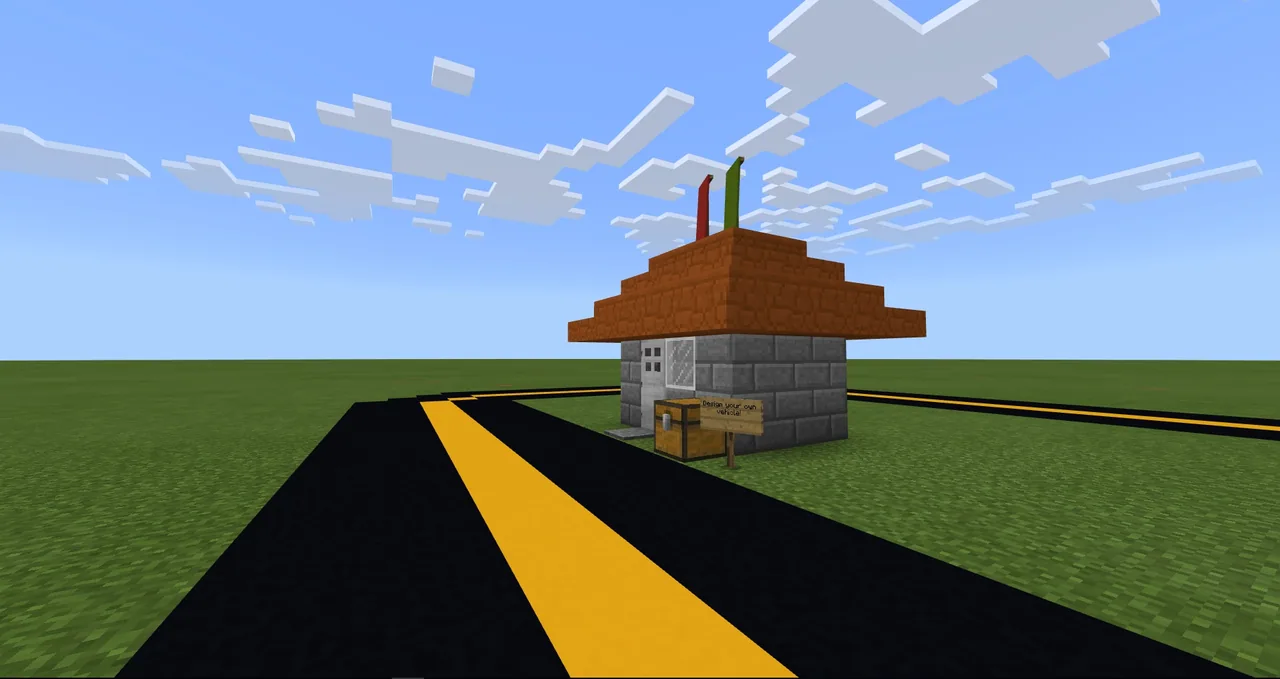
Using a creative Minecraft environment, learners construct their own transportation concept from the ground up. They decide whether their vehicle drives, floats, or flies, integrate seating and power systems, and document their work using in-game cameras or 3D structure export tools.
Learning objectives
By the end of this activity students will be able to:
- Construct an original vehicle model inside a Minecraft creative world.
- Define functional specifications including mode of travel, fuel source, and passenger capacity.
- Document the completed vehicle using written descriptions, visual media, or 3D model exports.
Blocks and items used in this lesson


Key vocabulary
- Vehicle
- A machine designed to transport people or goods over land, water, or through the air.
- Propulsion
- The force or mechanism that drives an object forward.
- Capacity
- The total amount or number of passengers a vehicle can hold.
- Structure Block
- A specialized block in Minecraft used to save, load, and export 3D models.
Before class
Lesson sequence
Suggested timing: about 60 minutes in total.
- Brainstorming and Concept Planning10 min
Introduce the challenge questions to the class. Have students decide whether their vehicle will drive, float, or fly, what fuel it consumes, and how many passengers it will carry.
- Vehicle Construction25 min
Students build their vehicle in creative mode. Encourage them to use blocks that visually communicate propulsion systems, passenger seating, and directional controls.
- Documentation and Reflection10 min
Learners use the in-game camera to photograph key features of their vehicle and compose a descriptive paragraph explaining how it operates and moves.
- Showcase and Marketing Extension15 min
Students share their builds with the class, design an advertising poster or commercial, or use a structure block to export their model into the Mixed Reality Viewer.
Assessment: success criteria
- The vehicle build clearly indicates its intended environment (land, water, or air).
- The student explains the chosen fuel type and passenger capacity.
- The student submits a descriptive paragraph or promotional piece detailing key design features.
Differentiation
Provide a simple graphic organizer where students list travel type, fuel, and passenger count before building.
Have students export their build using a structure block into Windows 10 Mixed Reality Viewer and stage a product commercial.
Knowledge check
5 questions to check understanding after the lesson. Tap an answer to see if it is right; the score appears at the end.
1Which curriculum subjects and skills are directly targeted by this build challenge?
Answer: B. The source identifies Art and Design as the subject area, targeting creativity and critical thinking skills.
2What operational detail must students determine about how their vehicle functions?
Answer: D. The challenge prompts students to specifically choose the fuel type their vehicle utilizes.
3Which modes of movement does the challenge suggest students consider for their build?
Answer: B. The challenge asks students whether their creation will drive, float, or fly.
4Which in-game item is recommended for capturing images of the completed vehicle?
Answer: C. The extensions explicitly instruct students to use the camera to take pictures to share with the class.
5How can students export their vehicle into the Windows 10 Mixed Reality Viewer?
Answer: A. The source specifies using the structure block to export the design to the Windows 10 Mixed Reality Viewer.
Resources
Frequently Asked Questions
Are students limited to building traditional land cars?
No. The challenge explicitly encourages learners to decide whether their vehicle will drive, float, or fly, allowing for watercraft, aircraft, and land vehicles.
What additional activities can fast finishers complete?
Fast finishers can write an explanatory paragraph, create a marketing poster or commercial for their vehicle, or export the 3D model into Windows 10 Mixed Reality Viewer using a structure block.
Adapted from Design a Vehicle by Minecraft Education on Minecraft Education, last updated Apr 8, 2026. This classroom version, the timings and the quiz were written by 9Minecraft Education.