- Type
- Build challenge
- Subject
- Social-Emotional Learning
- Duration
- about 60 min (suggested)
- Skills
- CharacterCommunication
- Includes
- Quiz: 5 questionsMinecraft world
What brings joy to your life, and how can you express that feeling through creative building and code?
Overview
Encouraging learners to understand and articulate their feelings is a core component of social and emotional health. In this activity, students explore the connection between different feelings by exploring a dedicated world that brings emotional concepts into a tangible space.Learning objectives
By the end of this activity students will be able to:
- Solve an in-game puzzle using Microsoft MakeCode.
- Build a 3D model representing a personal source of joy.
- Document the completed build using the in-game Camera item.
- Communicate personal reflections to a classmate or through written narrative.
Blocks and items used in this lesson


Key vocabulary
- Joy
- A feeling of great happiness, pleasure, or contentment.
- Anxiety
- A feeling of worry, nervousness, or unease about something.
- Microsoft MakeCode
- A coding platform integrated into Minecraft Education used to create programs and solve challenges.
- Personal Narrative
- A written story detailing an individual's own real-life experience or feelings.
Before class
Lesson sequence
Suggested timing: about 60 minutes in total.
- Introduction and Character Encounter10 min
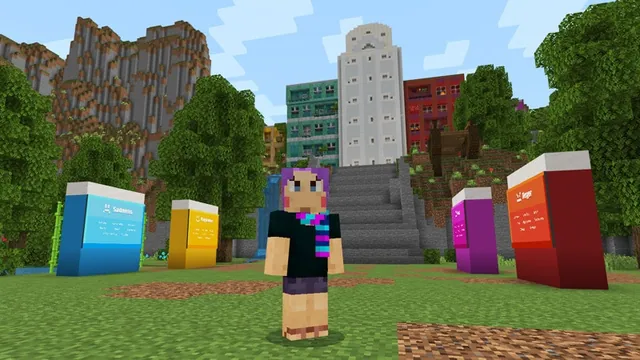
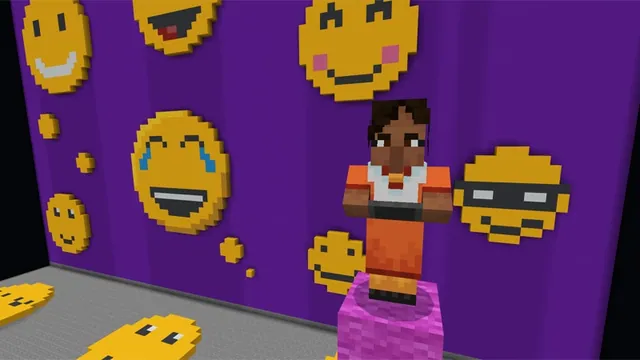
Introduce the theme of emotional health. Have students enter the Minecraft world to meet the characters Joy and Anxiety from Inside Out 2 and discuss how both emotions play a role in everyday life.
- MakeCode Puzzle15 min
Guide students to open Microsoft MakeCode inside the world. Students must complete the coding puzzle to progress forward into the building area.
- Build Your Joy20 min
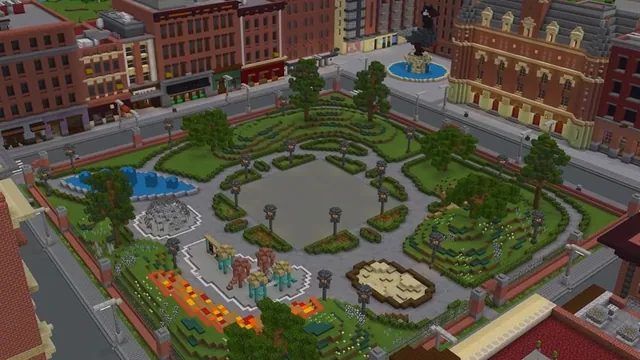
Using the Minecraft canvas, students design and construct a model of an activity, place, person, or memory that brings genuine joy to their lives.
- Capture and Share15 min
Students equip the in-game Camera item to photograph their completed creation. Have students pair up to describe their builds or write a personal narrative reflecting on what they constructed.
Assessment: success criteria
- Student successfully completes the MakeCode coding puzzle.
- Student constructs an original build representing something that brings personal joy.
- Student captures a photo of the completed project using the Camera item.
- Student articulates the meaning of their creation to a peer or in a written narrative.
Differentiation
Allow students to work with a partner during the MakeCode puzzle phase before starting individual builds.
Ask students to write an extended personal narrative detailing the specific memories connected to their joy build.
Knowledge check
5 questions to check understanding after the lesson. Tap an answer to see if it is right; the score appears at the end.
1Which two characters from Inside Out 2 do students meet in this challenge?
Answer: B. The source explicitly states that students meet Joy and Anxiety in the world.
2What tool do students use to solve the in-game puzzle?
Answer: D. The challenge specifies that students solve a puzzle using Microsoft MakeCode.
3What is the primary subject area for this lesson?
Answer: A. The source lists Social and Emotional Health as the subject.
4Which item are students instructed to use to photograph their builds?
Answer: C. The extension notes that students take pictures in-game using the supplied Camera item.
5What are students tasked with building in the game?
Answer: B. The prompt asks students to use Minecraft as a canvas to build a representation of something that brings joy to their life.
Resources
Frequently Asked Questions
What are the technical requirements to run this activity?
Students need a device with Minecraft Education installed and an active license to access and play the world.
How can students document their work for assessment?
Students can use the in-game Camera item to photograph their builds and then share their photos during peer discussions or attach them to a written personal narrative.
Adapted from Build Your Joy by Minecraft Education on Minecraft Education, last updated Oct 21, 2026. This classroom version, the timings and the quiz were written by 9Minecraft Education.