
- Type
- Lesson plan
- Includes
- Quiz: 5 questions
How can we program the Agent to navigate, position blocks, and independently reconstruct structures inside an inaccessible space?
Overview
Students develop their computational thinking skills by programming the Agent to replicate three-dimensional structures. Working in a specialized testing environment, learners use loops, positional movement, and custom functions to translate visual designs into working block-placement scripts.Learning objectives
By the end of this lesson students will be able to:
- Program the Agent to teleport and align to the designated starting position.
- Implement repeat loops to place blocks in repetitive structural patterns.
- Construct custom functions and manage inventory for advanced building sequences.
- Debug code using the in-game automated comparator lamps.
Blocks and items used in this lesson


Key vocabulary
- Agent
- A programmable companion in Minecraft capable of moving, placing blocks, and navigating the world.
- MakeCode
- A block-based and text-based coding editor integrated into Minecraft Education.
- Repeat Loop
- A programming structure that repeats a set of commands a designated number of times.
- Function
- A defined block of reusable code designed to perform a specific task within a program.
Before class
Lesson sequence
- Orientation and Setup
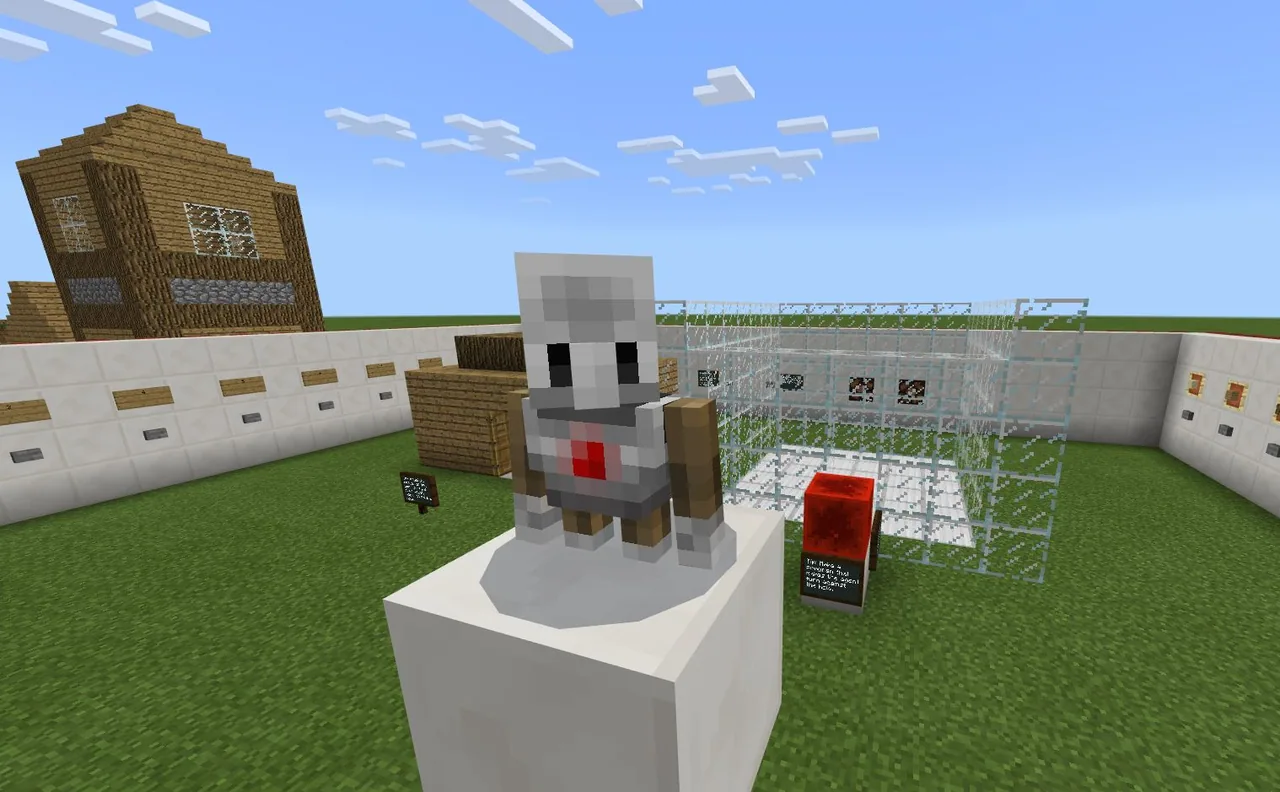
Introduce the challenge arena. Show students how to press a numbered button (from 1 to 10) to generate a model, locate the adjacent glass building cage, and reset the build area using the clear button.
- Initial Navigation and Basic Builds
Students launch MakeCode and tackle the first exercises. They write scripts to teleport the Agent to the starting point, face the correct direction, and place basic block patterns using simple sequences and repeat loops.
- Advanced Building and Inventory Control
As the exercises increase in complexity, students work independently at their own pace. They write custom functions for repeated sub-assemblies and program routines to check and refill the Agent's inventory.
- Verification and Debugging
Students trigger the verification button to compare their Agent's construction against the reference model. If the copy is exact, two indicator lamps turn on, confirming they are ready to clear the area and proceed to the next exercise.
Assessment: success criteria
- The Agent navigates accurately to the cage starting point without player assistance.
- The automated checking mechanism lights both lamps to confirm an exact duplicate.
- The student code incorporates repeat loops to minimize redundant instructions.
- Complex exercises utilize dedicated functions and appropriate inventory management routines.
Differentiation
Provide coaching on initial teleportation coordinates and breaking simple wall patterns into single-loop segments.
Have students switch the code editor from MakeCode blocks to JavaScript or challenge them with teacher-modified model designs.
Knowledge check
5 questions to check understanding after the lesson. Tap an answer to see if it is right; the score appears at the end.
1Why must the Agent perform all construction work in this lesson?
Answer: B. The world is protected and the player cannot access the building area inside the glass cage.
2What happens in the world when a student successfully replicates a model?
Answer: C. The source notes that when the build is correct, two lamps will be turned on by the comparison system.
3Which programming concepts are specifically recommended for tackling the harder exercises?
Answer: B. The source states that harder exercises benefit from making functions and checking and refilling inventory.
4What should students do if they complete all block-coding challenges and find them too easy?
Answer: A. The source explicitly states that if exercises are getting easy, the student can switch to JavaScript and repeat them.
5What specific game setting must be enabled when running the challenge world?
Answer: B. The source specifies that the attached world should be played in survival mode on the student's computer with cheats enabled.
Frequently Asked Questions
Can the teacher create custom build challenges for students?
Yes. The teacher can edit the existing models or build new ones directly in the world to provide additional practice problems.
What prerequisite coding concepts should students know before starting?
Students should already understand the basics of MakeCode, moving the Agent, variables, and repeat loops before attempting these challenges.
Adapted from Build with the agent by Tor E. Enne on Minecraft Education, last updated Feb 24, 2022. This classroom version, the timings and the quiz were written by 9Minecraft Education.